Lossless or compressed music files will often sound alike once you press play, and the room is the reason. Compressed files suit a commute or a wireless link, while lossless files repay quiet rooms and wired headphones. The noise level around you settles it, since loud surroundings bury the faint detail that lossless keeps, and quiet ones let it through. A four-minute track takes about 24 MB as lossless and 7.7 MB compressed. That’s the argument in miniature, and each section below tests it against a real listening spot. Treat the sums as samples and put in your own library size and headphones instead.
Choosing Lossless or Compressed Music Files: The Property That Decides
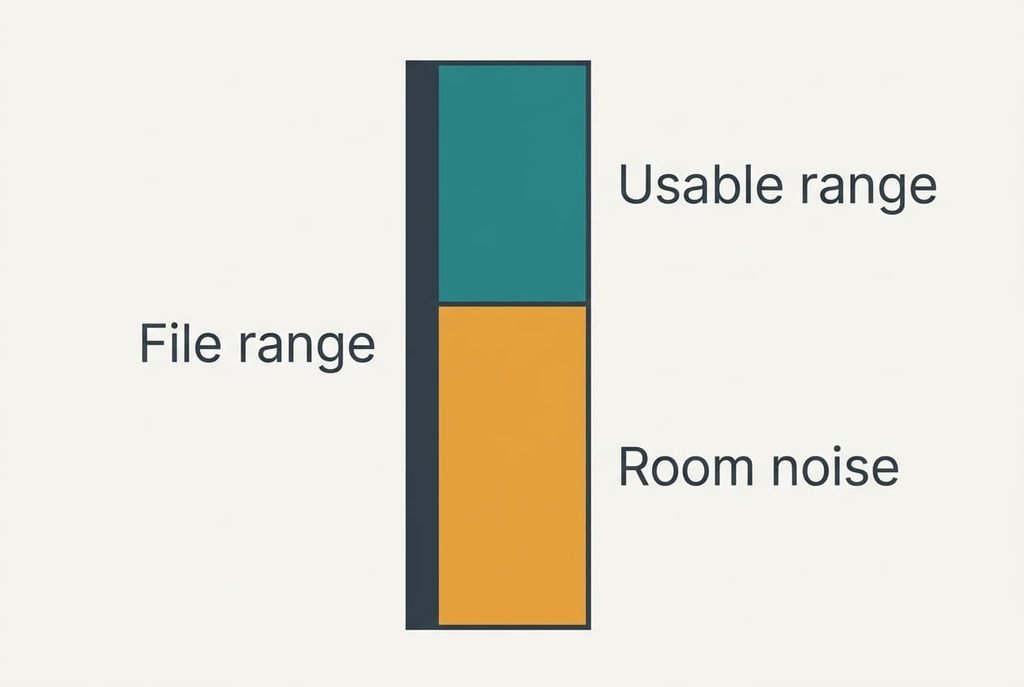
Every audio file holds a range between its quietest and loudest sounds. CD-quality lossless stores 16 bits per sample, which spans 96 dB of that range. A compressed file at 256 kbps drops the faintest material first, because that’s the slice a listener is least likely to miss. The difference between the formats lives mostly at the quiet end.
Now put that range beside a real room. In our sample a quiet living room sits near 30 dB, while a train carriage sits near 75 dB. If the music peaks at 85 dB, you’ve got 55 dB of usable range at home and only about 10 dB on the train, since anything quieter than the room gets masked. The noise level where you listen sets the range you can use, and neither place comes near the 96 dB a lossless file can hold.
That’s why a journey hides the gap between formats so well. Choosing lossless or compressed music files really means asking how much of your listening happens somewhere quiet. A lossy encoder trims faint detail, and a loud carriage covers the same detail anyway. At home on a cable, those passages survive the trip and you can reach them.
Lossless Against Compressed Music Files, Side by Side
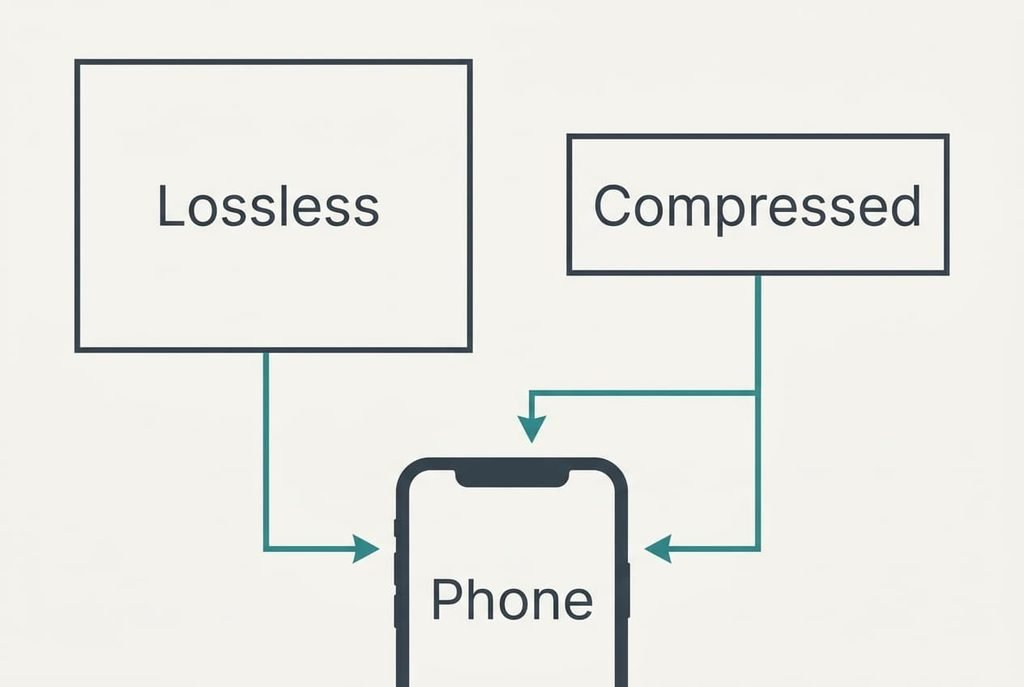
The table uses a four-minute track. Lossless here means a packed file of roughly 800 kbps, and compressed means 256 kbps. Both sizes come from one sum: kilobits per second times 240 seconds, divided by 8, gives kilobytes. Each cell is a planning sample, and a real encoder will land a little either side. Sizes grow with the bitrate in a straight line, so doubling the bitrate doubles the storage.
| Property | Lossless | Compressed |
|---|---|---|
| Data per minute of music | 6.0 MB | 1.9 MB |
| Space for 2,000 tracks | 48 GB | 15.4 GB |
| Range stored | 96 dB, nothing trimmed | Less, with the faintest detail trimmed |
| Over a wireless link | Re-encoded, extra detail discarded | Re-encoded, a little more trimmed |
| Support in players | Wide, though older kit needs checking | Everywhere |
| Best listening place | Quiet room, wired headphones | Commute or gym |
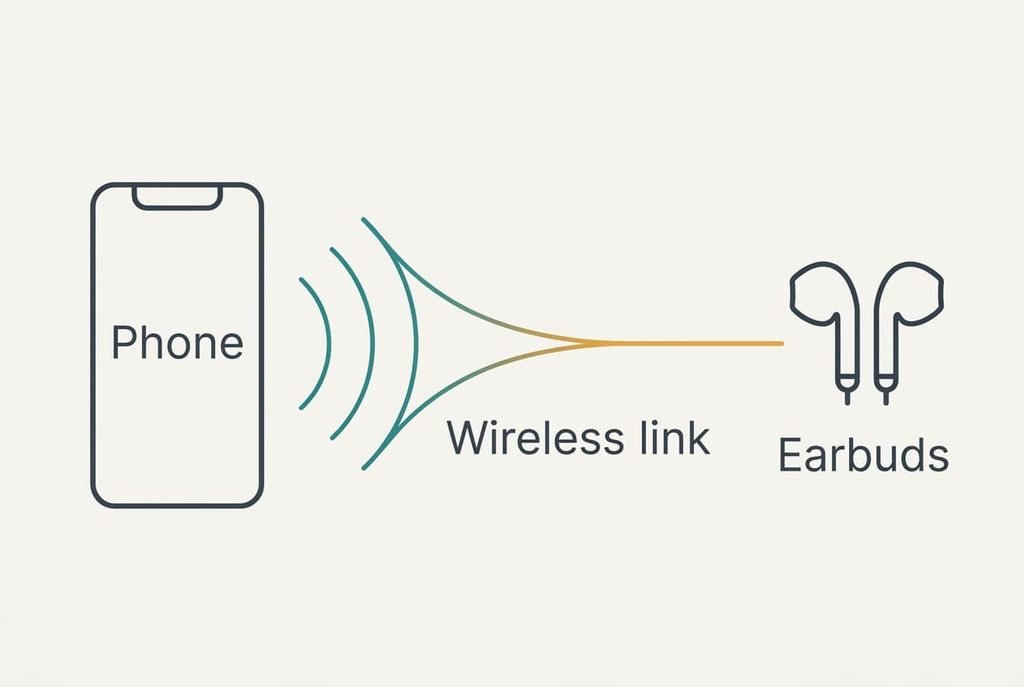
Row four is the odd one. Most wireless links re-encode whatever they carry, at roughly 300 kbps in our sample. A lossless file therefore arrives squeezed to something close to its compressed twin. The storage you paid for goes on detail the link throws away mid-air, which leaves lossless buying very little over a wireless connection. If you mostly listen over a wireless link, that fourth row alone can settle the question for you.
Where Lossless Files Win
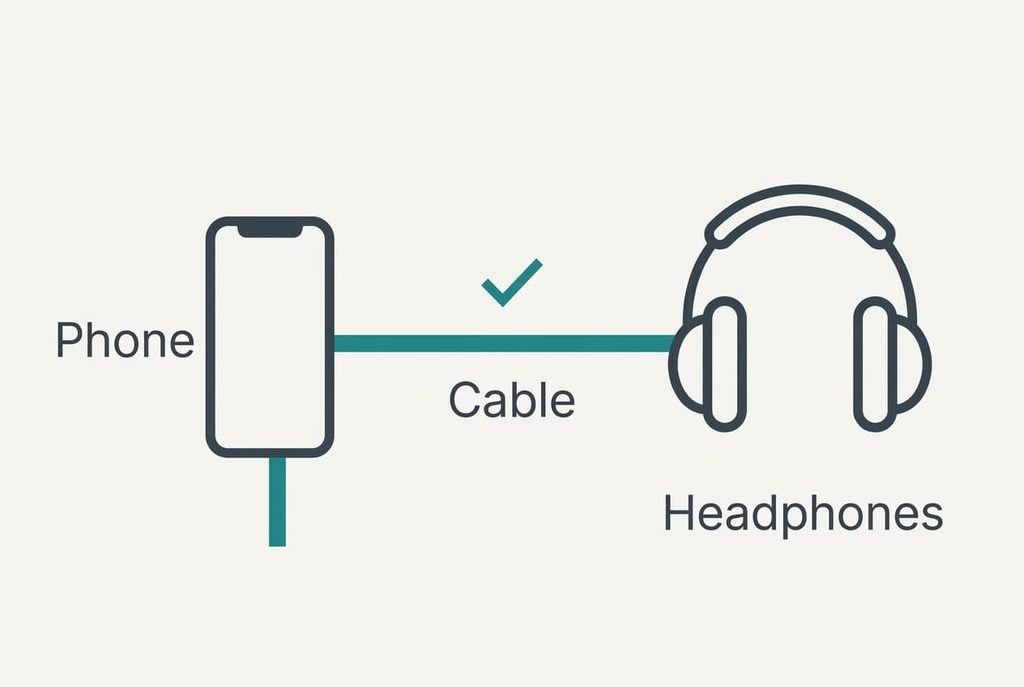
Lossless wins in a quiet room on a cable. With 55 dB of usable range, the faint passages of a piano piece or a close vocal still sit above the room’s noise, and a lossless file keeps every one of them. A wired connection passes the full signal to the headphones untouched. Closed headphones in a quiet bedroom make the clearest case.
A cable also removes the second round of compression that a wireless link adds.
It suits a library you mean to keep for years too. A lossless file can become any compressed format later, whereas a compressed file can never climb back up. If you expect to change players one day, holding the originals is cheap insurance.
The cost is space. Your 2,000 tracks take 48 GB, a large share of a 128 GB phone. Keep the lossless copies on a computer or a drive and carry a compressed set in your pocket, which protects the originals without filling the phone.
Where Compressed Files Win
Compressed wins almost everywhere else. On a train you’ve got about 10 dB of usable range, and the trimmed detail sits below the carriage noise. The same 2,000 tracks take 15.4 GB, which leaves most of a 128 GB phone free for photos and apps.
Wireless listening favours compressed files as well. Because the link re-encodes everything, a lossless file spends storage on detail the link will discard. The compressed file spends a third as much and ends up in nearly the same place.
Compatibility is the quiet advantage. Compressed files play on any phone and any car stereo without checking, and you can hand one to a friend without asking what their player supports. Older players and some car systems also stumble on lossless formats, which makes compressed the safer default for a shared library.
Choose a bitrate rather than a format name. At 256 kbps the sample track takes 7.7 MB, and little that you’d notice is lost in most surroundings. Dropping to 128 kbps halves that again, though more faint detail is trimmed.
When Neither Is Worth the Effort
If you stream through a service, the app already sets the quality. Picking lossless or compressed music files for downloads then changes little. Check the quality setting inside your streaming app before touching any files, because the app may already match what your headphones can use.
Converting an old library takes hours and gains little when most of your listening happens over speakers in a busy kitchen. Leave the library as it is and add new music in whichever format arrives.
Small speakers set a ceiling of their own.
A phone speaker or a cheap pair of earbuds can’t reproduce the faint detail that either format carries. The extra range goes unused long before the room’s noise gets involved. Start with the listening setup, since a better pair of headphones usually improves a quiet room more than any file conversion does. Whichever format you pick, the result will sound much the same, and the hours you save are better spent elsewhere.
Which Set to Keep on Your Phone
Ask where most of your listening happens. That single answer settles lossless or compressed music files for you, and two branches cover most households.
If most of your listening happens in a quiet room over a cable, keep lossless files for the albums you love and put the remainder in compressed form. The faint passages then reach you intact, and the phone still has space to spare. A shortlist of 800 favourite tracks takes about 19 GB as lossless.
If most of your listening happens on a train or over a wireless link, use compressed files at 256 kbps. Little of what you can notice is lost there, and the storage stays free for everything else on the phone.
Test it once before you commit. Pick a track with a quiet passage and play both versions at the same volume in your usual spot. Ask a friend to switch between them without saying which is which, and repeat the test on the train if that’s where you listen most. If you can’t tell the two apart, the smaller file is your answer.
Questions Readers Keep Asking
How much space will the change cost?
For 2,000 tracks, about 48 GB as lossless against 15.4 GB compressed, a gap of 32.6 GB. Check your free space first. If it’s under 50 GB, keep the lossless copies on a computer and carry a compressed set on the phone for daily listening.
Do the files wear out or lose quality over time?
A digital file stays identical until you re-save it. Copying it leaves the data unchanged, but converting a compressed file again trims it further each time. Keep one original and convert from that, never from a copy of a copy, and your library holds its quality.
Which suits a long commute?
Compressed files at 256 kbps. The carriage noise hides the detail that lossless adds, the files take a third of the space, and a wireless link discards the extra detail anyway. Save lossless for evenings at home on a cable, when the room is quiet.

