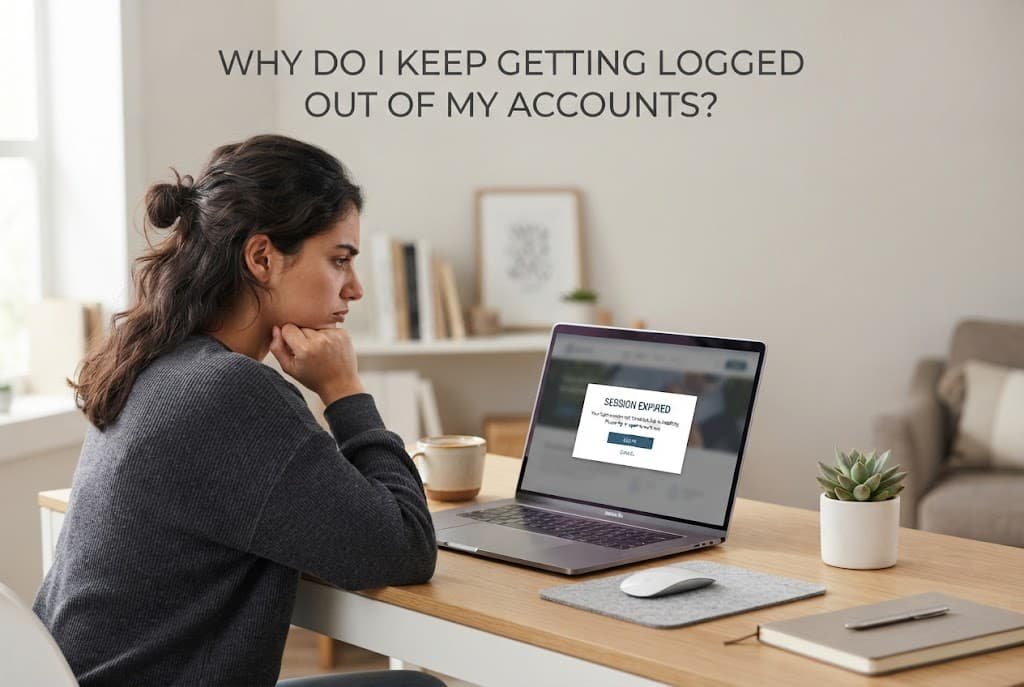
Getting repeatedly logged out of accounts usually isn’t a single mysterious glitch happening for no reason – it’s typically one of a small number of specific, checkable causes, each requiring a genuinely different fix entirely. Understanding which category applies to your situation determines whether the fix takes thirty seconds or requires a more involved change to how you’re accessing that account.
What is actually happening
Every login creates a session – a temporary token that keeps you authenticated without requiring your password again for each action. Sessions expire for several distinct reasons: a fixed time limit set by the service itself, a security-triggered logout when something about your access pattern looks unusual, or simply because something on your device is clearing that session token before it would naturally expire.
Distinguishing between these categories matters because “I keep getting logged out” from a deliberate security timeout requires an entirely different response than the same symptom caused by a browser setting clearing your session data automatically.
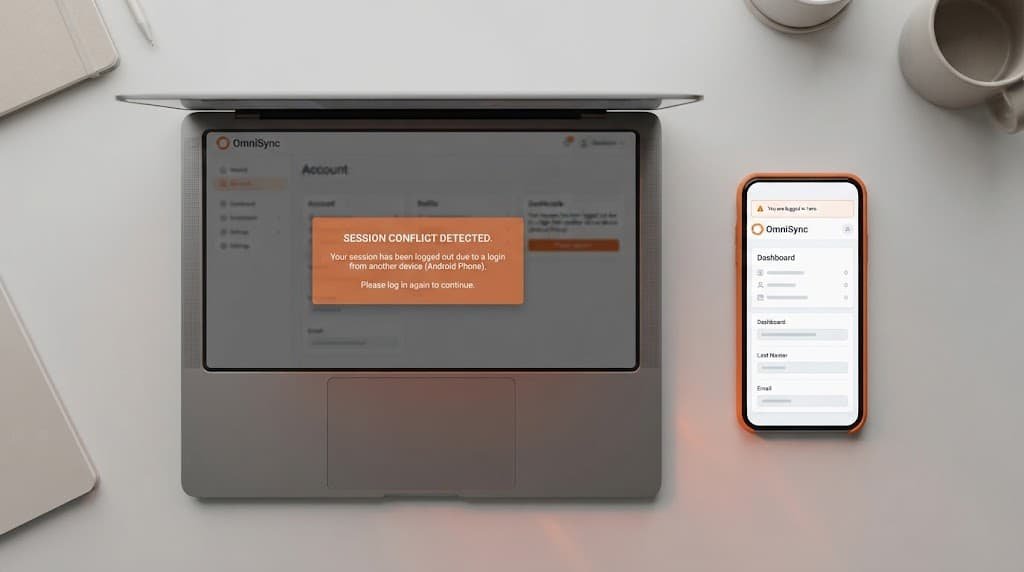
Multiple open tabs or separate windows for the exact same account can also genuinely contribute to this pattern in a way that’s remarkably easy to overlook entirely. Some services treat a new login from the same account, even in a different tab on the same device, as a signal to end the previous session, which can produce a logout that feels random but actually has a clear, identifiable trigger once you notice the pattern of when it happens relative to opening additional tabs.
Confirm which pattern you have
Check whether the logout happens after a consistent, predictable amount of time – always after roughly the same number of hours, for instance – which points toward a session timeout setting, versus happening unpredictably at seemingly random moments, which points toward something actively interrupting your session rather than a scheduled expiration.
Check whether the logout is limited to one specific device or browser, or happens across everything you use to access that account – this distinguishes a local, device-specific cause from something happening at the account or service level itself.
Check carefully whether the pattern started fairly recently or has been happening consistently since you first originally set up the account, since a recently-started pattern often genuinely points to something that specifically changed – a new browser extension, a software update, a setting adjusted without fully realising its actual effect – while a genuinely long-standing pattern is more likely simply the account’s normal, entirely deliberate session behaviour that you’re only now noticing rather than something that’s actually recently changed.
The causes, diagnosed
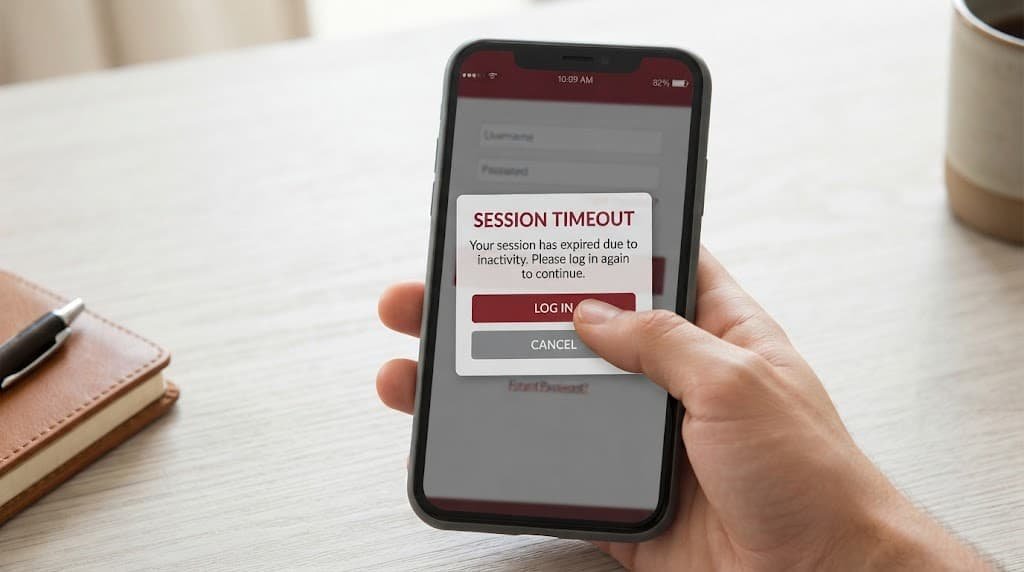
“I get logged out after a consistent, predictable period every time.” This points to a genuine session timeout, which many services set deliberately for security reasons, particularly for accounts handling sensitive information. The fix: check whether the specific service offers a “remember me” or extended-session option during login, which typically extends this window considerably for trusted devices without disabling the underlying security behaviour entirely.
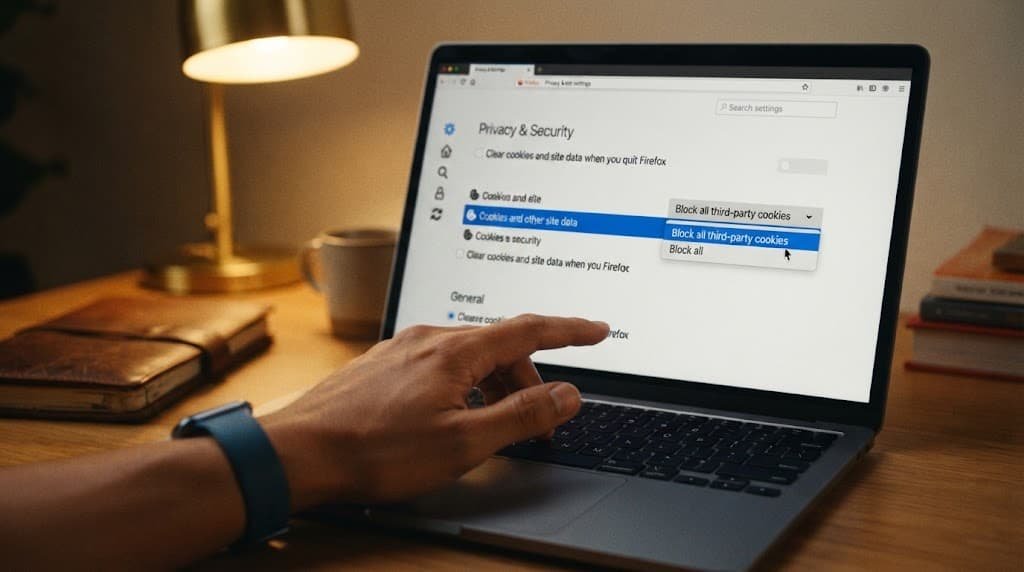
“I only get logged out on one specific browser or device, not others.” This points to a local setting on that specific device – browser privacy settings clearing cookies automatically, or storage permissions preventing session data from persisting between visits. The fix: check that specific browser’s cookie and site-data settings, since a setting configured to clear data on browser close will log you out of everything each time you close and reopen it, regardless of the account’s own session length.
“I get logged out unpredictably, sometimes within minutes of logging in.” This points to either a genuinely unstable internet connection interrupting the session repeatedly, or a security system detecting something about your access pattern as unusual and proactively ending the session as a protective measure. The fix: check your connection stability first as the simpler possibility, and if that’s ruled out, review whether you’ve recently changed networks, locations, or devices in a way that might trigger this kind of security response.
“I get logged out specifically after using a browser extension or a privacy tool.” This points to the specific extension itself actively interfering with session storage, which is a genuinely common and often unintended side effect of privacy-focused browser extensions that block or clear tracking-related data quite broadly, sometimes catching legitimate session cookies in that same wide net. The fix: temporarily disable the specific extension in question and check carefully whether the logout pattern genuinely stops, which confirms the actual cause before deciding whether to adjust that extension’s specific settings or simply accept the trade-off going forward.
What isn’t worth doing
Repeatedly clearing your browser’s entire cache and cookies as a general troubleshooting habit, hoping it resolves login issues broadly, isn’t worth doing without first identifying which specific cause above actually applies to your situation.
This habit can just as easily worsen the problem as solve it, since clearing cookies specifically removes the session data keeping you logged in elsewhere too, and doing it repeatedly without addressing the actual underlying cause means you’re manually recreating the exact symptom you’re trying to eliminate.
Switching entirely to a different browser purely to escape a persistent logout problem, without genuinely diagnosing what’s actually causing it in the first place, is similarly not worth doing as a first troubleshooting step. This can mask the symptom only temporarily while leaving the actual underlying cause – a specific extension, a privacy setting, an unstable connection – fully intact and genuinely likely to eventually affect the new browser too, once your usual usage pattern there matches what originally triggered the initial issue.
When this points to something more serious
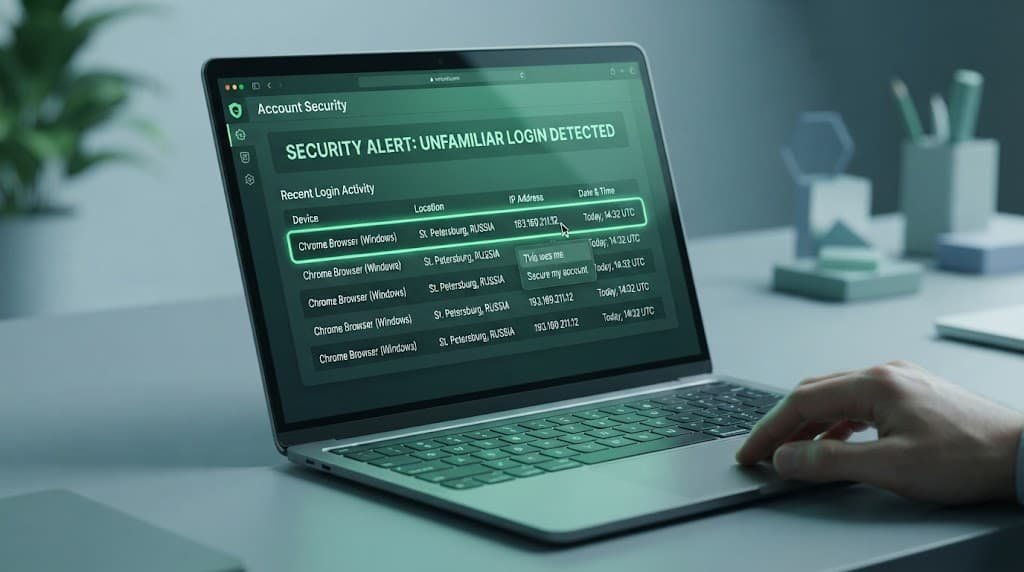
If you’re being logged out from a device or location you don’t recognise appearing in your account’s recent activity or login history, this specific pattern points toward unauthorised access rather than any of the routine causes above, and reviewing that activity log directly, then changing your password immediately, becomes the priority over troubleshooting session settings.
This is a meaningfully different situation from the causes covered above, since the logout in this case is your account’s security system correctly identifying and responding to activity that genuinely wasn’t you, rather than an inconvenience worth working around.
Checking for this specific pattern is genuinely worth doing even if you’ve already identified one of the routine causes elsewhere, since the two aren’t mutually exclusive at all – a genuine session timeout issue on one device doesn’t rule out unauthorised access happening entirely separately, and a quick check of your account’s recent activity log costs very little time relative to the reassurance or genuine early warning it provides.
Questions readers keep asking
Is it normal for accounts to log me out periodically for security reasons?
Yes, quite particularly for accounts handling genuinely sensitive information like banking or email – a session timeout is a deliberate security feature, not a malfunction, and balancing convenience against this protection is a reasonable trade-off many services make deliberately on your behalf.
Does using a public or shared computer affect how often I get logged out?
Yes, often specifically – many services set shorter session timeouts by default on devices they can’t confirm are private or trusted, precisely because a shared device left logged in poses a greater risk if someone else uses it after you.
Should I be worried if I only get logged out occasionally, not constantly?
Not necessarily – occasional logouts, especially after genuinely long periods of inactivity, are typically just the normal session timeout working as designed. Consistent, frequent logouts within short periods, or logouts from unrecognised locations specifically, are the patterns actually worth investigating further.
Does switching between Wi-Fi and mobile data cause unexpected logouts?
It can, on some services specifically, since a change in network can occasionally be interpreted as a change in location or device fingerprint, prompting a security-related session check. This isn’t genuinely universal across all services, but if your logouts consistently and reliably coincide with network switches specifically, this is a reasonable pattern worth investigating as the actual underlying cause.