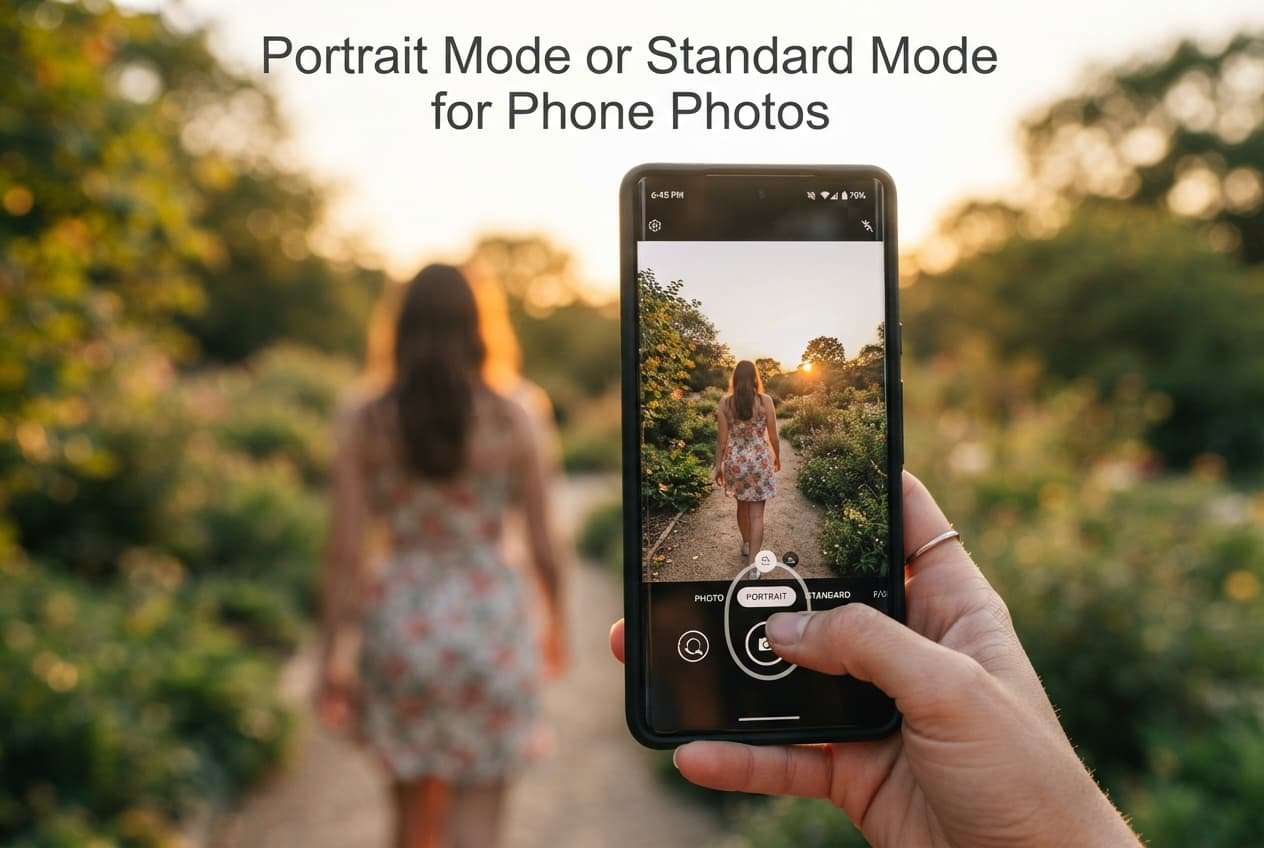
The right mode for a specific shot isn’t decided by which one sounds more advanced or produces a more dramatic-looking effect – it’s decided by whether your particular subject and scene actually benefit from the specific blur effect portrait mode produces. Portrait mode and standard mode solve genuinely different photographic needs, and defaulting to portrait mode purely because it seems more sophisticated misses what actually determines whether it improves or undermines a specific shot.
The one property that decides it
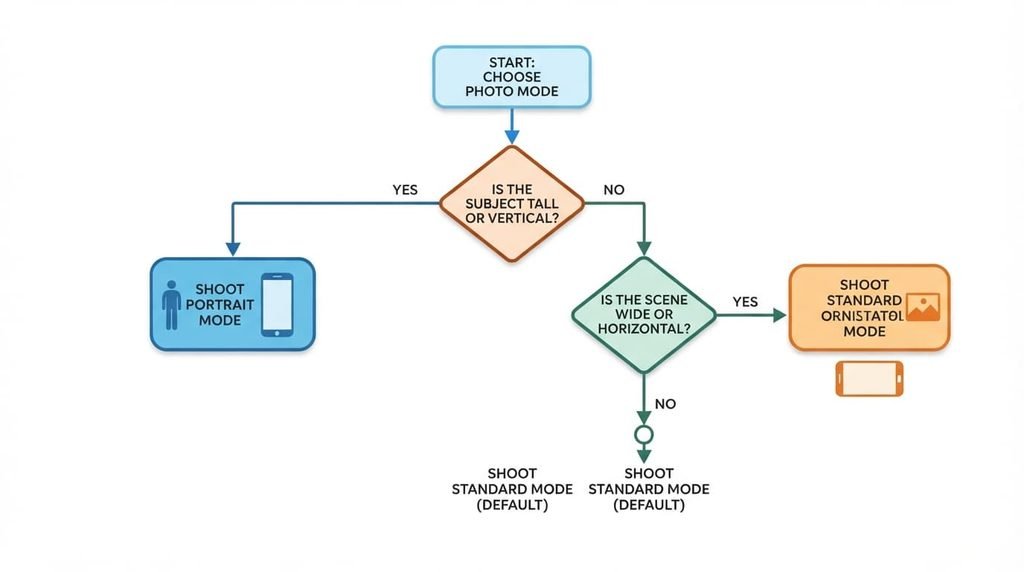
The deciding factor is whether your subject genuinely benefits from having its background artificially blurred to draw focus toward it specifically, not simply whether portrait mode is technically available for the shot. Portrait mode directly serves subjects you want genuinely isolated from a busy or distracting background, while standard mode keeps the full scene in focus, serving situations where the background itself is genuinely part of what you want the photo to capture.
This matters because portrait mode’s background blur is a deliberate artistic and technical choice, not a universal quality improvement, meaning applying it to every shot regardless of whether background separation actually serves that specific photo often produces a less accurate, less useful result than standard mode would have provided instead.
Head to head
| Portrait Mode | Standard Mode | |
|---|---|---|
| Blurs the back | Yes, artificial | No |
| Best for isolated subjects | Yes | Less naturally |
| Best for full scene context | No | Yes |
| Takes longer | Often slightly longer | Faster |
| Accuracy around edges | Can have errors | Not applicable |
| Works well in low light | Often more limited | Generally more consistent |
The row that surprises people most is accuracy around edges specifically. Many assume portrait mode’s blur effect is always cleanly and accurately applied, but the software determining what’s foreground versus background can genuinely make errors – blurring part of your actual subject or leaving part of the background sharp – particularly around complex edges like hair or fine detail.
Where portrait mode wins
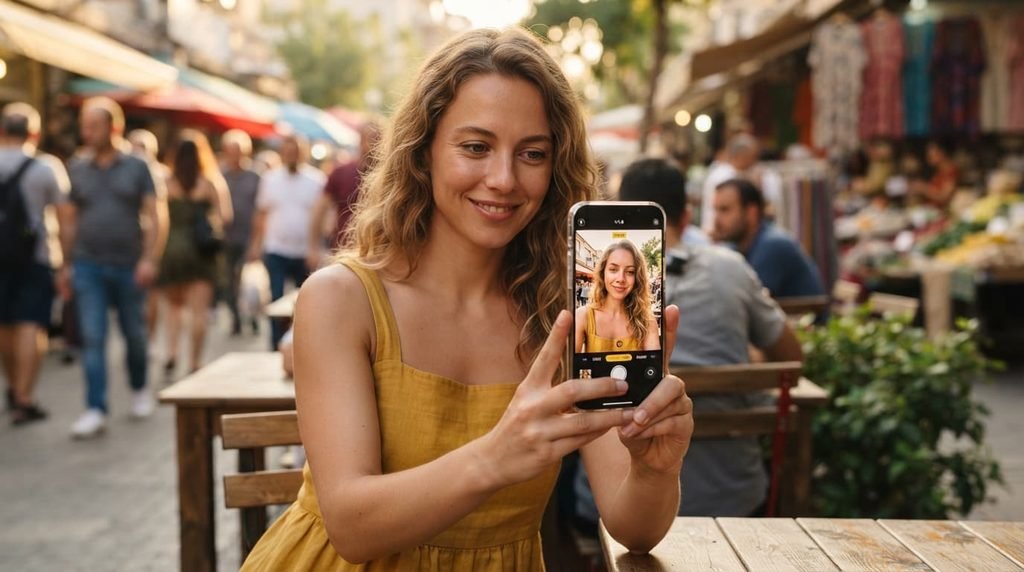
Anyone photographing a single clear subject against a genuinely busy or visually distracting background benefits from portrait mode’s ability to isolate that subject through artificial blur, since this directly addresses a background that would otherwise compete for visual attention with your actual intended focus. The unglamorous reason: portrait mode also tends to produce results that read as more deliberately “photographed” rather than snapshot-like, which matters more than it might initially seem for photos you specifically want to feel more considered or polished.
Anyone photographing in a location they specifically want to feel less prominent – a cluttered room, an unremarkable background – also benefits from this same isolation effect in a related way, since portrait mode effectively minimises a background you’d rather not draw attention to, without requiring you to physically reposition to a more visually appealing location.
Where standard mode wins
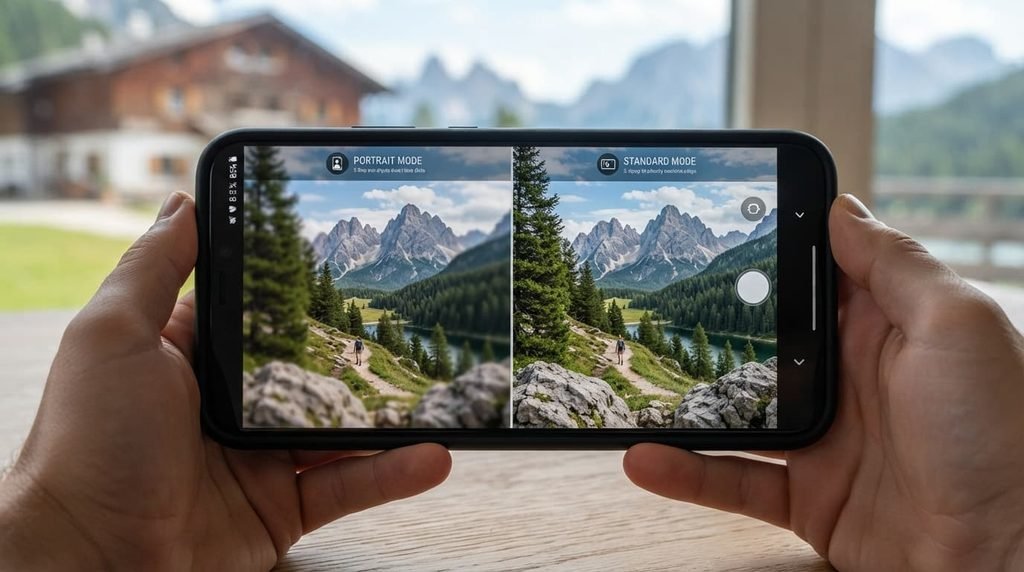
Anyone photographing a scene where the background is genuinely part of the story – a landscape, a group in a meaningful location, an environment you want fully documented – benefits from standard mode’s consistent full-scene focus, since portrait mode’s artificial blur would actively work against capturing that genuine environmental context. The unglamorous reason: standard mode is also considerably more reliable technically, since it doesn’t depend on software correctly identifying complex subject edges the way portrait mode’s blur effect genuinely requires to look convincing.
Anyone photographing fast-moving subjects also benefits from this same reliability in a related way, since standard mode’s simpler processing tends to keep pace with movement more consistently than portrait mode’s more computationally involved background-separation process, which can occasionally introduce a slight delay or inconsistency during rapid capture.
When neither is right
Defaulting to portrait mode for every single photo purely because it’s available and seems more advanced, without considering whether background isolation actually serves that specific shot, is worth ruling out regardless of which mode you’d otherwise default to.
A photo genuinely needing full scene context loses that context under portrait mode’s blur, while a photo of an isolated subject against a plain background gains little from portrait mode’s effect since there’s minimal background distraction to blur away in the first place, making the mode choice genuinely dependent on your specific scene, not a fixed default either way.
How to decide in thirty seconds
If your subject needs isolating from a busy background, choose portrait mode. Its artificial blur directly addresses background distraction in a way standard mode structurally can’t replicate.
If the background is genuinely part of what you want captured, choose standard mode. Its consistent full-scene focus directly preserves environmental context portrait mode’s blur would actively work against.
What changes the answer later
Shooting in genuinely low light conditions is worth reconsidering your mode choice at, since portrait mode’s background-detection processing can become less reliable in these conditions specifically, making standard mode’s more consistent performance the more dependable choice regardless of your usual preference.
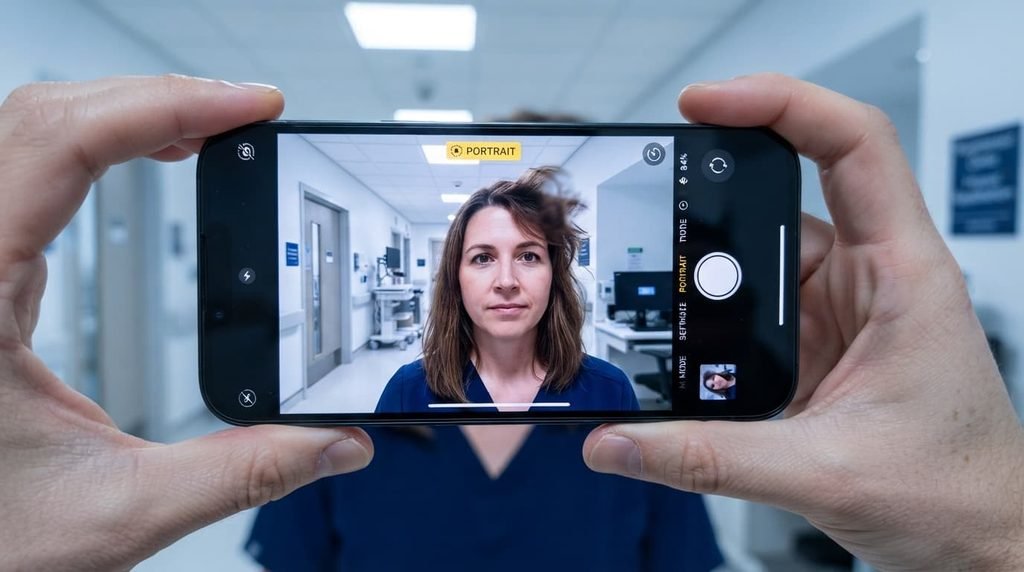
Photographing a subject with genuinely complex edges – flyaway hair, fine detail against a busy background – is also worth reconsidering the choice at, since this specific scenario is where portrait mode’s edge-detection errors become most likely to noticeably affect the final result.
What people get wrong when choosing between them
The most common mistake is treating portrait mode as a universal quality upgrade over standard mode, when in practice each mode is genuinely optimised for a specific scenario, and using the wrong one for a given shot can actively produce a worse result than the “simpler” alternative would have provided for that particular scene.
A second common mistake is not reviewing the shot immediately after capture specifically when using portrait mode, given its greater likelihood of edge-detection errors compared to standard mode. Checking the result while your subject and scene are still available lets you retake the shot in standard mode if portrait mode’s blur effect didn’t apply cleanly to that specific photo.
Questions readers keep asking
Can I adjust how strong portrait mode’s blur effect is after taking the photo?
Many phones do allow adjusting blur intensity after capture specifically, so checking your particular phone’s editing capabilities for this feature is worth doing if you want more control over the effect’s strength than the default capture setting provides.
Does portrait mode work well for photographing objects, or only people?
It can work for objects too, provided the object is reasonably distinct from its background, though the mode was primarily developed and optimised with people specifically in mind, meaning results for other subjects can be somewhat less consistent depending on the specific object and scene.
Does portrait mode use more battery or storage than standard mode?
Portrait mode typically does use slightly more processing power during capture and can produce marginally larger file sizes due to the additional depth data involved, though this difference is generally modest enough not to meaningfully affect typical everyday phone use.
Is it worth taking the same shot in both modes to compare before deciding which to keep?
For an important or uncertain shot specifically, yes – taking both versions costs little extra time and lets you genuinely compare the results directly, rather than committing to one mode’s outcome without knowing how the alternative would have actually looked for that same specific scene.