A phone shut off at 20 percent because the cold made its battery sag below the cut-off voltage under load. Most of the charge was still inside. The fastest repair is a warm inner pocket, ten minutes before you pick the phone up. This page covers the mechanism, four short tests that point to the cold and four fixes ranked from no-cost to permanent. Our scenario is a UK winter morning at about 2°C and an ordinary phone of two or three years. All figures here are worked examples, so replace them with what you measure.
Why a phone shut off at 20 percent in the cold: the mechanism
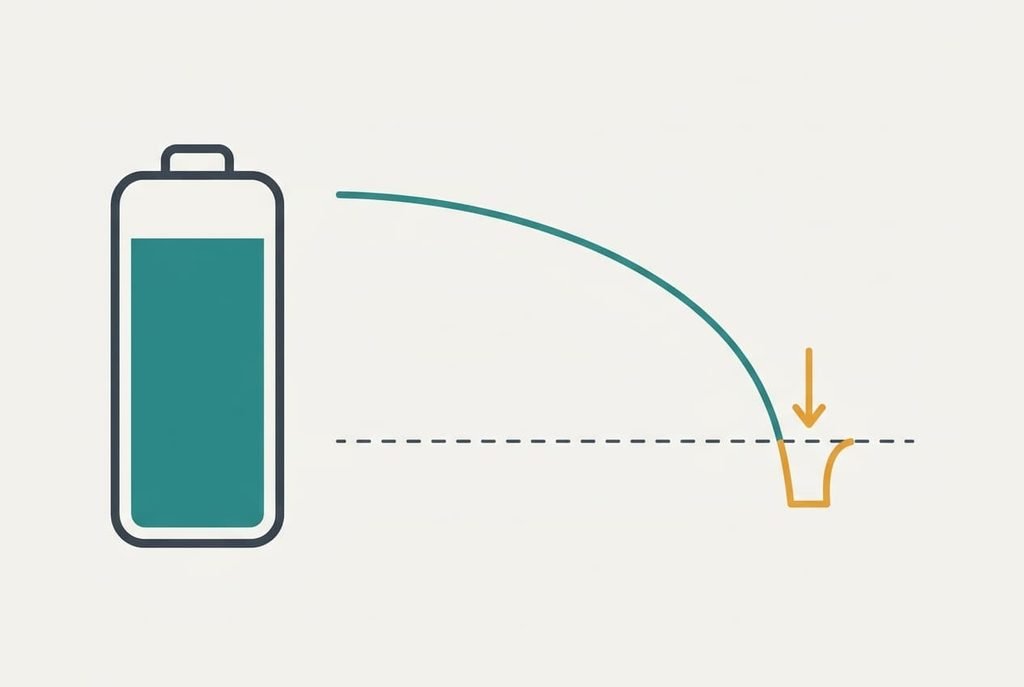
A battery stops your phone when its voltage under load falls below a cut-off line that the software protects, whatever the charge still stored. Every cell has internal resistance, which turns each burst of current into a dip equal to the current multiplied by the resistance. In the cold, the resistance of the cell rises sharply, so the same burst pulls the voltage down much further.
At 20 percent the resting voltage is 3.70 V and the phone’s cut-off is 3.30 V, which leaves a margin of 0.40 V. A camera and a map screen at full brightness together draw 2 A. At a warm 0.12 ohm the dip is 0.24 V and the voltage settles at 3.46 V, safely above the line. At 2°C the resistance might be 0.30 ohm. The dip becomes 0.60 V and the voltage lands at 3.10 V. That’s below the line, so the phone powers down with most of its charge still stored.
The percentage on the screen is only an estimate built from counted charge and a voltage table.
It can’t see the dip coming, which is why the number says 20 while the phone says goodbye. Once the cell warms again, the voltage recovers. The charge turns out to be there after all.

How to test whether the cold is behind it
Four checks separate the cold from a worn cell, and each takes minutes. Start with a warm-up test. Put the phone in an inner pocket against your body for ten minutes, then repeat the task that killed it. If it now runs on from 20 percent down to single figures, the cold was the trigger.
Next, look at the task. A shutdown during a photo or a navigation session points to a voltage dip. A shutdown while the phone lies idle on a table points elsewhere. Then restart the phone straight away. If the gauge reopens at 20 or 25 percent, the charge was still there and the dip did the damage. If it reopens at 4 percent, the estimate itself has drifted.
Finally, repeat the task indoors on a day when the phone is fully warm. A shutdown indoors too suggests the cold isn’t the whole story and the cell is probably worn. Write down each result. When a phone shut off at 20 percent in the cold, these four answers decide which fix comes first.
Four fixes for a phone that shuts off with a high percentage showing
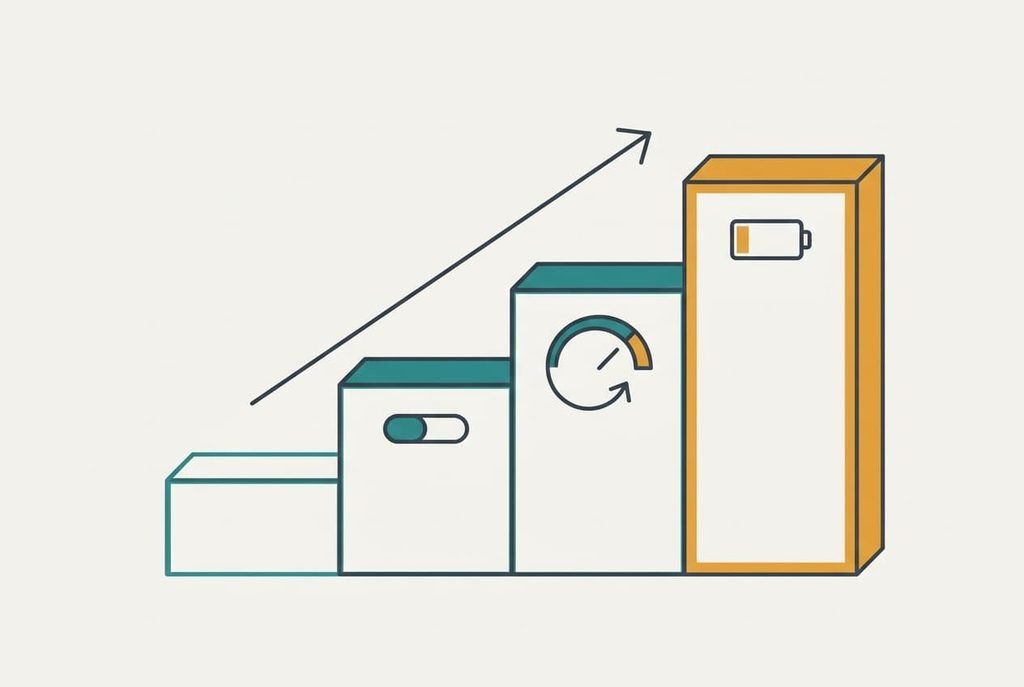
Keep the phone against your body. An inner pocket holds the cell at 15 to 20°C instead of the 2°C of the air. That cuts the resistance back toward the warm-room value of 0.12 ohm. It answers the first test and costs nothing, with no effort at all. What you lose is quick access, since a coat’s outer pocket or a bag is no use here. Put the phone away between uses and take it out only for the minute you need it.
Lower the peak current. Turn the screen brightness down, switch off any high refresh rate and turn on the battery saver in the settings. The dip scales with the current. Halving the 2 A burst to 1 A halves the dip from 0.60 V to 0.30 V, which leaves the voltage at 3.40 V, above the line. It answers the second test and takes two minutes. You give up a brighter, smoother screen outdoors, where low-sun glare already makes a dim screen hard to read. If that matters, raise the brightness for the map moment only and drop it again afterwards, because the peak is what causes the shutdown.
Let the gauge relearn. This one answers the third test, when the phone reopens at a much lower figure than it showed. Charge to full in a warm room and leave it connected for an hour. Then use the phone normally down to about 10 percent and charge it to full again without interrupting. The job takes a day of ordinary use and nothing more, though the gauge only improves if the phone is warm for the whole cycle. The price is attention: the phone may still switch off mid-task on the way down, so save your work first and stay near a charger.
A replacement battery from the maker or a repair shop is where the fourth test points, when the phone fails indoors too. A fresh cell has a low resistance again, so the dip shrinks to the 0.24 V of a healthy battery. The repair is paid and takes a few days. That step is permanent, because the old cell is removed and some repairs reset the water-resistance seal. Back up the phone before you hand it in, and ask how long you’ll be without it.
If none of the fixes worked
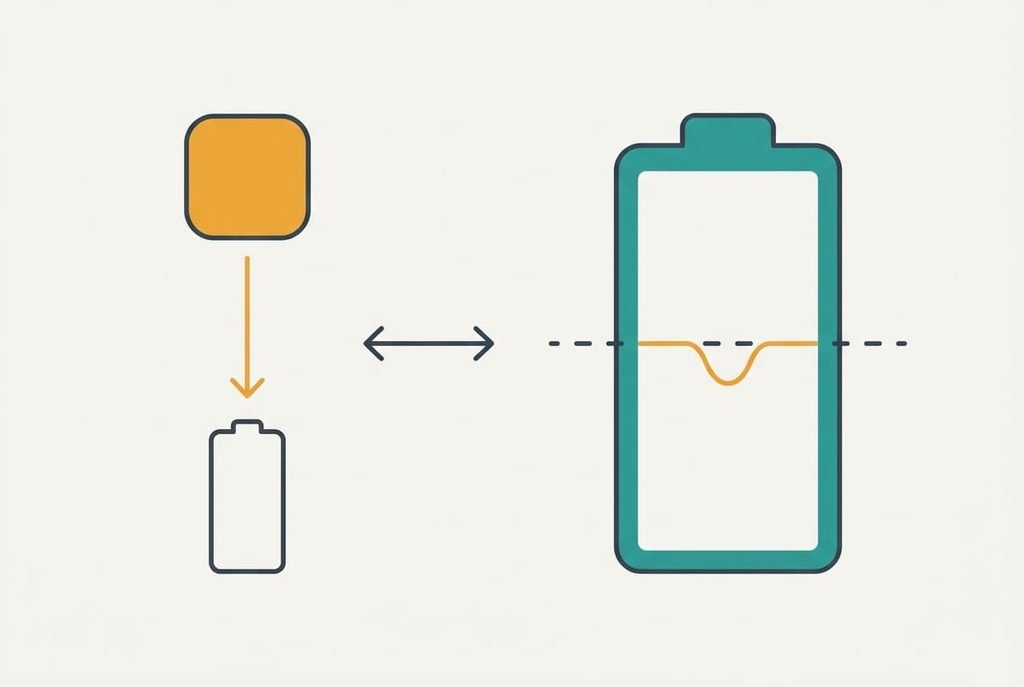
Gather four facts before touching any other setting. Note the outdoor temperature and the percentage shown when it cut out, then the task you were running. Then write down the percentage the phone shows when it restarts. If the phone shut off at 20 percent again after all four fixes, send those details to the maker’s support. Ask whether the cell’s condition can be read at a service point. That reading shows the resistance directly and spares you a guess.
Be careful with a factory reset. It wipes whatever lives only on the phone, such as photos that haven’t synced, so back up first. A reset also won’t change the cell’s chemistry. It can’t cure a resistance problem, so keep it as a late step once the facts are written down.
The fix that isn’t worth doing
Installing a battery-saver or booster app looks like the easy answer but works against the real fault, because the dip comes from the cell and the burst, and no app can lower a cell’s resistance. Worse, the app itself uses power. Say it wakes the phone often enough to draw an average of 0.03 A. Over 24 hours that’s 0.72 Ah, about 14 percent of a 5 Ah cell. You pay it every day for no change in the 0.60 V dip.
A warm pocket and a dimmer screen achieve more than any app and cost nothing.
They work on the first cold morning rather than after an install. A booster app also asks for permissions you’d rather keep closed. It can’t tell you the one number that matters, which is how much the cell resists.
The cold is a condition, not a defect, so treat the phone like the cell it holds. Keep it warm and light on load, then let the gauge relearn once. Most winter cases end there: your phone shut off at 20 percent on a January morning and now carries on to single figures. If it keeps failing indoors as well, the cell itself is at fault, and a replacement is the honest repair.
Questions readers keep asking
Can I fix this at home?
Mostly, yes. Warming the phone in a pocket and lowering the screen brightness cost nothing and fix most winter cases. Letting the gauge relearn takes a day of ordinary use. Only a phone that also fails indoors needs a paid repair. That points to a worn cell rather than the weather.
Why does the percentage look wrong in the cold?
The percentage is an estimate from counted charge and a voltage table. When the cell is cold, the voltage under load drops faster than the table expects. The estimate stays high while the phone is already near its cut-off. Once the cell warms, the voltage recovers; the number then looks sensible again.
When does a shutdown signal a failing battery?
A shutdown at room temperature is the clearest sign. Another is a phone that restarts at 40 percent in a warm room. A charge that falls by a third within an hour is another. Any one of these points to the cell itself, and a repair shop can confirm it.