The figure that decides the purchase of a wall charger for several devices is the combined output with every port busy. All the ports draw from one supply inside the box, and the label states that supply’s limit. Dan, a freelance editor in Manchester, has four devices on his desk and wants one plug for them all. His old charger leaves the laptop half full each morning. Below you’ll find four checks, ordered by what a miss would cost, followed by the claims that look impressive and change little. All numbers are invented samples. No brand or money amount is named.

What Matters Most When Buying a Wall Charger for Several Devices
A charger can’t hand out more than it takes in. Inside the case sits one power supply, and every port draws from it. A box with a large number on the front may deliver that number to a single port while the rest stand empty. Plug in four devices and the supply must be divided between them.
Dan’s own chargers say 45 W for the laptop, 20 W for the phone, 18 W for the tablet and 5 W for the earbud case. Together they ask for 88 W. A candidate with a combined limit of 65 W falls 23 W short, which is 26% of what he wants. If the unit scales every port down by the same factor of 0.74, the laptop receives 33 W. Its 50 Wh battery then needs about 90 minutes instead of 67. The other three devices slow by the same proportion, and a wall charger for several devices is judged on that behaviour: the combined output set against the sum of your own chargers settles the first question.
Add up the numbers on the chargers you already own before you open any listing.
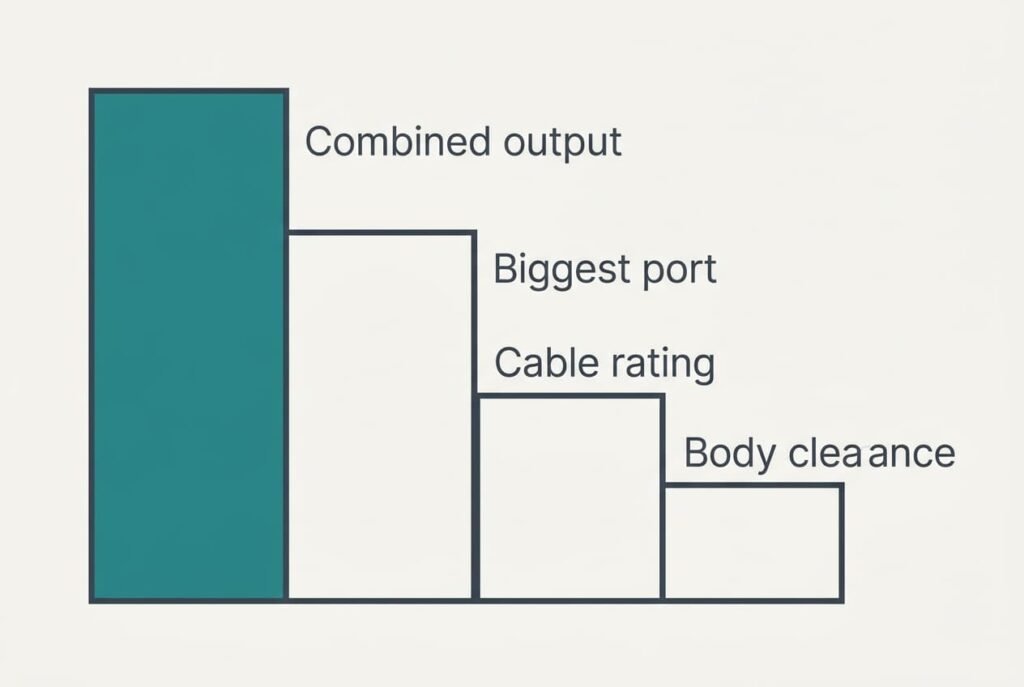
Four Checks in Priority Order, Starting With the Budget
1. The combined output tops the list, and most buyers never read it. It sets how quickly everything charges when the desk is full. Dan needs 88 W. A limit of 100 W leaves 12 W spare, which is 14%. A limit of 65 W forces the scaling described above. While choosing a wall charger for several devices, look for a label table that shows output with two ports busy and then with all four. A miss means every device crawls at the moment you plug them all in.
2. The port for the biggest device comes second. It sets whether the laptop charges properly at all. The laptop wants 45 W. A port capped at 30 W delivers 67% of that, and the 50 Wh battery needs about 100 minutes. Read the maximum for each socket and give the strongest port to the strongest device. A miss means a laptop that is still not full when you leave the desk.
3. Cable rating is third. It sets a ceiling for each device whatever the charger offers. Suppose Dan’s laptop lead is limited to 18 W because it came with a small accessory. The laptop then draws 18 W, which is 40% of its need, and 50 Wh takes nearly three hours. Read the wattage printed on or listed for each lead, and keep the strongest lead with the laptop. A miss means a powerful charger wasted on a weak cable.
4. Body clearance comes fourth. It sets whether the unit fits the wall at all. Suppose the body is 6.5 cm wide and the space beside the socket is 5.0 cm. It overhangs by 1.5 cm and covers the neighbouring socket. Measure the gap in your own room, then read the width in the listing. A miss means a charger that hangs half off the wall under the weight of four cables.
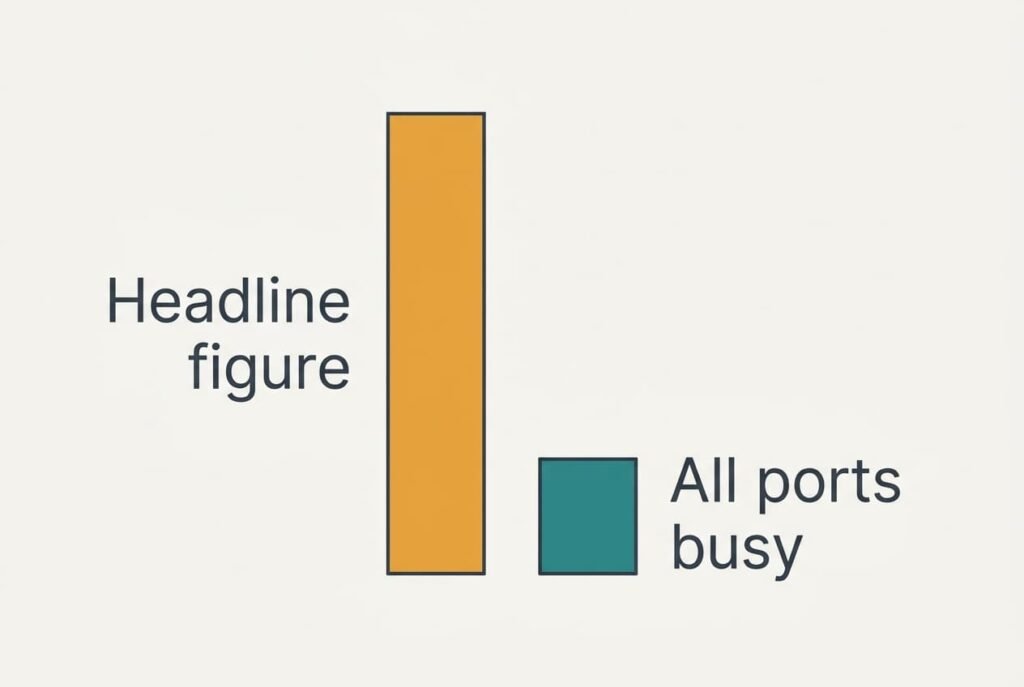
Which Specs Look Bigger on a Wall Charger for Devices Than They Are
Several claims on a box earn more attention than they deserve. A headline of 100 W leads the list. It usually describes one port with all the others idle. With four ports busy, the same unit might offer 60 W overall, a sample figure. Against Dan’s 88 W that is 68%, and the box looks stronger than it behaves. The big number is promoted because it’s the best one the maker can print.
Port count is sold as flexibility. Six ports sharing a 65 W budget average 10.8 W each, barely enough for a phone to charge at a useful pace. Extra ports add convenience but no extra power.
Phrases such as smart sharing or intelligent distribution carry no standard. They may mean the unit favours your biggest device, or they may mean it splits power evenly. Ask the seller for it, or choose another model.
Only the label’s table shows what actually happens.
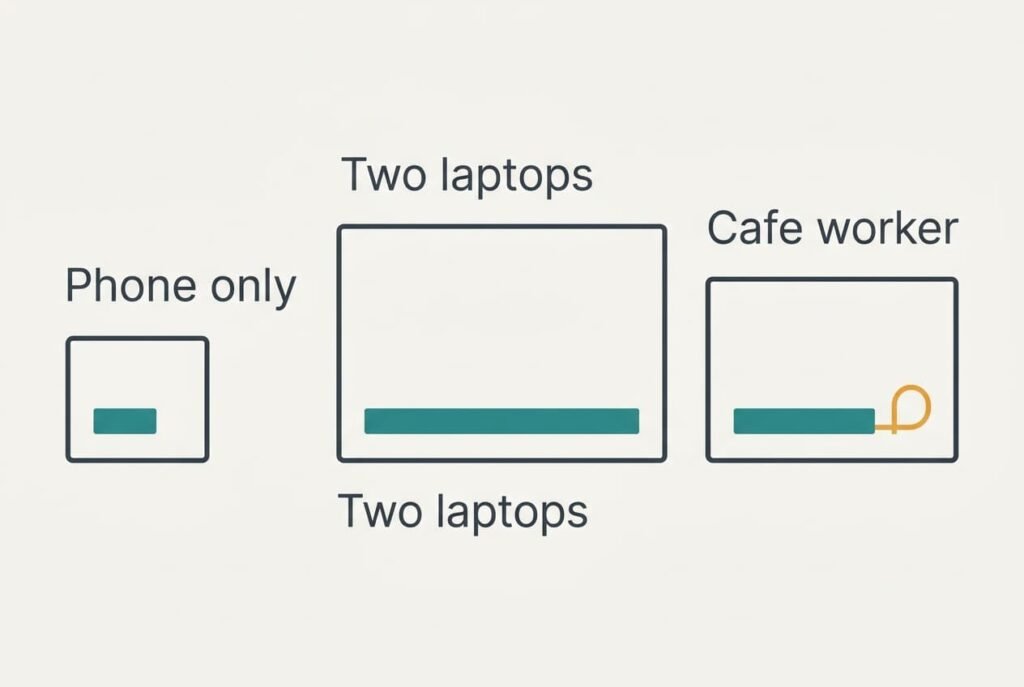
How the Checks Move for Three Different Readers
A reader with only a phone and an earbud case needs roughly 25 W altogether. A modest unit meets that, and the combined output stops being a worry. Body size rises to the top, since a small box leaves the neighbouring socket free.
A reader with two laptops at 45 W and 65 W asks for 110 W before adding a phone. The combined output becomes the only check that counts, and a limit below that total means one laptop always waits its turn behind the other.
A reader who works in cafes carries the charger every day. Cable rating moves up, because a lead mixed up in a bag halves the speed without any warning. Weight matters too, though it sits outside the four checks.
When to Leave a Charger on the Shelf
If the label lists only a single maximum and no table for several ports, leave it. The maker has no figure for the case you are buying it for, and Dan’s 88 W would be a guess. Check the seller’s returns window as well, since a charger can only be judged once your own devices are plugged into it. Order a unit with a clear returns period, and test it on the first evening with everything connected.
A charger whose listing omits the cable rating also stays behind. A lead can hold the whole system back, and the box never says which lead is the limit.
Leave one that won’t sit flat against the wall. A unit hanging off the socket by 1.5 cm gets tugged each time a cable moves, and it may drift loose long before the electronics wear out.
A Two-Minute Check With a Pen and Paper
Start with your own devices and their chargers, because a wall charger for several devices can only be judged against your own totals. Read the wattage printed on each original charger and add the numbers up, then place the sum next to the combined figure for all ports in use. Next, confirm that the strongest port matches the strongest device. Read the rating on each cable. Last, measure the space next to the socket and note whether the body width in the listing fits inside it. Write each answer as a single line on one sheet. The comparison then takes seconds.
Four answers take about two minutes. The total builds the shortlist. The port and cable readings then separate what remains, and the clearance figure removes any unit that will not fit. Keep your sums beside the listing while you shop, because memory of the numbers fades before you reach the checkout. Four short lines are plenty.
Questions Readers Keep Asking
Is a higher wattage always better?
No. Only the combined figure matters when several devices share the charger, and only if it exceeds what you actually plug in. A 100 W unit gains you nothing if the devices on your desk need 25 W together. Match the label to your own sum before anything else.
How much should I spend compared with my devices?
Let the spending follow the equipment it serves, in relative terms. A laptop worth many times the charger deserves a unit that charges it fully. Pay for the combined output and a stated cable rating. Colour or extra ports come last.
How long will it last, and what will I regret?
The electronics usually outlast the cables, which wear first at the bend near the plug. Regrets come from a combined limit that was 20 W too low, or a body that covered the second socket. Both show up within a day of use.