A headphone cable cutting out when it moves almost always has a broken strand of copper inside, usually no more than 10 cm from the plug. The first remedy to try is clearing and reseating the plug. Sound returns whenever the loose ends touch and vanishes when they part. Our example is a pair of wired headphones with a fixed 1.2 m cable, used on a laptop in Leeds, where the left side drops out as the cable bends. All figures here are assumed samples. We move from tests that locate the break to four fixes, then one repair that makes matters worse.
Why a Headphone Cable Cutting Out Is a Contact Problem
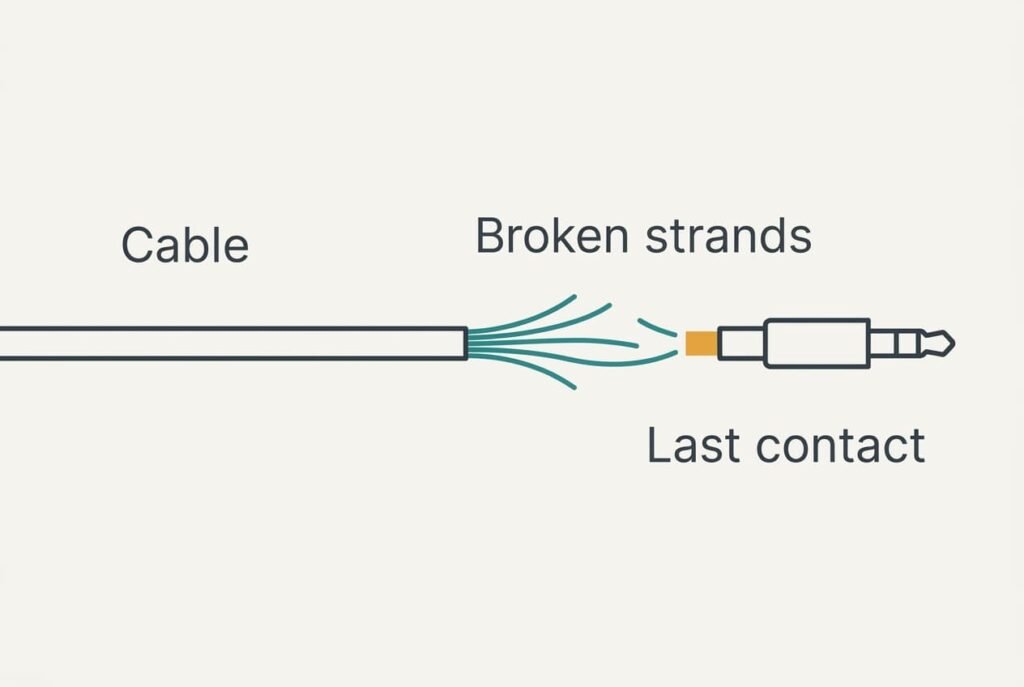
Each wire inside the cable is a bundle of very fine copper strands, not a single solid rod. Bending the cable thousands of times flexes the strands at one spot, usually where the cable leaves the plug. They fatigue and snap one by one, and the wire keeps working while any strand still joins its two ends.
Assume 20 strands per wire with a resistance of 0.5 Ω in total. With 3 strands left, the resistance rises to 3.3 Ω. Against 32 Ω headphones that loses only 0.9 dB, which nobody hears. Down to a single strand it becomes 10 Ω and a loss of 2.4 dB, still easy to miss.
Trouble begins once the last strand touches its broken stub only some of the time. Contact resistance then flickers between a few ohms and several hundred ohms. At 320 Ω the signal falls by 20.8 dB and sounds almost gone. The fault is a flickering contact and not a weak signal, which explains why a headphone cable cutting out gives crackle first and silence later.
Because the damage hides until the final strand goes, the failure feels sudden even though it built up over months.

Tests That Find the Break Along the Wire
Play steady music at a moderate level and work through the checks below. None needs a purchase.
1. Start near the plug and wiggle the cable gently, then work along towards the earpiece. The place where the sound changes marks the break. The spot nearest the plug is the usual culprit.
2. Try the same headphones with a second device. A cut-out on both means the headphones themselves are at fault. Good behaviour on the second device points to a worn or blocked socket on the first one.
3. Turn the plug half a turn in the socket without touching the cable. Sound that shifts means dirt or a worn contact in the socket, not a broken wire.
4. Listen to which side fails. One side dropping places the break in that side’s wire. Both sides dropping together suggests the shared return wire or the plug itself.
In our example the left side cuts out 8 cm from the plug on both devices, while turning the plug changes nothing. That puts the break in the wire, near the plug.
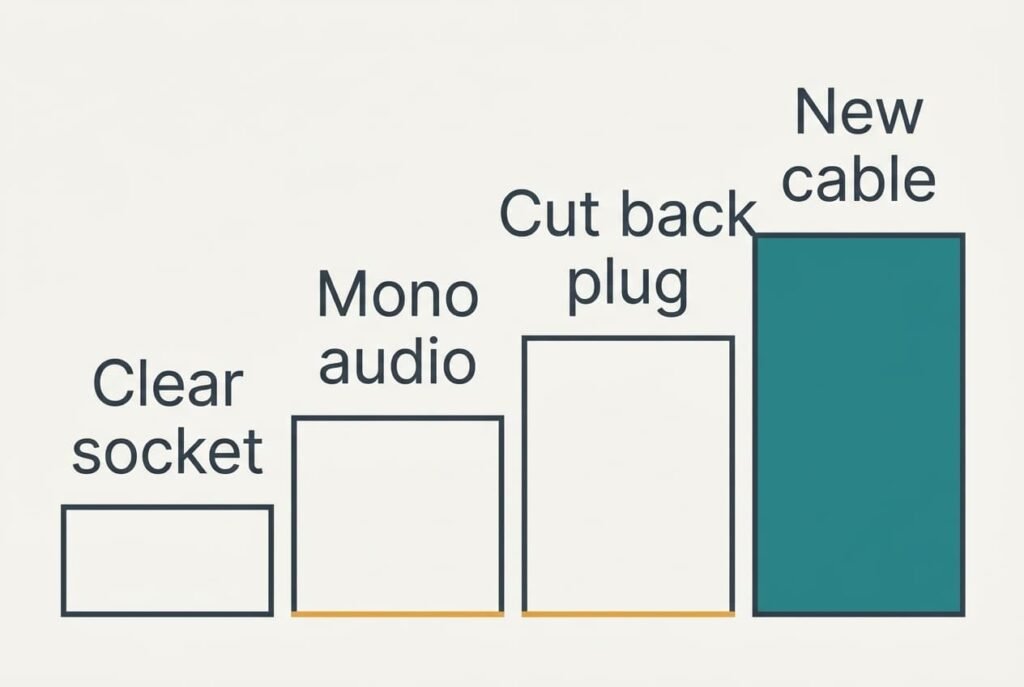
Four Fixes for a Headphone Cable That Cuts Out, Cheapest First
Take them in sequence, and stop once the sound holds steady for a full day.
Clear the socket and reseat the plug. Lint packs into a socket and holds the plug a millimetre short of fully home, which breaks one contact ring. Switch the device off, clean the socket with a wooden toothpick and push the plug in until it seats. This fix is free and risk-free, but it only helps when tests 2 and 3 pointed at the socket. If wiggling the cable still triggers the cut-out afterwards, the wire is to blame. Stop here and go on to the next fix. A broken wire stays broken.
Switch on mono audio. When a headphone cable cutting out has left one side dead, mono mixes both channels into each earpiece, and the working side then carries the whole recording. You’ll find it among the device’s sound options, and the change is quick. Stereo placement goes. Speech and calls hardly suffer. The dead side stays dead. Treat this as a workaround and turn it off again when you want music with proper separation.
Cut back and refit the plug. When the break lies no more than 10 cm from the plug, you can trim that section away and solder on a new plug. Expect 45 minutes of work with a soldering iron and steady hands, plus a spare plug of the right size. Strip a few millimetres of insulation from each wire, join the strands to the new plug, then wiggle the cable once more before you close the housing. Afterwards the cable measures 1.1 m instead of 1.2 m. A break halfway along the cable can’t be reached this way, and the cut can’t be undone. Check the wiggle point twice before you trim.
Replace the cable or the headphones. A detachable cable costs far less than new headphones, and it restores the original sound entirely. Match the small connector at the earpiece before you order, because the sockets differ. Headphones with a fixed cable must be replaced whole or sent to a repair shop, which can take weeks. This step costs money and ends the fault for good. It’s wasteful when the earpieces are fine, as the working half goes in the bin with the broken half.
If None of the Fixes Worked
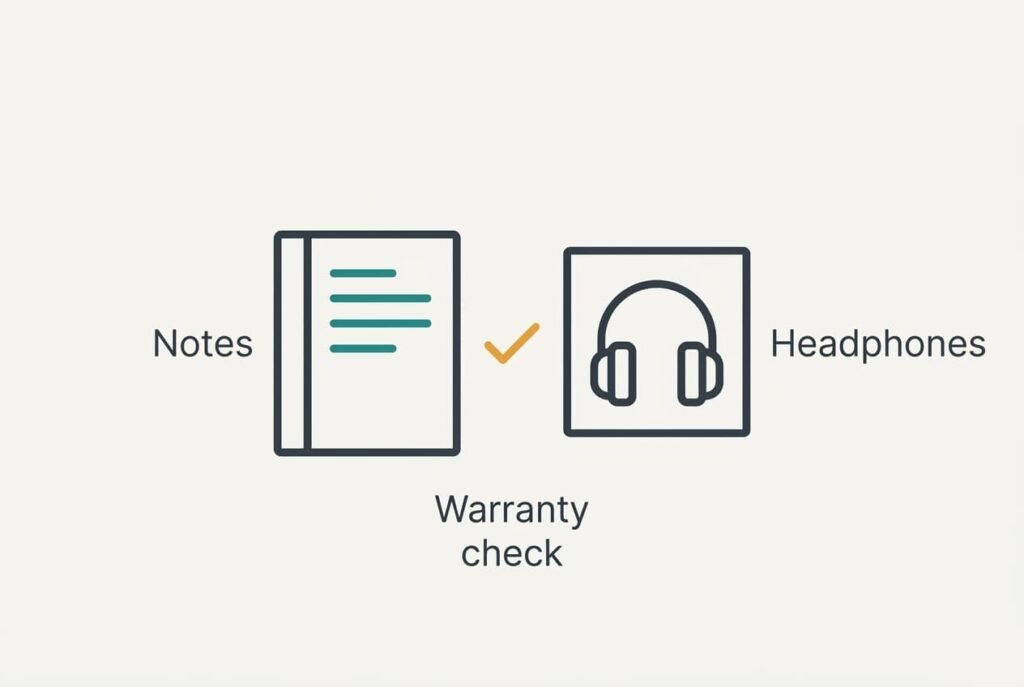
Gather the facts before you buy anything. Note which side fails, where the wiggle test triggers it and whether it happens on other devices. A short log of three or four observations helps a repair shop or a seller to quote sensibly.
Ask about the warranty too. Many headphones carry a guarantee that covers faults not caused by wear, and a fixed cable that fails in the first year may qualify. Keep the receipt and photograph the damaged section, because a clear picture speeds up any claim.
Restarting or resetting the device won’t help. The fault is a mechanical break rather than software, and a reset leaves the cable exactly as damaged as before. If a repair shop is nearby, take the headphones along with your notes, and ask for a quote before agreeing to any work.
A Fix That Is Not Worth Trying
Wrapping tape around the bend near the plug looks like a sensible cure. Tape stiffens a few centimetres of cable, and the bend simply migrates to the tape’s edge. Afterwards the cable tends to fail there instead. The same flex now falls on a shorter length, and the strands there fatigue faster than before. The tape also hides the damage you’d want to inspect later.
Looping the cable tightly round a finger or a pen, to keep the bend away from the plug, is no better, since it adds a sharp flex of its own. Gluing the neck of the plug stiff fails the same way: the cable then bends just beyond the glue, and no glue can reach the strands inside.
A strand can’t be repaired with tape either, and a headphone cable cutting out will not mend itself. Every extra week of bending shortens the section you can save.
After the wiggle test has found the break, do the trim or the replacement in a single sitting. Unplug by holding the plug itself. When you pocket the headphones, leave a loose loop of slack. Those two habits slow the next break considerably, whichever fix you pick. They cost nothing. Look the cable over once more in a month, because new wear shows up before any change in sound does.
Questions Readers Keep Asking
Can I fix this at home?
Often, yes. Clearing the socket costs nothing, and refitting a plug is possible with a soldering iron and some patience. A break halfway along the cable or inside the earpiece is much harder to reach, and replacement is usually quicker in those cases.
What actually causes the cutting out?
Fatigued copper strands inside the wire. Repeated bending near the plug breaks them one by one, and the last strand touches its broken end only some of the time. That flickering contact makes the sound drop and return as the cable moves.
How do I know the hardware is failing?
The fault follows the headphones to a second device. It also appears at the same wiggle point every time and returns after the socket has been cleaned. Together those signs point to a broken wire. The cable or plug will need replacing.