A forecast is cheap to look up again, while the rules behind your alerts took months to tune. Those rules deserve more of your attention than the loud banners do as you consider alternatives to a weather app that crowds every screen with adverts. This page follows a household in Sheffield with nine saved places and five alert rules built up over three winters, and it asks one question before any other: what would you have to rebuild by hand? Those numbers belong to the made-up household. Your own counts will differ, though your method can stay unchanged.
What to Save Before Looking at Alternatives to a Weather App
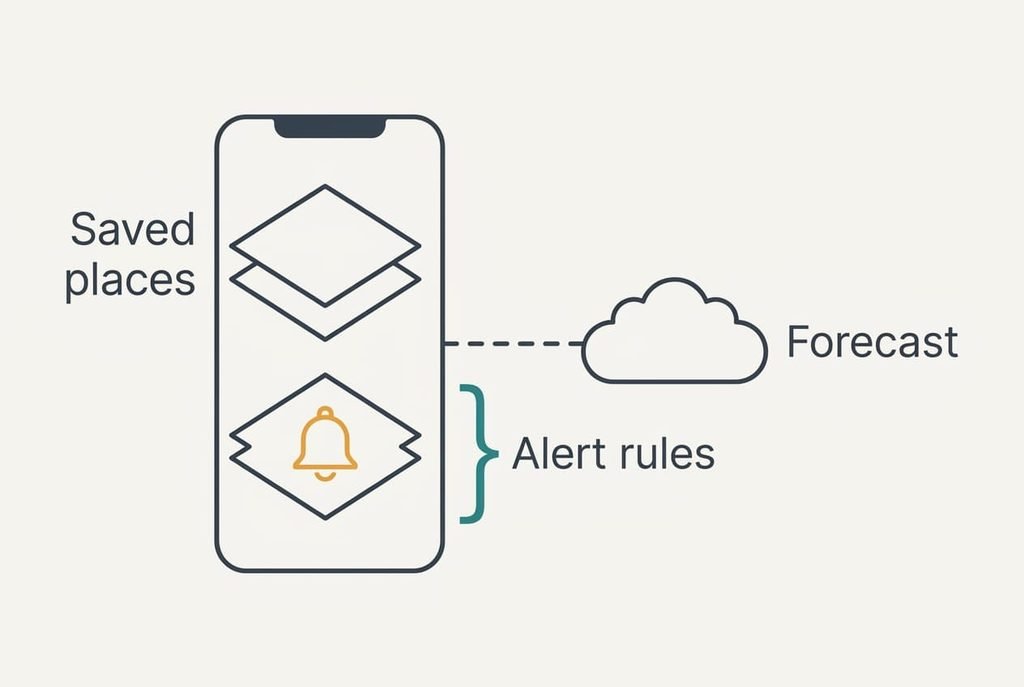
The forecast itself isn’t yours. Any service can show tomorrow’s rain, so nothing is lost when you stop reading it in this one app. What is yours sits in the settings, in two layers.
The first layer is the saved places. Our Sheffield household has nine, ranging from the school gate to a ridge walk forty minutes away. Re-adding a place takes about 30 seconds, which puts the nine at 4.5 minutes.
The second layer is the alert rules, and it’s the part that bites. Rain at the school gate before 08:10 on weekdays is one. Frost at the allotment is another. A wind limit for the ridge walk is a third. Two more cover severe warnings at home and a Friday evening outlook for the weekend.
Rebuilding one rule means choosing a place and a trigger level, then setting the time. That takes about 3 minutes, or 15 for all five. Nobody remembers the thresholds, because they were set once on a muddy afternoon. The five rules are what you must write down before you leave, since the app won’t tell you what it knew.
Weather app alternatives, sorted by what they cost you
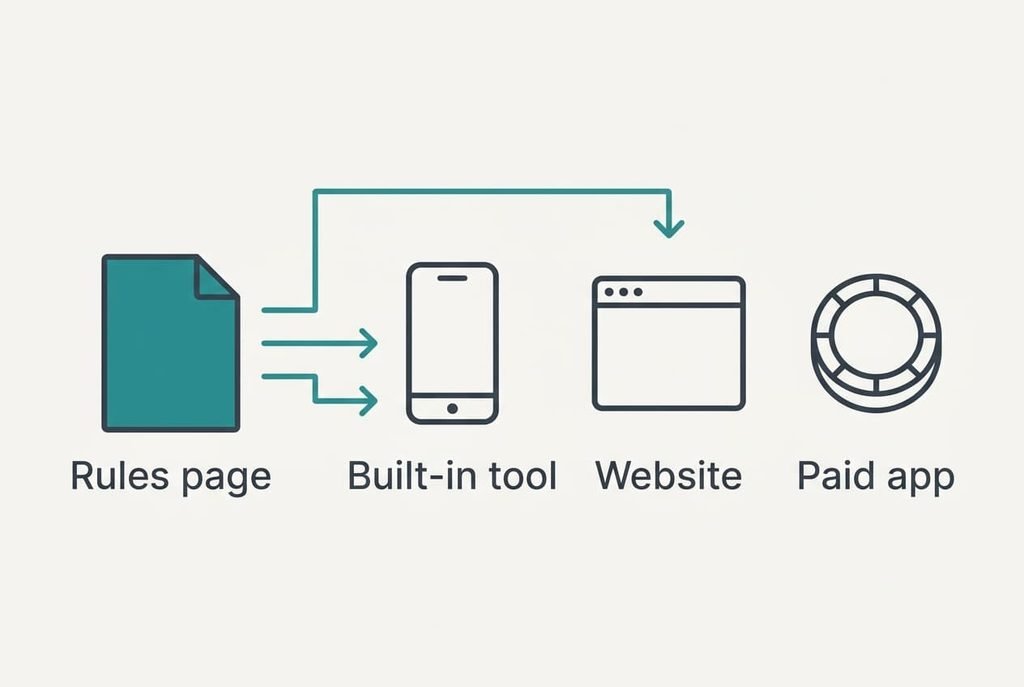
Three routes cover most households, and none is ranked above another here. One route costs money. Another costs effort, and the last gives up features.
1. The weather tool that came with your phone. Best for someone who looks at the sky once or twice a day and has no appetite for another install. It’s free, and because it sits inside the phone there’s nothing new to update or sign in to. Setup is quick, so the price is paid in features. The nine places carry over as nine quick additions, about 4.5 minutes in all. Rain and severe-weather alerts are usually offered, but a custom limit such as a wind speed for one particular ridge often isn’t, so two of the five rules may have no home. The failure mode is quiet: an alert that follows only your current location stays silent about the school gate while you’re at work.
2. A national weather service website saved to the home screen. It suits a person who’s happy to look instead of being told. It’s free, and the effort sits in the middle: nine places mean nine saved shortcuts at roughly 20 seconds each, or 3 minutes. Pushed alerts disappear, because the page waits for you to open it. The failure mode is forgetting. A frost warning only helps if somebody looks before the evening ends. Nothing needs installing, which also means no account and no data to hand over
.3. A paid weather app without adverts. This suits people who love the push alerts and simply want the banners gone. It keeps most rules, so the loss of features is smallest, but money is the price and it renews every year. Check whether the ad-free tier removes the banners on every screen, since some remove only the largest. Rebuilding the five rules takes the full 15 minutes, because none of them copy across. The failure mode repeats the old problem: the rules now live in another company’s settings, locked in just the same way.
What Month Three Takes Back
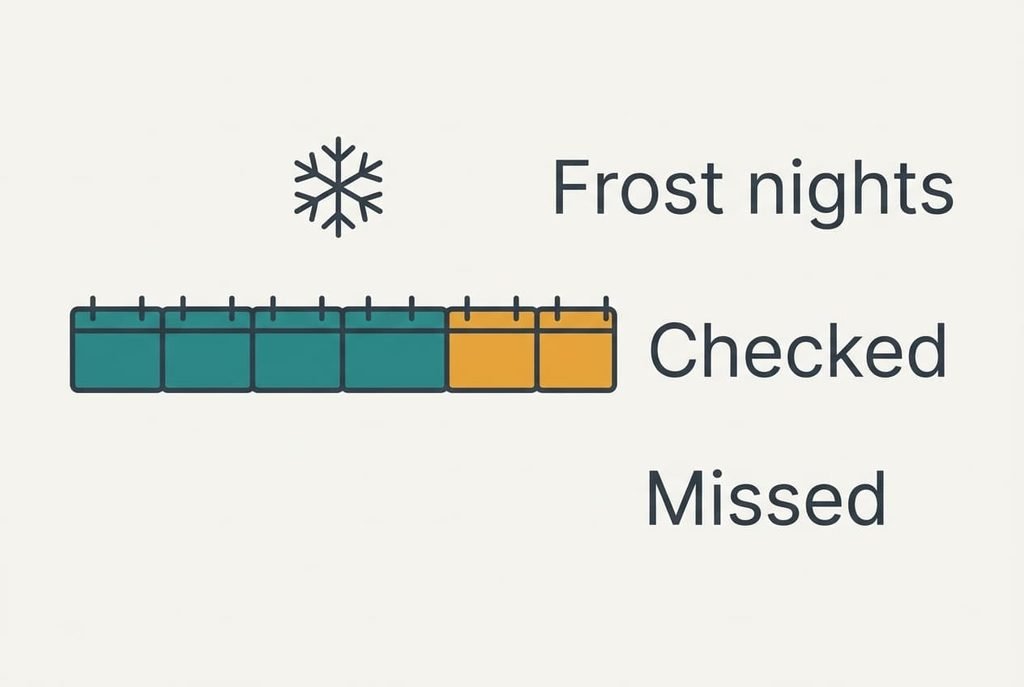
Most advice about alternatives to a weather app stops at the install, yet the real bill turns up around month three. By then the novelty has worn off and routines are fixed. A rule you built last autumn will have fired a dozen times, and you’ll have stopped noticing that it did. What gets exposed is the frost night you forget to check for, because an alert used to do the remembering.
Put numbers on it with an assumption. Suppose the allotment sees 12 frost-risk nights each spring, and you remember to look on 9 of them without a prompt. Three nights go unchecked. Whether that hurts is decided by what’s planted that week, and this page can’t put a figure on lost seedlings.
Against that, twenty seconds of scrolling past a banner, three times daily, adds up to one minute a day, or about 6 hours across a year.
The Order to Rebuild Things In
Start with the written page described in the last section, then rebuild the five rules one at a time. Give each a test as soon as it exists. Rain at the school gate can be tested on the next school morning, and the Friday outlook has to wait for a Friday.
Add the nine places afterwards, putting the daily ones first. The ridge walk and the village can wait until the weekend. The whole job runs to about 20 minutes, spread over two evenings if you’d rather not do it in one go.
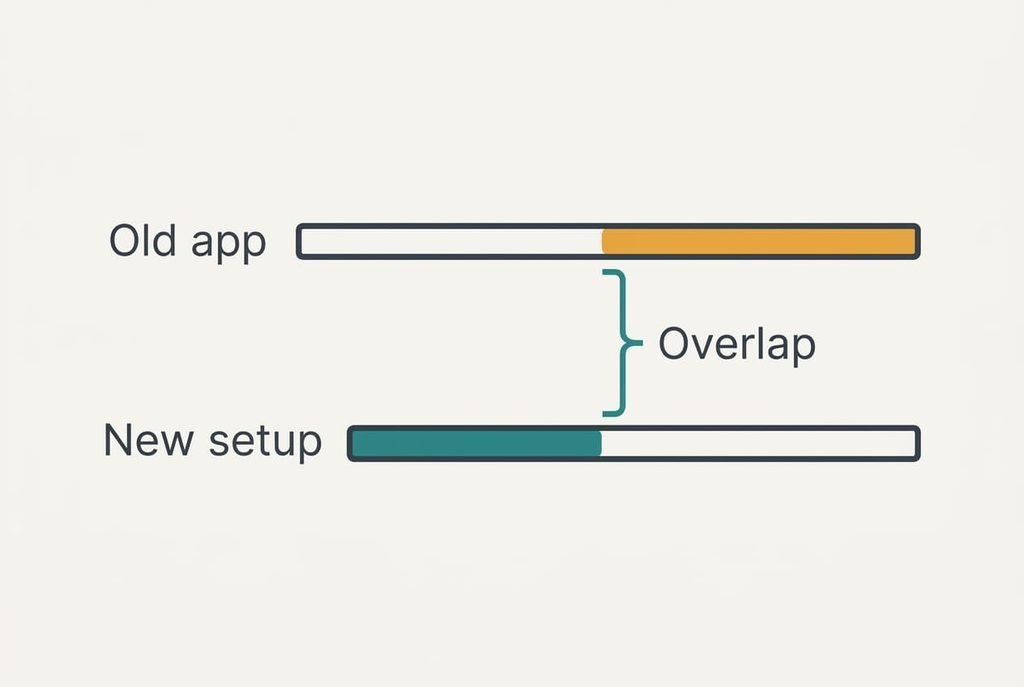
Leave the old app in place for a fortnight, running alongside the new setup. Once a rule has fired correctly in the new home, remove its twin from the old one. Delete the app only after the last rule has proved itself.
When Staying Is the Better Answer
Staying wins when the adverts cost you less than a rule you can’t rebuild elsewhere. Take the wind limit for the ridge walk. If the phone’s own tool can’t copy it and the website can’t push it, only the paid route keeps it, and that route carries its own annual charge.
Weigh the 6 hours of scrolling against that one rule. For a hill walker it can be an easy decision, and the banners are a fair charge for a dependable warning. A household that only checks the rain once each morning has far less to lose by leaving.
Alternatives to a weather app aren’t going anywhere, and the rebuild will take as long next month as it does today. Annoyance rarely justifies rushing a move that a quiet Sunday can handle.
A household that never touches wind limits can leave tomorrow.
The One-Page Record of Your Alerts
Before comparing any route, write each alert rule on one sheet or one note, showing the place beside the trigger. Transcribing five rules from the settings screens runs to roughly ten minutes, and the app’s own rule count tells you whether you’ve missed one.
Then put the sheet to work. Pick two rules and rebuild them in a spare setup using only what’s written down. Anything you had to guess marks a gap, and that gap should be filled before the real move begins. All alternatives to a weather app begin at this sheet, and in practice it’s the very first job, whatever its position here.
My view is plain. The banners are an irritation, but the lost rules are a loss, and the two deserve different amounts of worry. Ten minutes on the page makes each later decision easier, because it rests on a list you’ve already checked rather than on memory. Nothing else here earns back its time so reliably.
Questions Readers Keep Asking
Will my saved places and alerts come across by themselves?
Rarely. Most apps keep places and alert rules inside their own settings, with no export. Expect to re-add all nine places and rebuild all five rules by hand, roughly twenty minutes overall for our household. A written page makes that rebuild quick and removes the guesswork about thresholds.
Is switching more expensive than putting up with the adverts?
In time it’s close to a draw. The rebuild takes about 20 minutes once, while scrolling past banners takes roughly 6 hours a year. Money is the real variable: the built-in tool and a website are free, whereas an ad-free app renews every year and charges you again.
Is it worth the disruption?
Usually, if the adverts annoy you daily and your alert rules are few. With nine places and five rules the whole move fits into one evening. If a single rule protects something valuable, such as seedlings, test the replacement for a fortnight before deleting anything, and stay put if it can’t match that rule.