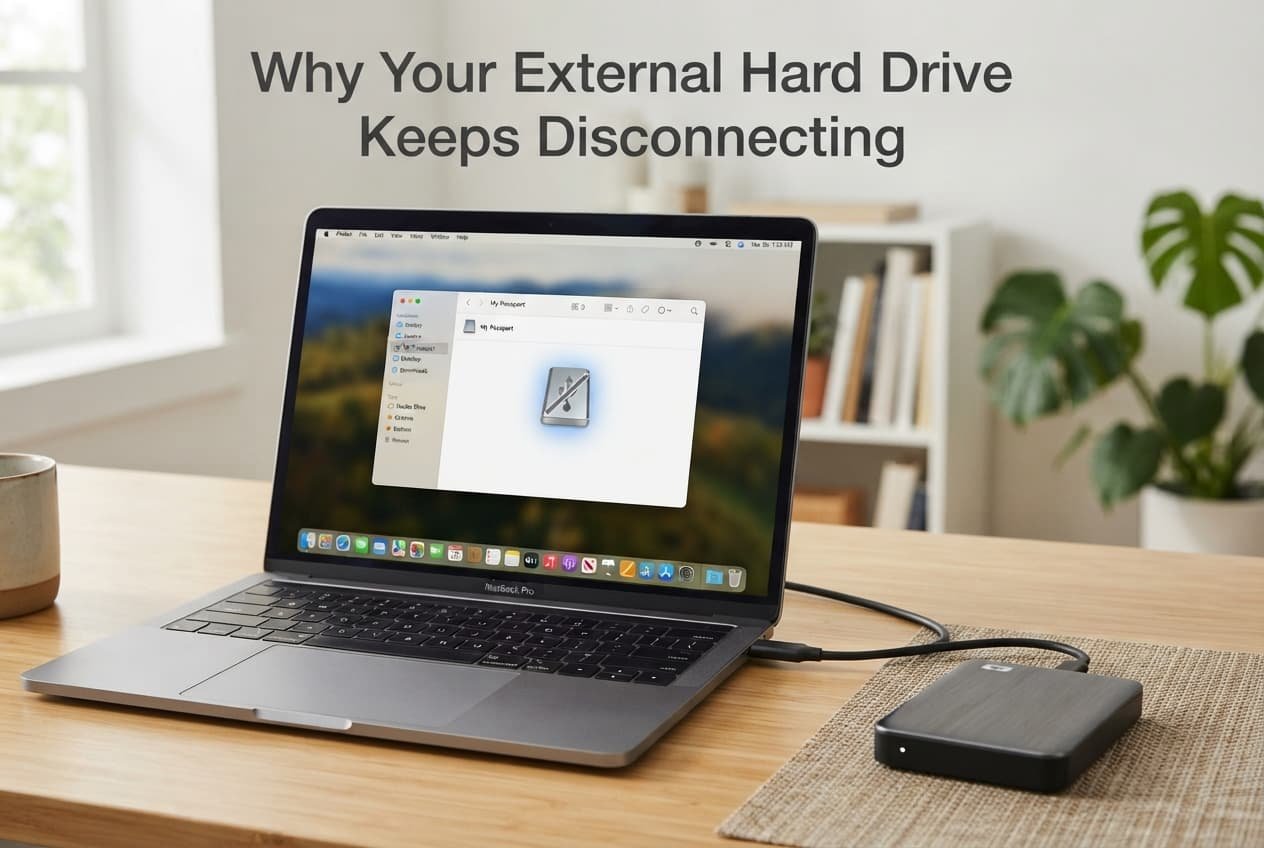
An external hard drive repeatedly disconnecting usually isn’t a single mysterious fault – it’s typically one of a small number of specific, checkable causes distinct to how external storage actually communicates with your device, each requiring a genuinely different fix. Understanding which category applies to your specific situation determines whether the fix takes seconds or requires a more involved change.
What is actually happening
External drives maintain their connection through a genuinely continuous data and power exchange with your device via the physical port and cable, which makes this connection sensitive to factors distinct from general device issues – inadequate power delivery specifically, physical connector wear, or your operating system’s own power management settings interrupting the connection to conserve energy. This specific combination of requirements means a drive can disconnect for reasons that have nothing to do with the drive’s own internal storage actually failing.
Distinguishing between these categories matters because “my drive keeps disconnecting” caused by inadequate power delivery requires an entirely different response than the same symptom caused by your operating system’s power-saving settings, which no cable or port change will actually resolve.
Confirm which pattern you have
Check whether disconnection happens consistently during specific activities – large file transfers, extended periods of inactivity – since this pattern distinguishes a power delivery issue from a power-management setting interrupting the connection during idle periods specifically.
Check whether the same drive disconnects when connected to a different port or device entirely, since this helps distinguish a genuine drive-side issue from one specific to your original port or device’s particular connection.
The causes, diagnosed
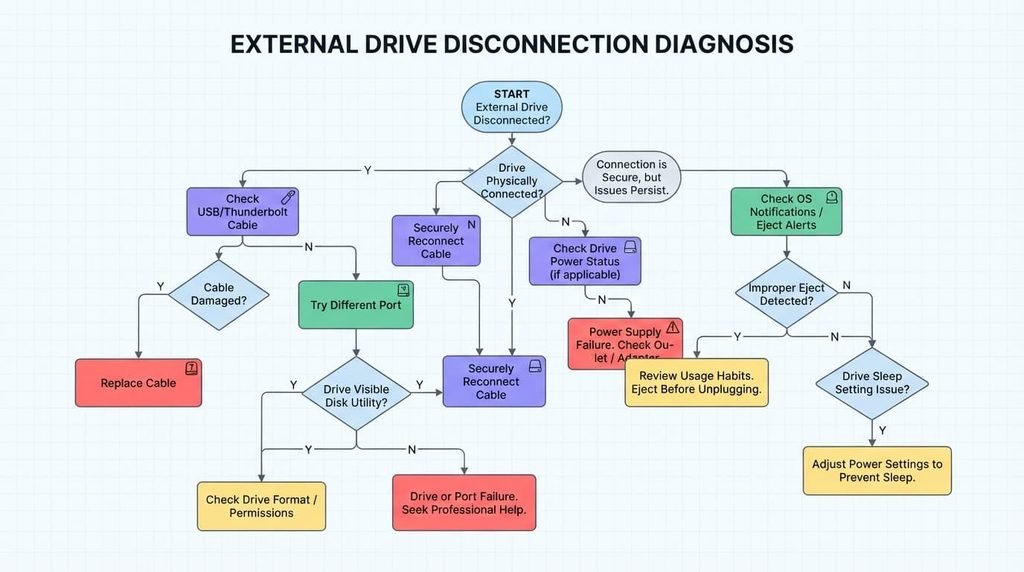
“My drive disconnects specifically during large file transfers or when performing demanding read and write operations.” This points to inadequate power delivery through the specific port or cable being used, since demanding operations require more consistent power than a drive receives during simpler, lighter use. The fix: connect through a port known to provide genuinely adequate power specifically, or use a powered connection hub if your drive’s power demands exceed what your device’s direct port reliably provides.
“My drive disconnects after sitting idle for a period, even during otherwise light use.” This points to your operating system’s power management settings specifically, since many systems are configured to reduce power to idle external devices to conserve energy, sometimes disconnecting the drive entirely rather than simply reducing its power state. The fix: adjust your device’s specific power management settings to exclude this drive from automatic power-saving disconnection, typically found within your system’s power or device management settings.
“Disconnection happens inconsistently, sometimes during use and sometimes when the drive is simply sitting connected without any active operation.” This points to a genuine physical connection issue – a worn cable, a loose or damaged port connector – since this inconsistent pattern doesn’t align cleanly with either power delivery demands or scheduled power-management behaviour. The fix: try a different cable and port specifically to isolate whether the issue is genuinely on the drive’s side or with your original physical connection components.
“My drive works fine initially after connecting, but disconnects specifically after a software update on my device.” This points to a genuine driver or compatibility issue introduced by that specific update, since software updates occasionally change how a system handles external device connections in ways that weren’t present in the previous version. The fix: check for any available driver update specifically for your drive, or your device manufacturer’s guidance on known compatibility issues following that particular software update.
What people get wrong about external drive reliability
The most common misconception is assuming all connection issues stem from the drive’s own hardware specifically, when a genuinely significant portion of disconnection causes trace back to power management settings or physical connection components instead, factors entirely separate from the drive’s actual internal storage functioning correctly.
A second common misconception is assuming a drive that disconnects occasionally is definitely failing and should be replaced immediately, when many disconnection patterns are genuinely situational – specific to power delivery, cable condition, or settings – rather than indicating any actual hardware fault requiring replacement.
What isn’t worth doing
Immediately assuming your drive’s internal storage is failing and needs replacing, without first identifying which specific cause above actually applies to your situation, isn’t worth the expense this assumption leads to.
Many common causes of external drive disconnection – power delivery, power management settings, cable wear – are genuinely unrelated to the drive’s actual internal storage health, meaning a replacement often doesn’t address an issue that was never actually about the drive’s fundamental data-storage capability in the first place.
When this points to something more serious
If you’ve genuinely confirmed adequate power delivery, adjusted power management settings, and tried different cables and ports, and the drive still disconnects consistently in the same specific way, this points toward a genuine internal drive fault that these standard troubleshooting steps won’t resolve.
This genuinely matters because a genuine internal fault, as distinct from the connection-related issues covered above, means your actual data may be genuinely at risk, making backing up any genuinely important data from this specific drive immediately a priority before pursuing any further troubleshooting steps or considering replacement seriously.
How to prevent this from recurring
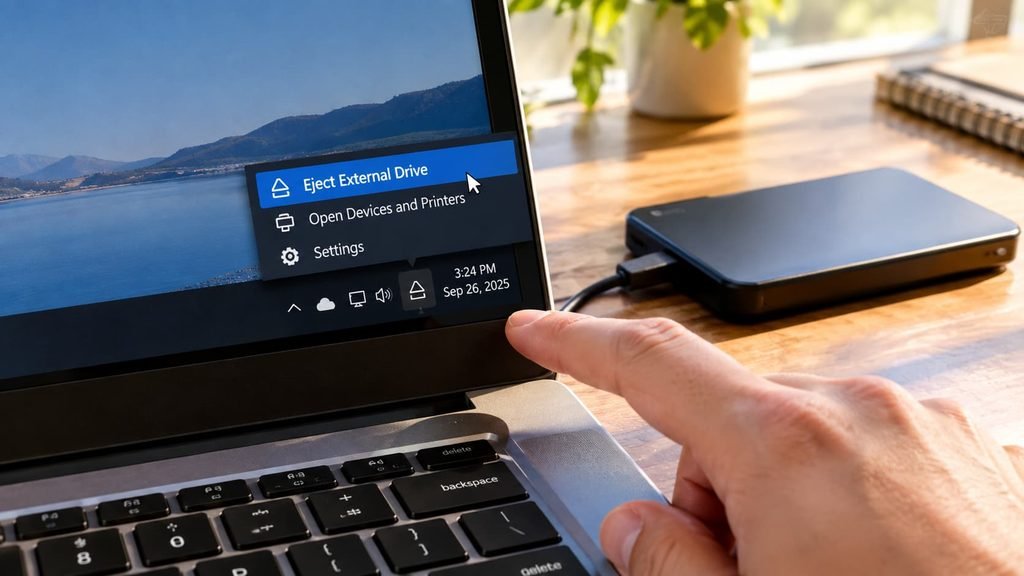
Safely and properly eject your drive each and every time before physically disconnecting it, rather than simply unplugging it directly, since this specific habit genuinely reduces the risk of both data corruption and connection-related issues developing over repeated cycles of improper, abrupt disconnection.
Periodically and genuinely inspect your drive’s cable and connectors for real physical wear specifically, since catching physical deterioration early, well before it causes consistent disconnection, prevents the more disruptive troubleshooting process of diagnosing an already-established, intermittent connection problem later.
Questions readers keep asking
Does the specific type of port matter for how reliably an external drive stays connected?
Yes, meaningfully – different port types and generations genuinely vary in their power delivery capability, so using a port specifically known to match or exceed your drive’s actual power requirements reduces the likelihood of power-related disconnection issues significantly.
Is it normal for an external drive to feel warm during use, and does this relate to disconnection issues?
Some genuine warmth during active use is entirely normal, though a drive becoming notably hot specifically alongside disconnection issues can genuinely indicate a real hardware problem worth investigating further, rather than simply normal operating temperature during typical everyday use.
Does using a drive with multiple devices increase the likelihood of connection issues?
It genuinely can, somewhat – different devices may have varying power delivery characteristics and settings, meaning a drive genuinely working well with one particular device might reveal a compatibility or power issue specifically when connected to another, making device-specific troubleshooting genuinely worthwhile if you use the same drive across several different devices regularly.
Should I be concerned if my drive only disconnects on one specific device but works fine on others?
This particular pattern specifically points toward an issue with that particular device’s own port, cable, or settings rather than the drive itself, since a drive functioning genuinely normally elsewhere demonstrates its own genuine functionality isn’t the primary source of this particular device-specific problem at all.