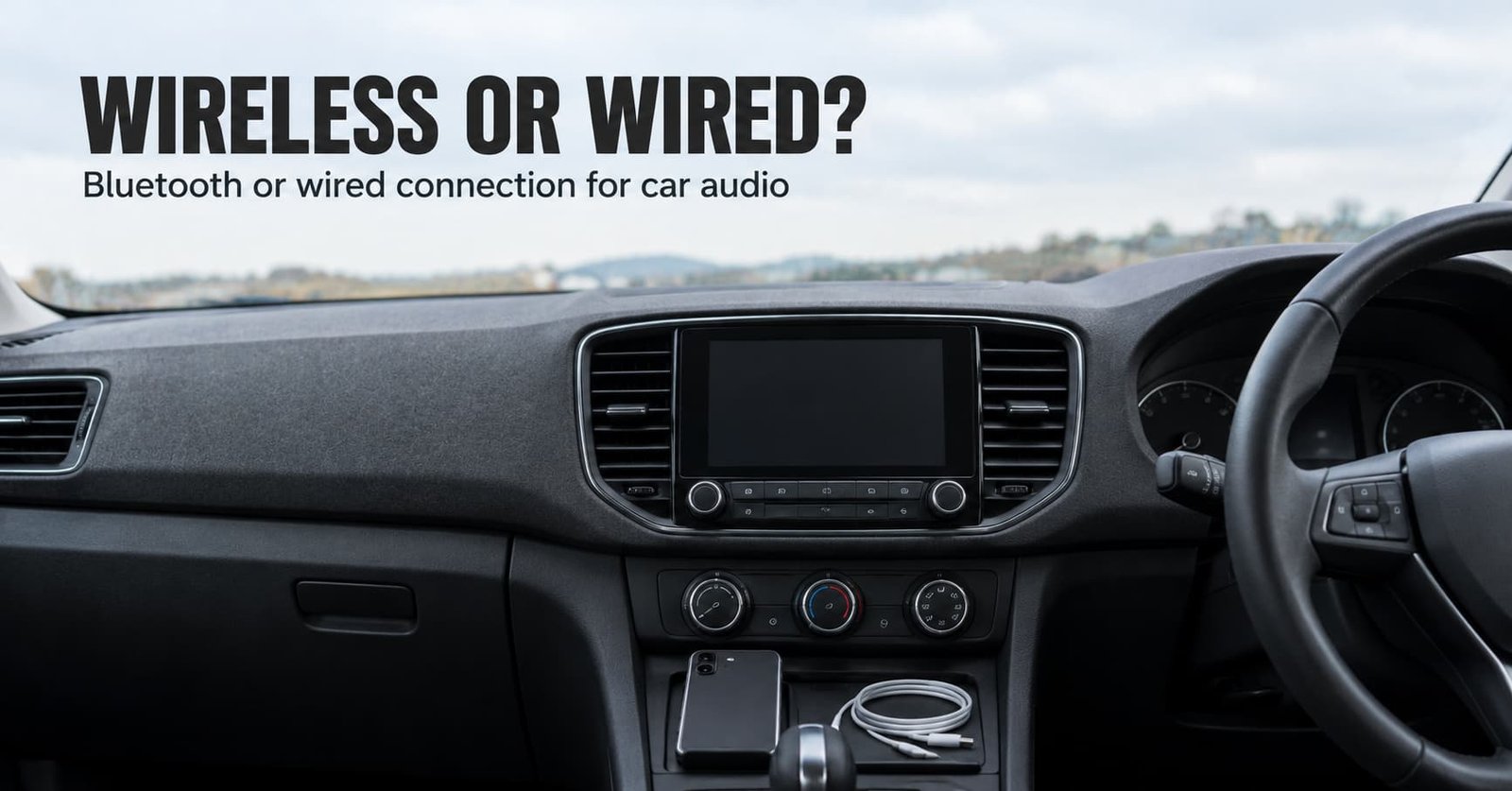
A 3.5 mm plug and a radio chip reach the same speakers by different routes. The route decides what can go wrong. Bluetooth or wired connection for car audio is a choice about what the signal must survive before it turns into sound. Take Bluetooth for short, frequent trips where the music should start by itself. Take the cable for long drives or a head unit whose wireless link is weak.
Two cables are in play. An analogue lead links the phone’s headphone output to the head unit’s aux input. A USB lead can carry digital audio instead. Your car decides which one works, so the tests below settle it.
What decides Bluetooth or wired connection for car audio
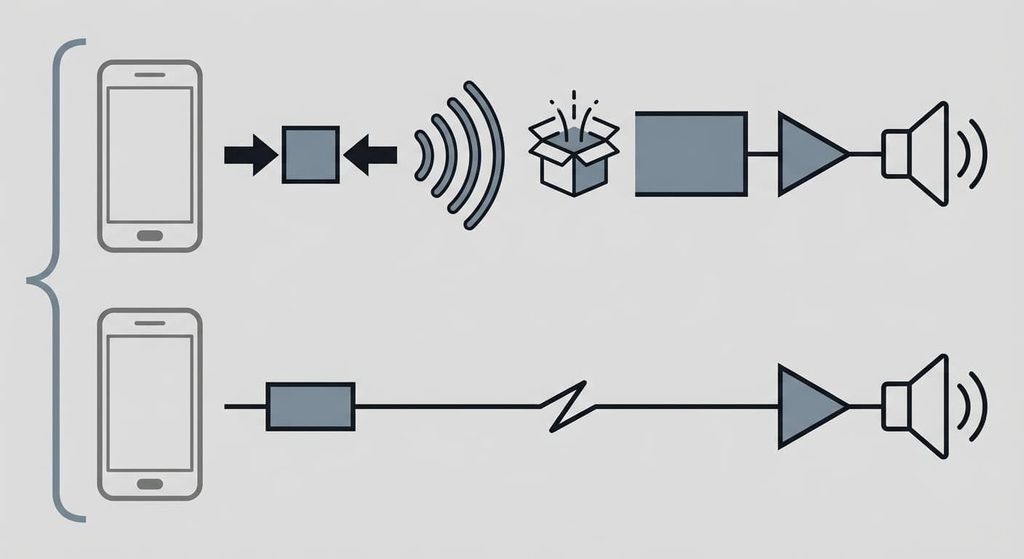
Both routes carry the same song across the same two metres of cabin. They differ in what the trip does to it. The property that settles it is what the signal must survive between the phone and the speakers.
On Bluetooth, the phone decodes the file and squeezes it again with a codec both ends agree on. Then it sends the result over a 2.4 GHz radio link. The head unit unpacks it. It converts the result to analogue and amplifies it. The baseline codec every audio device must support is SBC, and better ones exist only when both ends offer them. The pair picks the best match, and the car rarely announces which one won. A streamed track was already compressed before it reached the phone, so the radio link compresses it a second time.
On a cable, the phone’s own converter sends a continuous analogue voltage down copper. Nothing is squeezed. The lead can pick up noise instead.
I think the codec argument is oversold for a moving car. Compression throws away quiet detail that louder sound already hides. Tyre and engine noise hide far more than a quiet room does.
Play one quiet passage both ways at the same volume with the engine running, and choose on convenience if you can’t hear a difference.
Head to head: wired or Bluetooth connection for car audio
| What you’d check | Bluetooth | Wired |
|---|---|---|
| Path to the speakers | Encoded, sent by radio, decoded again | A continuous lead with no radio hop |
| First failure you meet | A late or missed reconnection when the engine starts | Crackle when a worn plug moves |
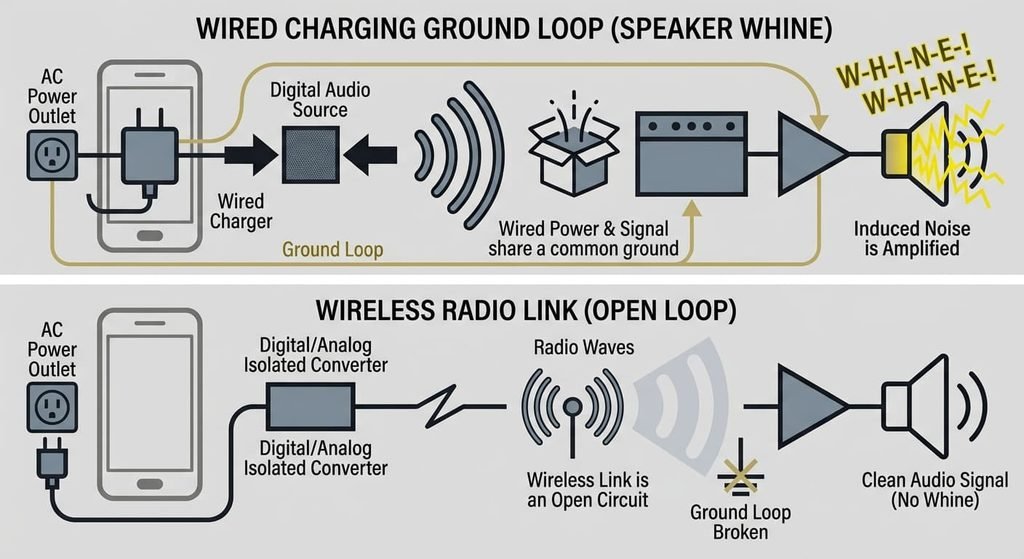
| Noise it can pick up | None from the car’s wiring | An engine-speed whine if the phone charges on a shared ground |
| When a call arrives | The link switches to a narrow voice profile | The call stays on the phone unless a radio link exists too |
| Effort per journey | Nothing, once the pair is saved | Find the lead and seat the plug |
| Wear over time | Software on two devices that must keep agreeing | Plug and socket contacts, and the cable where it bends |
| The hard limit | Send music without a second round of compression | Reach further than the lead allows |
Row three surprises people most, because the cable is meant to be the clean option. When the phone charges from the car’s 12 V socket while its analogue lead sits in the aux input, two ground paths form. The alternator’s ripple on that loop is heard as a whine that rises and falls with engine speed.
Where Bluetooth wins
Bluetooth wins on short, frequent journeys because nothing is asked of you. The phone stays in a pocket or a bag, and the head unit finds it as the engine starts. Bluetooth or wired connection for car audio hardly matters on a commute like that.
It wins where a cable would be in the way. A phone clamped to the dash for navigation may have its socket facing the wrong direction. Many head units also show the track title over the link’s control channel. They obey the steering-wheel buttons through it too, which an analogue lead can’t carry. Check yours before you rely on it.
The unglamorous reason is wear. Every plug and pull rubs the contacts inside the phone’s socket. A lead is a part you can replace in a minute, and the socket isn’t. Wireless spares it. It also ends the whine, since no lead links the phone’s ground to the car’s. A second driver’s phone joins the same way, with no lead to hand over
.Where a wired connection wins
A cable wins on long drives, mainly because it doubles as a charger. A lit screen running navigation and streaming drains a battery faster than a radio link alone. Its USB version puts charge back in as it carries sound. An analogue lead can’t do that.
It wins where the head unit’s wireless side is the weak part. An older unit may support only the baseline codec. It can also take a long time to find the phone, while a lead has nothing to negotiate. Plug it in and the sound is there. Pull it out and the sound stops.
It also wins when picture and sound must match. A radio link adds a delay. It is small for music, but it can show as a lip-sync gap if a passenger watches video on the phone while the car plays the audio.
Some head units play files from the phone over USB themselves. They skip the phone’s converter and the radio link. That varies by unit, so test it.
When neither is right
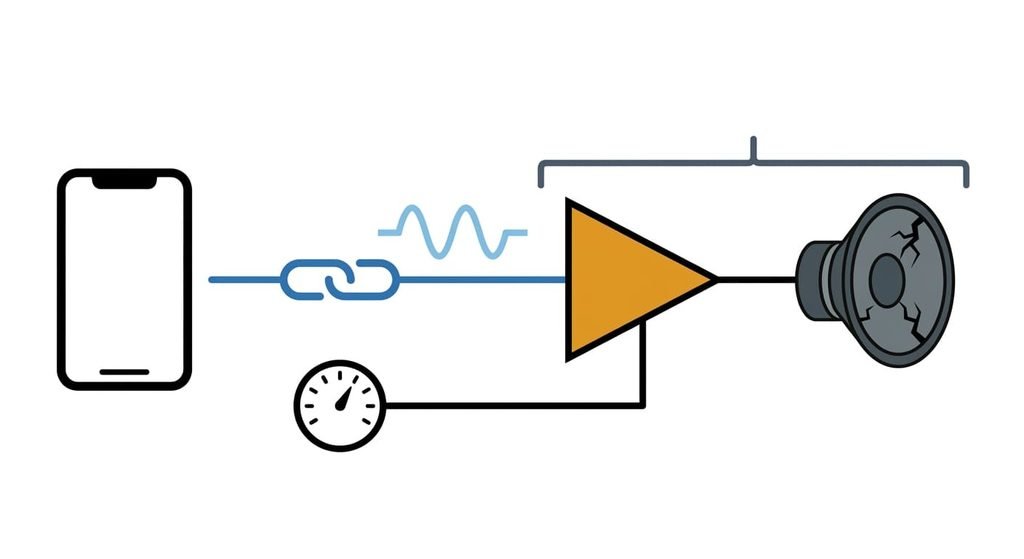
Bluetooth or wired connection for car audio matters little when the fault sits further along, in the speakers and the head unit’s amplifier. If music sounds thin or rattles on bass notes, the link isn’t the cause. Distortion at moderate volume points the same way, because the amplifier stage is clipping whatever sits upstream. Play the same track from the radio or a disc. If it sounds poor there too, a better link only delivers clean audio to a weak end.
A cleaner signal can’t repair a worn speaker.
Loose door panels and perished cone surrounds cause most rattles, and both are fixed at the door. A car with no Bluetooth and no aux socket leaves two stopgaps, and both rank below either option here. An FM transmitter shares the band with real stations and needs retuning when the car drives into a stronger local one. A cassette adapter feeds the tape head through moving contact that wears.
How to decide in thirty seconds
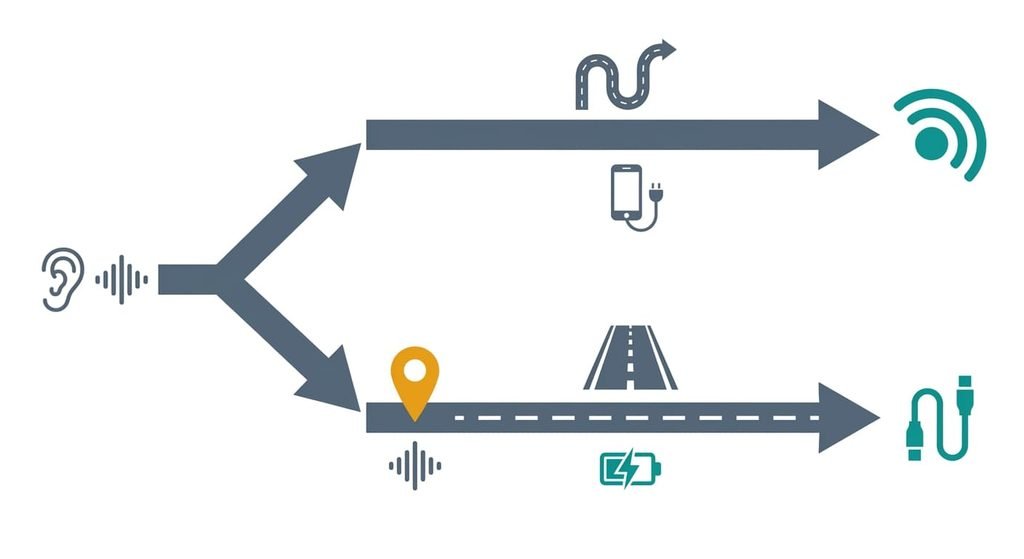
When your journeys are short, your head unit reconnects on its own and the quiet-passage test sounds the same both ways, take Bluetooth. When you drive for hours, want the phone charging as it plays or heard a difference in the test, take the cable.
Run the test once, in the car, with the engine on. Judge by your usual road, since the cabin’s noise is part of the answer. Switching between Bluetooth or wired connection for car audio costs nothing, because the cable can sit in the glovebox until the day you want it. A tie goes to Bluetooth, since the option that needs no effort is the one you’ll keep using.
Short trips and a head unit that links itself favour wireless. Long journeys, a phone that needs charge and a unit that supports only the baseline codec suit the lead. Choose the weak point you can live with: a missed reconnection or a cable to plug in. Most ears can’t tell the routes apart on a noisy road, so that weak point outweighs the codec. Which of those describes your car is a ten-minute test away.
Questions readers keep asking
Does a cable still make sense when the car already has Bluetooth?
Yes, in two cases: you want the phone charging while it plays, or the wireless link is the part that misbehaves. Otherwise the cable only adds something to find and plug in. Play a quiet passage both ways at the same volume, and keep the wireless link if you can’t hear a difference.
Why does car Bluetooth sometimes sound thin or crackly?
Thin sound usually means the pair settled on the baseline codec, or a voice profile is still active after a call and carries only narrow-band audio. Pausing and restarting the music often brings the audio profile back. Crackle on a cable points to a worn plug or a ground loop instead.
Which suits long drives better: Bluetooth or an aux cable?
A cable usually suits long drives, because a USB lead charges the phone while it plays and leaves nothing to reconnect after a stop. An analogue aux lead doesn’t charge anything, so pair it with a separate charger and expect the possible whine. Bluetooth fits short hops better.