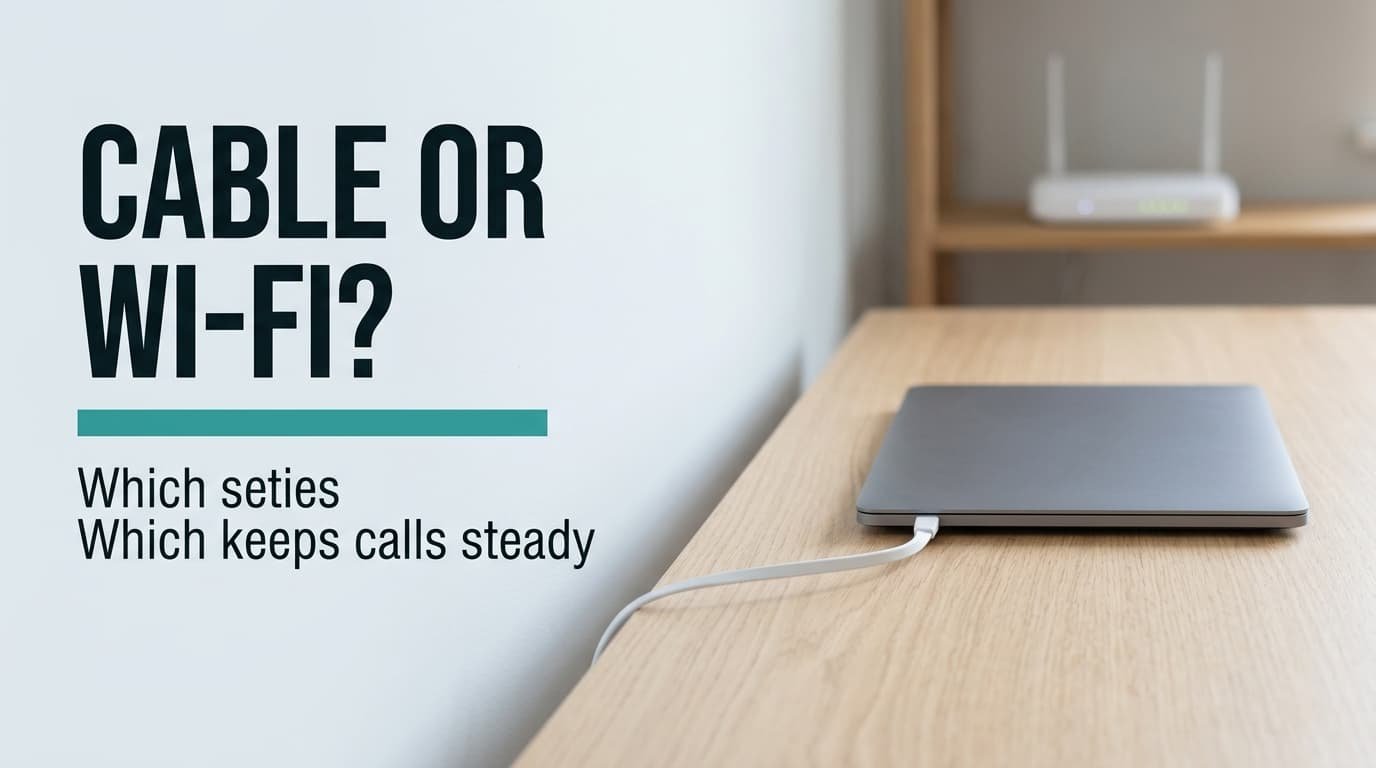
Wired Ethernet or Wi-Fi comes down to one rule: take the cable if you’re on video calls at the desk most days. Take Wi-Fi if the laptop travels around the flat. The property that decides it is the delay of the slowest packets, since the average hides the late ones. A cable puts a hard ceiling on that delay where radio leaves a long tail.
The worked case is a UK flat with a router 6 m from the desk, two neighbouring networks on the same channel and one daily video call. Every figure comes from that invented set-up, so use them as a method and put your own readings in.
Wired Ethernet or Wi-Fi: the one property that decides it
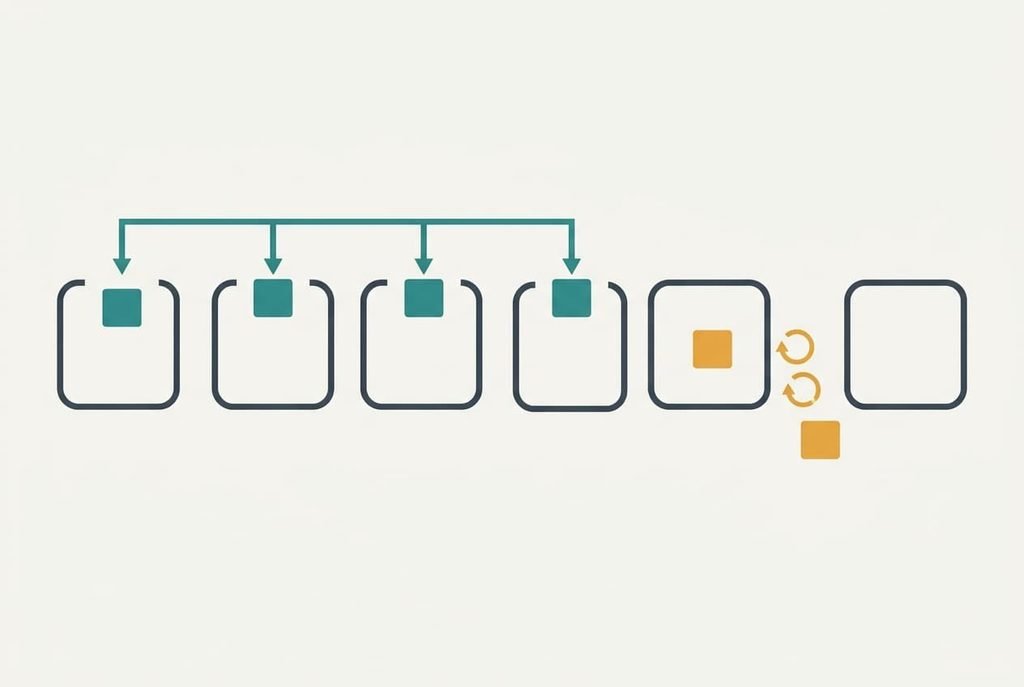
A call doesn’t fail when the average packet runs slow. It fails when a few packets arrive late. The app plays audio from a waiting room called a jitter buffer, and a packet that misses its slot is dropped. Take 50 audio packets a second, one every 20 ms. Give the app a buffer of 40 ms. A packet that lands more than 40 ms behind its slot is lost to the call, whatever the line’s average speed.
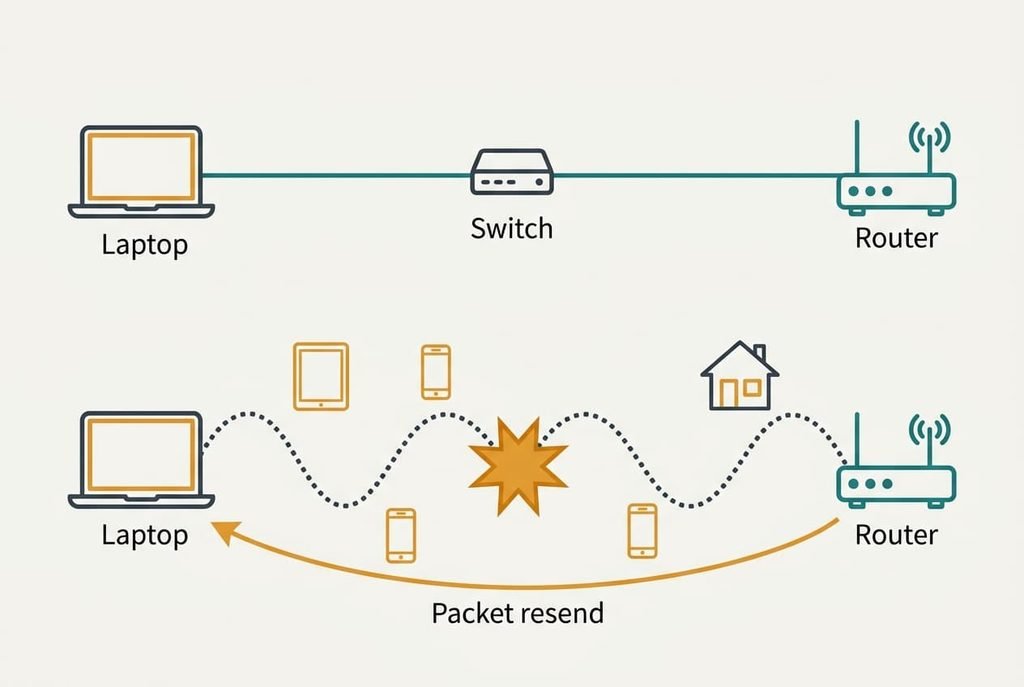
A switched cable gives each device its own full-duplex pair, so nothing queues behind a neighbour for longer than microseconds. Radio is a shared channel. A sender listens first, and if the air is busy or two frames collide, it waits a random time and sends again. Say each attempt fails with probability p and each retry costs 12 ms of backoff and airtime. A packet runs late only after four failures in a row, which has probability p multiplied by itself four times.
In quiet air with p at 0.05, that is 1 packet in 160,000, or one glitch every 53 minutes. On a busy evening with p at 0.3, it is 1 packet in 123, or one glitch every 2.5 seconds. Real radios also lower their rate after failures, so read the model as the shape of the problem rather than a forecast.
The cable has a ceiling and the radio has a tail.
Head to head at the desk
| Question | Wired Ethernet | Wi-Fi |
|---|---|---|
| What carries each packet | A dedicated pair of wires to a switch port, shared with nobody on the way | A radio channel shared with every device and neighbouring network in range |
| Two devices send at once | The switch queues one frame for microseconds | Both frames collide and each retries after a random wait |
| What interference does | Next to nothing on the wire | Raises the retry rate, so the slow tail grows |
| How it fails | Usually all at once, and a link light goes out | It decays: retries and delay spikes grow |
| What it can’t do | Follow a laptop to the sofa | Hold the same tail at 8 pm as at 8 am |
| What wears out | A cable crushed under a chair wheel | Nothing physical beyond placement and channel settings |
| What moving house changes | A new cable run | Nothing, the radio comes along |
The row on failure is the surprising one. A cable that fails whole is easier to diagnose than a radio that decays one retry at a time, because the link light tells you at once. A crushed cable can sit between the two and link up while it drops frames. One that works only on some days deserves a swap before any other test.
Where wired Ethernet wins for a home office
Ask wired Ethernet or Wi-Fi of any desk that hosts a daily call, and the cable answers first. Its tail doesn’t move with the hour. A big transfer running beside the call raises p on radio, since both share the same air. On a cable the transfer and the call each have their own wire.
The cable also wins when the desk sits behind a wall that radio crosses badly. Every failed attempt adds 12 ms, so a link with p at 0.1 sees a glitch roughly every 200 seconds, or 18 an hour. A docked laptop reads the same cable every morning with no decisions to make. It keeps a screen-share steady too.
Its plainest advantage is that nothing needs configuring. There’s no channel to pick and no password to re-enter. A cable that worked on Monday works on Friday. Run it once along a skirting board, and it stays out of your way for years. Nothing in the room competes with it.
Where Wi-Fi wins
Wired Ethernet or Wi-Fi stops being a contest for a roaming laptop, because only one of them travels. A laptop that moves between the desk and the sofa needs the radio for the second place. A clean radio is good enough for a call there.
Wi-Fi wins in a rented flat where drilling is forbidden. A cable across a doorway gets stood on and crushed, and a landlord rarely lets you fix it into the wall. The radio asks for nothing from the building, and most households already run one.
It also wins whenever the link is clean. With p at 0.01, the same model gives one glitch in two million seconds. A quiet 5 GHz link in the same room beats a worn cable. Phones and tablets have no port anyway.
Wi-Fi wins on one more point: nothing to fray. A cable’s plug can loosen after months of tugging, and a radio has no plug to loosen.
When neither is the problem
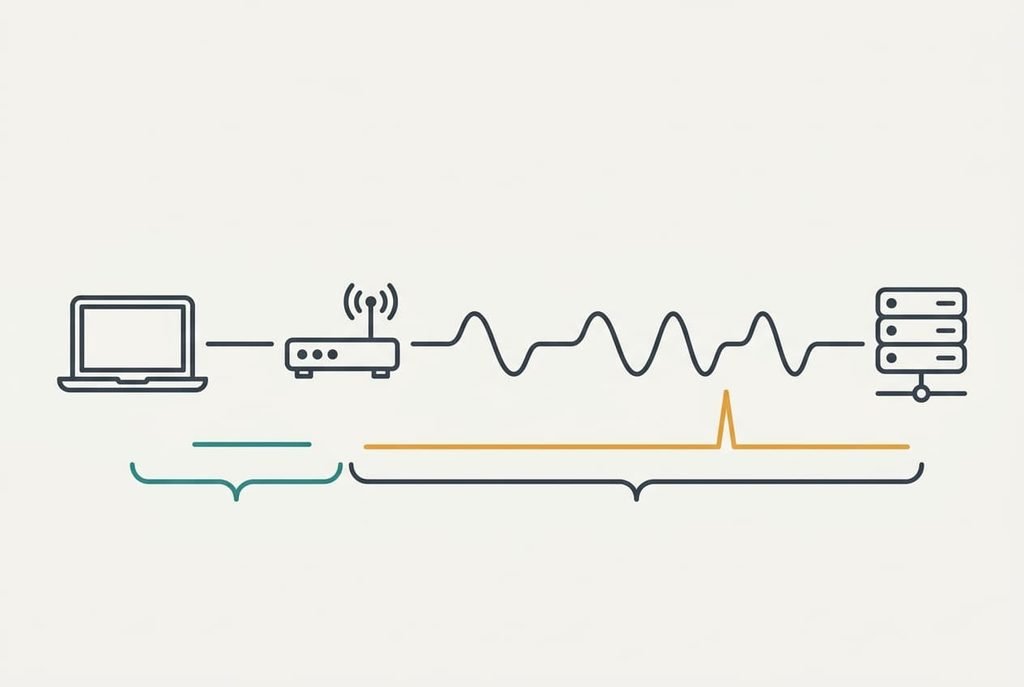
Sometimes the trouble starts beyond the router, and neither option fixes it. Change nothing when 300 pings to the router all come back under 40 ms, and send them in the busiest hour of the evening. Use `ping -c 300` on macOS or Linux and `ping -n 300` on Windows, with the router’s own address after it.
Repeat the test against a faraway site. If the router replies are clean and the faraway site shows the spikes, the delay lives upstream. The line to your provider sits out of a cable’s reach. If the router replies spike, the radio is the cause, and the cable becomes the fix.
A flat result means leave it alone.
I’d defend that test against the common advice to wire every desk. A clean radio has a tail of roughly nothing, and the cable then buys no call quality at all. I can’t see your neighbours’ networks from here. The numbers are the thing to trust, and the model is only the reason for them.
How to decide in thirty seconds
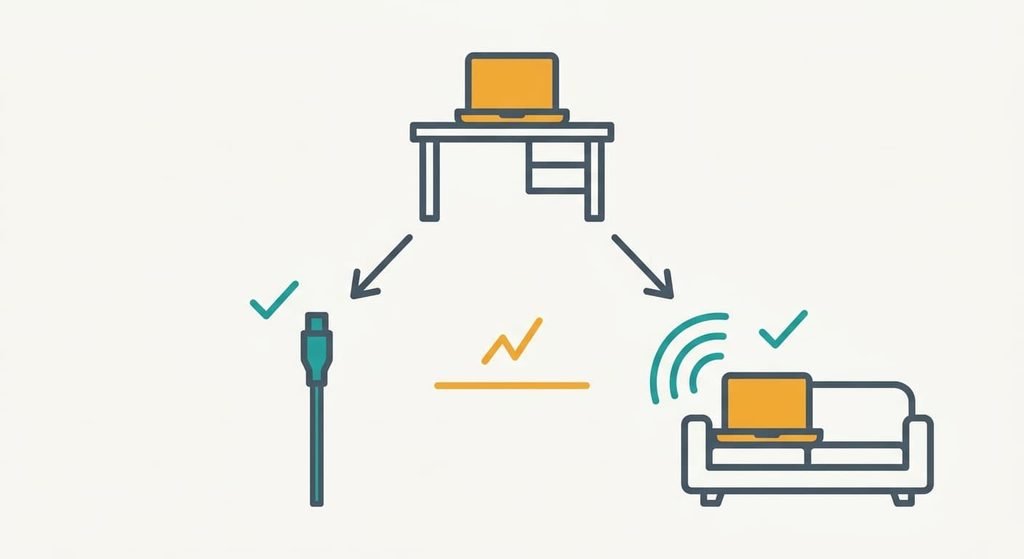
If you take calls at the desk most days and a cable can reach it, take wired Ethernet. The wired Ethernet or Wi-Fi question settles itself for you, because a fixed desk with daily calls gains the most from a bounded tail. Plug the cable into the laptop or its dock and leave the radio on as a spare.
If you move around the flat or can’t drill and the ping test comes back clean, take Wi-Fi. A clean radio gives the call the same quality, and it saves you a cable to route and replace. Run the ping test again whenever the evenings get busier.
Calls break on the slowest packets, and a cable bounds them where radio leaves a tail. Run the cable for a fixed desk and keep the radio for a roaming laptop. Let five minutes of pings overrule both when the air is clean. Whichever you pick, test it in the busy evening hour, since that’s when the tail shows. One evening settles it.
Questions readers keep asking
Is it hard to run an Ethernet cable to a home office?
Usually not. A flat cable can follow a skirting board or lie under a rug’s edge, and drilling is only needed to pass through a wall. The effort is the route, so measure it with string first. A long cable is fine, but every bend near a door is a place for it to be crushed.
Does Wi-Fi get worse in the evening?
It can. More neighbouring networks and devices raise the retry rate, so the slow tail grows while the average barely moves. A cable shares nothing with them and stays steady. Test at the busiest hour of the evening, since a noon test can look perfect and still hide the problem.
Which is better for a laptop that moves between rooms?
Wi-Fi, because the laptop leaves the cable’s reach, and a clean radio is good enough for calls on the sofa. At the desk, plug in when you dock, since most systems prefer the cable when both are connected. Many people keep both and let the laptop choose.