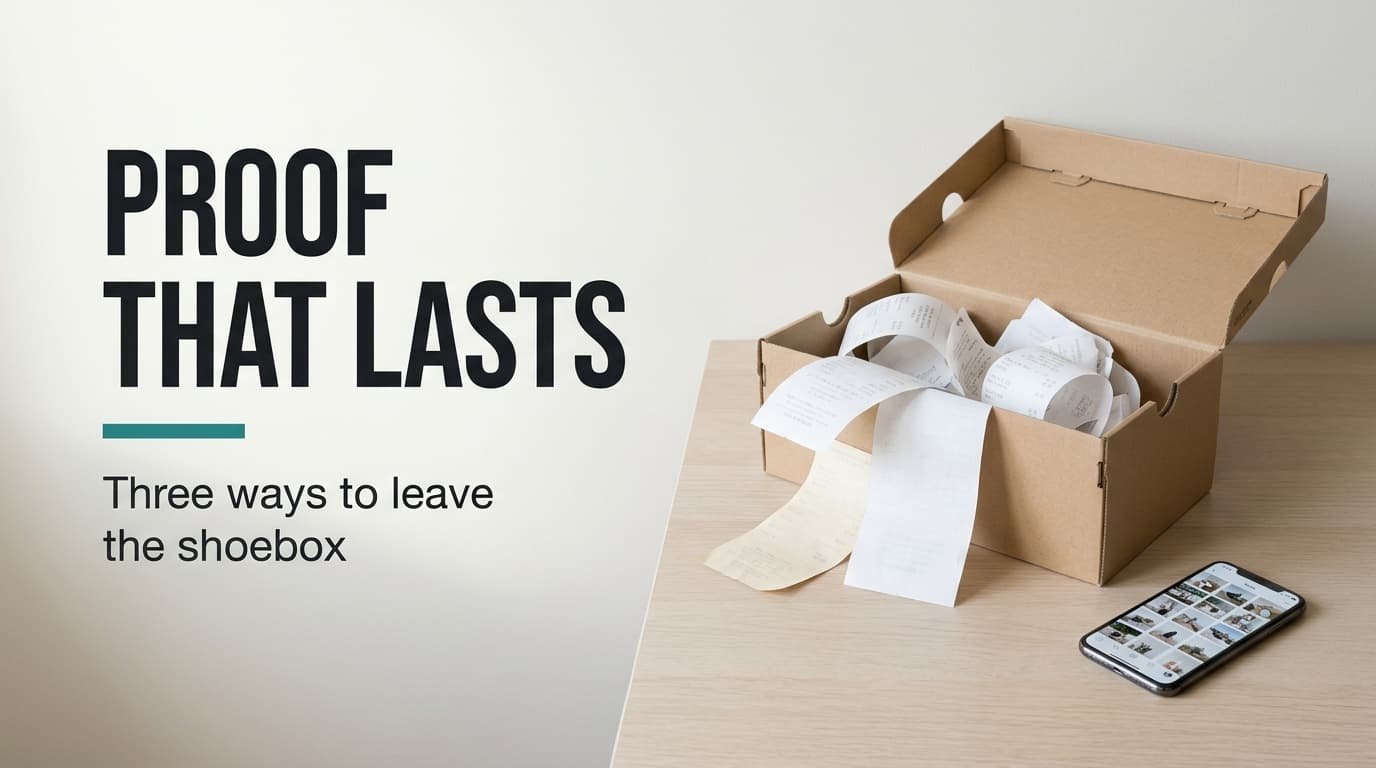
Can you put your hand on the dishwasher receipt in under a minute? Most people can’t, and the search ends in a box of curling paper. A receipt shoebox for tracking warranties holds its proof only until the print fades, which on till-roll paper can happen inside two years. This article sets out three alternatives, sorted by the price paid and the features lost. The example household is British, with 14 things under guarantee and a box of 64 receipts. Replace each figure with your own tally. No tool is named here, since names age quicker than the method.
What has to survive when you leave a receipt shoebox for tracking warranties
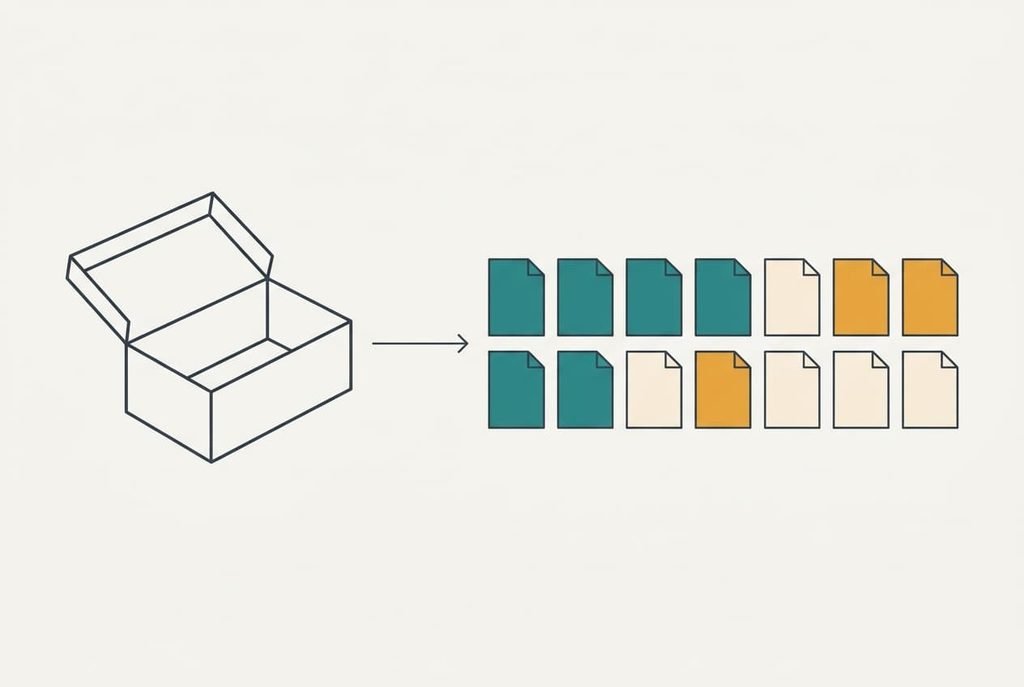
A claim needs two facts: the date you bought the item and the name of the seller. The shoebox stores both on a strip of paper, and it adds a hidden extra, which is a search that takes minutes. With 64 receipts in no order you check about 32 on average, at roughly 8 seconds each, so the hunt runs to 4.3 minutes. The example box also hides the weakness that ends claims. Assume 40% of till-roll prints fade to blank within two years. Of the 14 receipts still covering something, about 6 are already unreadable or close to it.
Whatever replaces the box has to keep those facts alive, and a replacement must record two dates and a seller name somewhere you can open in under a minute. The end date matters most, because a guarantee nobody remembers expiring is a guarantee nobody uses. Two tests follow. Can you still read the record in five years? Can you find it in a minute? Add a third requirement on top, which is a nudge before the end date arrives. A route that fails one of these has just relocated the problem.
Three things to use instead of a receipt shoebox for warranties
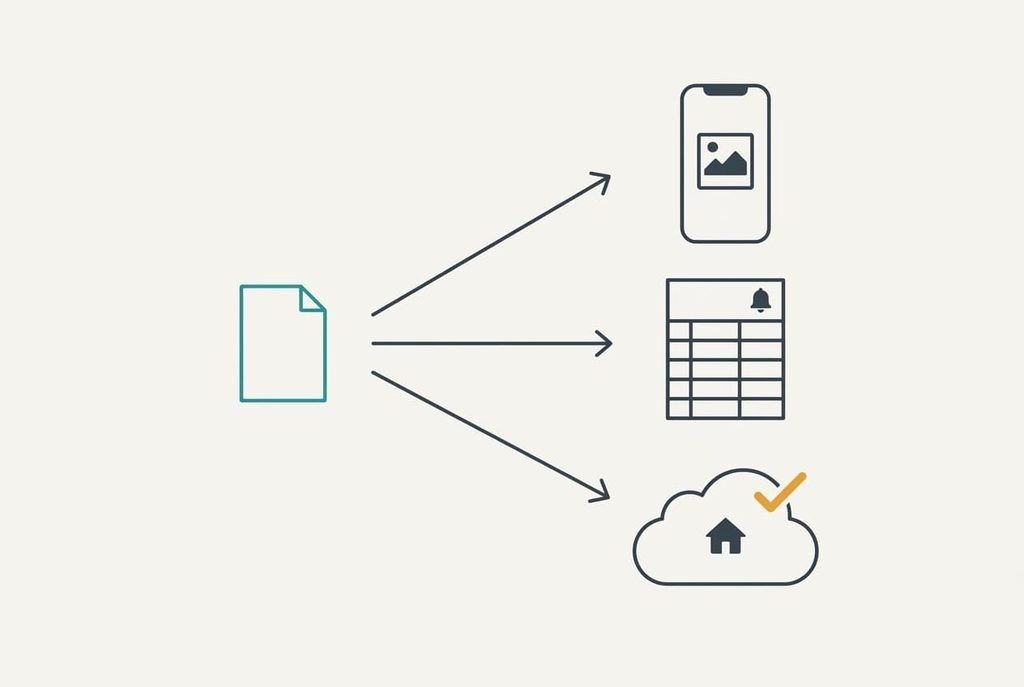
1. A photo folder on your phone. This suits anyone who buys little and wants no set-up, and it costs nothing beyond the habit. Each receipt takes about 20 seconds. Photograph it flat in daylight, name the file with the year and the item, then add the end date, for example 2026-03-dishwasher-end-2028-03. Your 14 live items take 14 × 20 s, or 4.7 minutes. The trade-off is silence, because the folder keeps proof and never warns you about anything, so an end date can pass unnoticed. The handset itself is the danger. A replaced phone without a backup takes the whole folder with it, and that tends to happen the week before a boiler fails.
2. A list with reminders in a spreadsheet or a notes app. This suits people who already maintain one. Each row holds a purchase date and an end date plus the seller’s name, and the reminder fires 30 days early. At about 90 seconds a row, 14 rows take 21 minutes. Search is quick, since typing the item name finds its row in seconds. One downside: the receipt image lives somewhere else, so every row has to point at a file. A pasted link to the photo closes most of that gap. Reminders usually fail when they’re set for the end date itself, which leaves no time to act.
3. A tracking service, or a retailer account that stores receipts for you. This suits households with many items and little patience. Receipts arrive by email and file themselves, so effort is close to zero. Forwarding a year of old messages needs around 15 minutes. The downside is that your data sits with a company, and shops outside its network never send anything. The risk is a closure, or an export locked behind a paid tier, which strands all 14 records.
The cost that shows up in month three
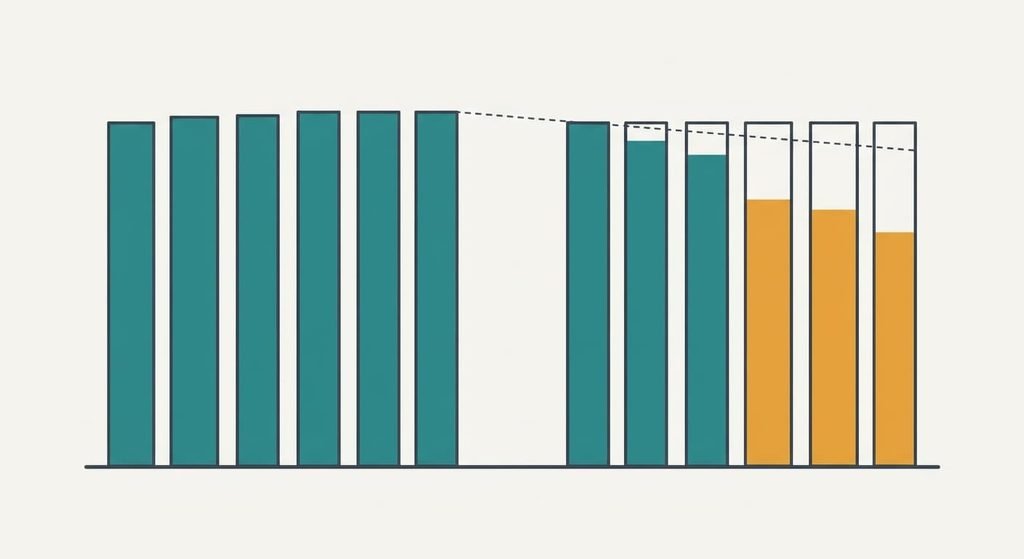
Logging starts at 100% and slips as the novelty fades. Assume you buy 6 durable items a quarter and log all 6 in month one and only 3 or 4 by month three. The routes that depend on your memory decay fastest, and the photo folder and the list both belong to that group. The service decays least, but it misses what shops outside its network sell, which in this example is 2 of every 6 purchases.
Habit decides the winner, whatever the feature list says.
If you choose the folder or the list, tie the logging to a moment that already exists, such as unpacking the box. The slide then flattens. A receipt shoebox for tracking warranties decays in its own way. Receipts go in and nothing ever comes out, so expiry dates still pass unseen.
How to move the live ones across in an evening
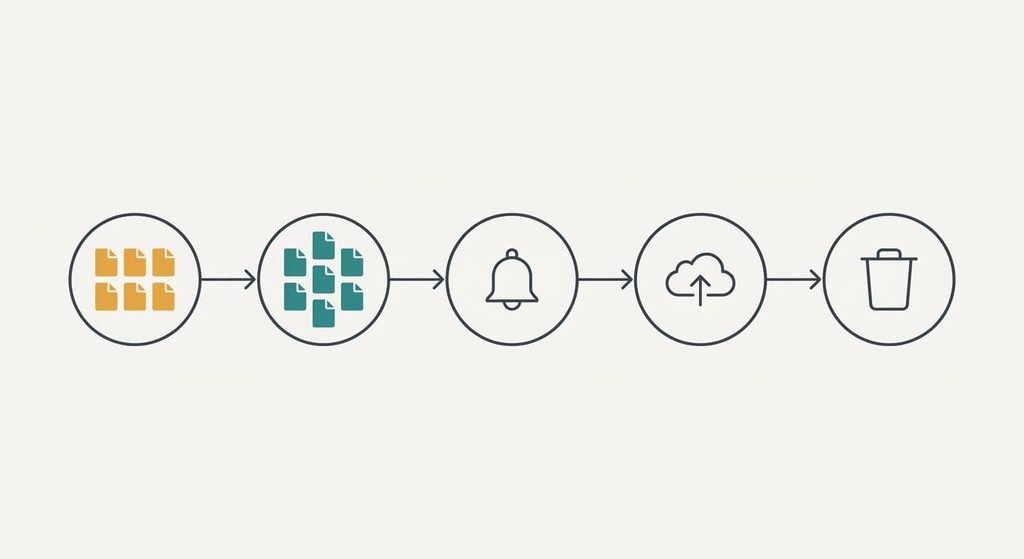
Start with the 14 live receipts and leave the other 50 for later. Do the 6 fading ones first, because their print is vanishing while you read this. Photograph each receipt flat on a dark table in daylight. Name the file straight away with its end date, and the whole batch takes about 5 minutes. Next come the reminders, set 30 days before each end date. That takes another 10 minutes or so. Back the folder up once before anything else changes.
Only then bin the paper from your receipt shoebox for tracking warranties, and only for items whose records you can read on screen. Wait a month, then clear the remaining 50 receipts, which cover items already out of guarantee. The box goes after that. Log new purchases on the day they arrive, because the first month sets the habit for the next five years.
When the shoebox should keep winning
Keep the box if fewer than four guarantees are live. At that scale a receipt shoebox for tracking warranties costs nothing and the search takes about a minute. One sweep on a fixed date each year can replace every reminder. On 1 January, pull out the receipts older than two years and bin them.
Ink outlasts thermal print.
Write the end date on the back of each receipt in ballpoint, since that’s the one piece of information fading can’t take. The paper route also suits a home where nobody takes a phone to the shop. It suits a home that makes one big purchase every few years too, since a single calendar note then does the whole job. Check the box once a quarter. That takes 4 minutes, and a missed expiry becomes unlikely. A route that gets used beats a clever one that doesn’t, and a box you actually open is better than a folder you don’t.
The export to test before you trust anything
Before you rely on any route, check that your records can leave it. Export one record and open it somewhere else, then judge the result. With the photo folder, copy it to a second device and open three files. The list needs a download as a plain table, after which you confirm that dates still read as dates. A request for the service’s export comes next, plus a check that the receipt images arrived with the data. That same test shows how long a move would take, so you know the effort early. Ten minutes on this test is cheap, because a closed door found in month 20 costs far more than one found today.
The right route is the one whose failure you can survive. A lost phone and a closed service end differently, so choose the ending you can fix. Photograph the six fading receipts tonight and run the export test this week. Once both are done the box has no job left,.
Questions readers keep asking
Will my receipts move over if I change tools later?
Usually, if you test it early. Photos copy anywhere, and a plain table opens in any program. A service is the risky case, because its export may leave out the images or the dates. Run the ten-minute test now, while you still have the paper originals to fall back on.
Does going digital cost more than the shoebox?
The folder and the list cost nothing extra beyond 5 and 21 minutes of set-up. A service may add a recurring fee that outweighs its convenience. The shoebox isn’t free either. It costs a four-minute search per claim, plus the claims you lose when the print has faded.
Is it worth the disruption of switching?
It is worth it once you hold four or more live guarantees. Below that, a yearly sweep of the box does the job. Above it, the evening of set-up pays for itself the first time you find a record in 30 seconds instead of 4 minutes.