Ask most people what their smart speaker does and they say timers, mostly. Before you weigh alternatives to a smart speaker for that job, find out what the device quietly keeps for you, because the reminders hold the only data that’s hard to rebuild. A timer ends when it rings. A reminder can sit on the speaker’s account for months, carrying a date that nobody else remembers. The household in these sums is made up, a typical UK kitchen with a speaker on the worktop. Swap in your own counts as you read. Brand names and prices are left out on purpose.
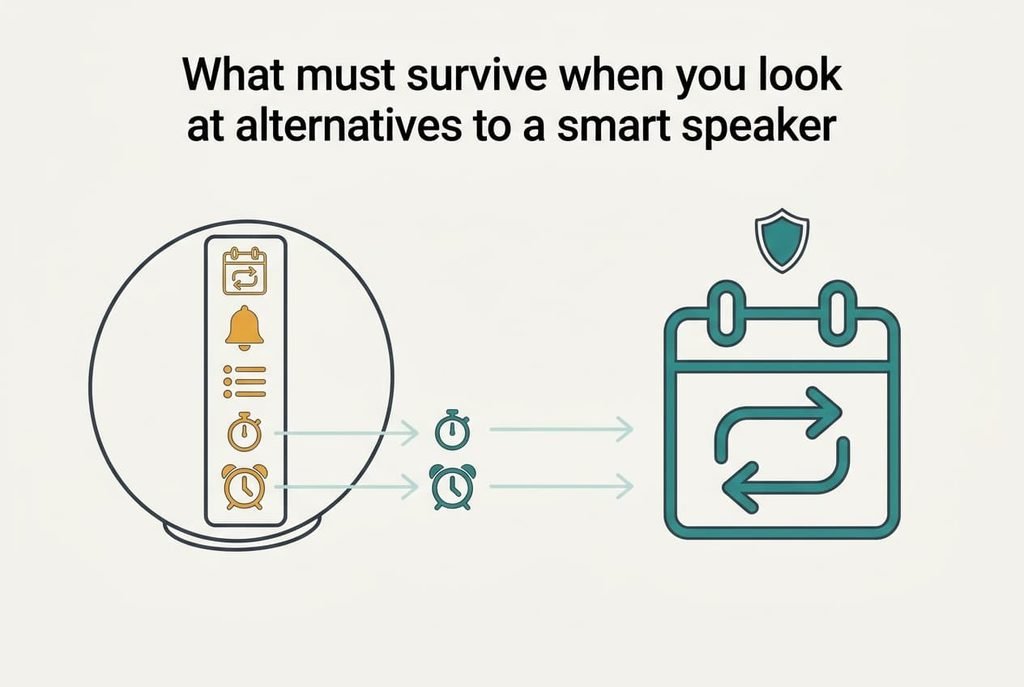
What must survive when you look at alternatives to a smart speaker
Count what the speaker holds. There are five kinds. Recurring reminders pair a task with a repeating day and hour. One-off reminders wait for a single moment and then vanish. The shopping list is a running tally. Named timers are small presets, like one called oven. Alarms are the last kind.
Most households never count them, so the totals come as a surprise. Typical recurring ones cover the bins and a monthly meter reading. Our made-up household has 14 recurring reminders and 9 one-offs still waiting. The list has 23 lines. Four timers carry names and six alarms are set.
Rebuilding differs sharply by kind. Alarms and timers take seconds because they hold no history. The shopping list can be read off the app screen and retyped in about 4 minutes. The item that deserves protection is the 14 recurring reminders, because each holds a date and an hour that nothing else in the house remembers. Lose them and you’d first notice when a bin collection goes missing, weeks later. Each of those 14 lines is a small promise to yourself.
A missed reminder never announces itself.
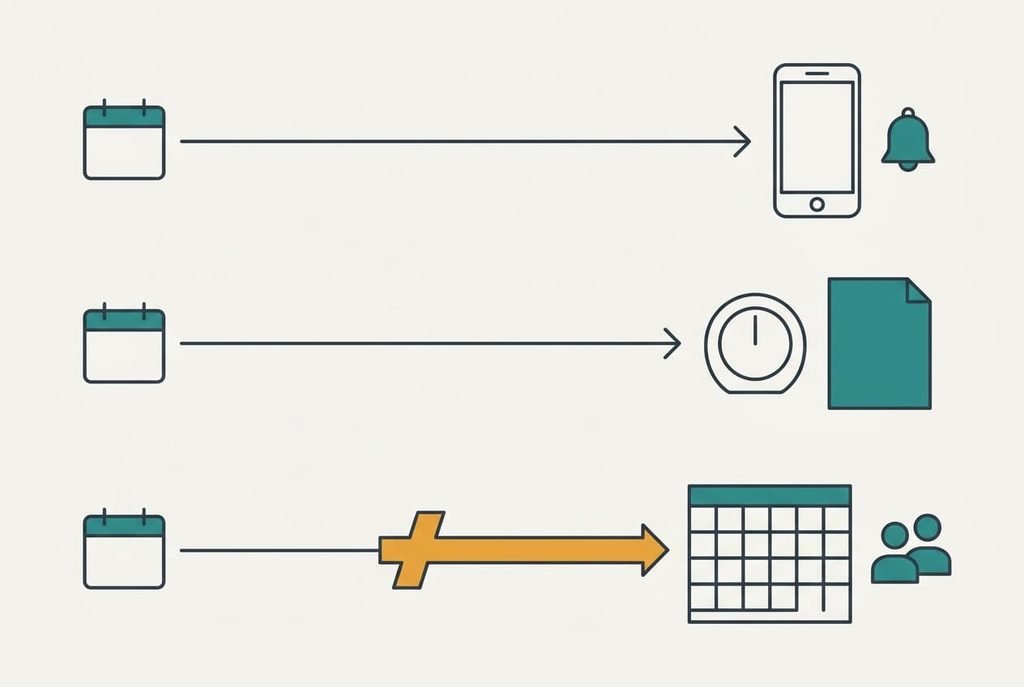
Smart speaker alternatives: which route suits you
1. Your phone’s built-in reminders and timer. This suits anyone whose phone is never far away, and it costs nothing, so alternatives to a smart speaker can be free here, though the move isn’t painless. Reminders and timer also live in one place, which keeps things tidy. Expect more effort per use, because each timer needs a finger, which is awkward mid-recipe. Moving the data takes about 23 minutes. Retyping 14 recurring reminders at a minute each is 14, the 9 one-offs at half a minute are 4.5, and the list adds 4. The failure to watch is silent mode. A reminder that never sounds looks the same as one nobody set.
2. Dial kitchen timer with a paper list on the fridge. Cooks who want one loud countdown will like this, and so will a household that passes the fridge daily. Nobody has to charge it or update it. You spend a little once, and the daily effort is the smallest of the three. Copy the 23 lines onto paper in about 4 minutes. Put the recurring reminders on a monthly wall planner in about 14. The dial replaces the named timers. The dial’s drawback is simple: it runs one countdown, so two dishes at once need two dials, and paper can’t prod anyone who isn’t looking.
3. A shared calendar with repeating events and alerts. This suits two adults who both need the bin reminder, and it’s free. Both adults get the alert on their own phones, even when one of you is out. The cost here is features. Speaking a reminder aloud goes, and so do named timers, which calendars lack. Recurring reminders transfer well, since a repeating event carries its own date and hour and you add an alert. Fourteen events at a minute each is 14 minutes, and the one-offs add 4.5. Check the alert times, because an all-day event may sound at an odd hour, and give each one a clock time.
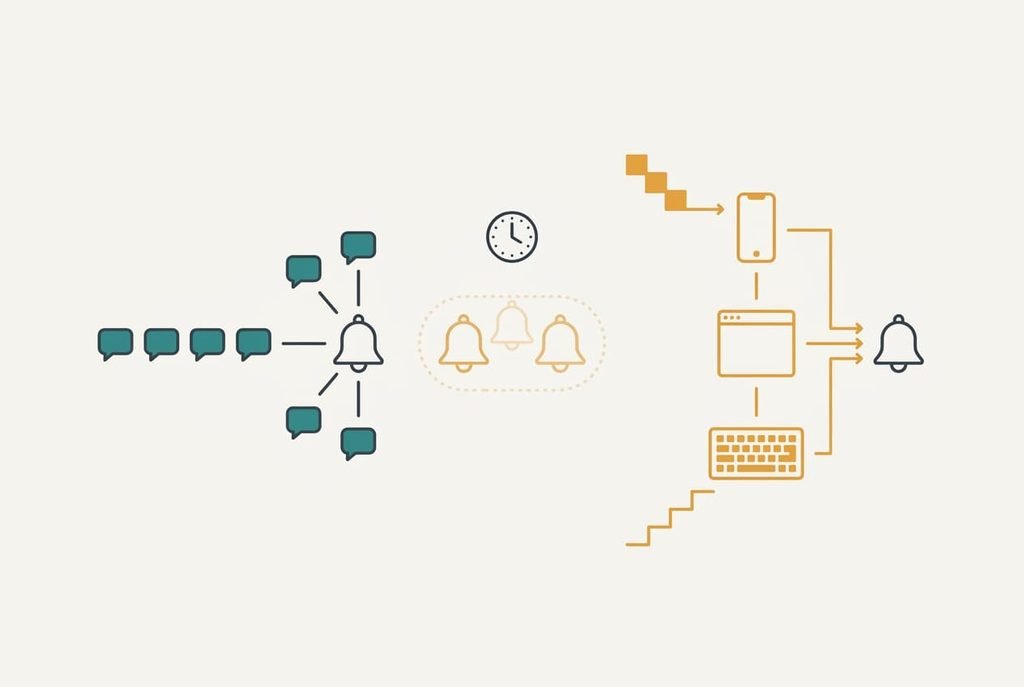
The cost that turns up in month three
What month three exposes is the reminder you stopped making in the moment. Speaking to the speaker took about 4 seconds. A phone means waking the screen and opening an app before typing, which takes around 25 seconds. Hands are often wet at that moment, and any notification that appears on the way stretches the figure further.
Take 6 new reminders a week and assume one in five goes unmade. That’s 1.2 a week and roughly 62 a year, or about 186 over three years. The extra 21 seconds each is small beer. The reminders that never exist are the actual cost, and they pile up slowly enough that nobody connects them to the switch. Over those three years the bill arrives as late payments and double bookings, rarely as one dramatic miss.
Voice timers suffer too: a dial or a phone pulls you over to the counter.
How to move without losing a reminder
Write the lists out first, as the final section describes. Then rebuild the 14 recurring reminders one at a time, giving each an alert in its new home. Add the 9 one-offs in date order so the nearest is rebuilt earliest. Leave the shopping list until last. It changes daily, and a copy made today has gone stale by Friday.
Keep the speaker plugged in for a whole month, and don’t touch its reminders. That gives each monthly reminder a chance to fire in both places. Once a recurring reminder has sounded in the new home, delete its twin on the speaker. Test one fresh reminder two minutes ahead with the phone set the way you really use it, and listen for the sound. Pull the plug only after all 14 have fired.
When to stay with the speaker you have
Staying wins if you start timers with your hands full on most days, since a spoken command beats every substitute at that single job. Five timers a day is a reasonable line. Keep the speaker too if the whole household already shares reminders without effort and nobody has missed one in months.
Alternatives to a smart speaker will wait. They’ll look the same next season, and the retyping will cost the same 23 minutes. A move made out of annoyance costs exactly what a calm one does. If the app still shows your reminders on screen, you can leave whenever you like, so the decision can wait for a quiet week.
Ask each person in the house which speaker job they would miss most. If the answer is timers by voice, you’ve found your reason to stay. Many households find the speaker does two jobs well and the rest rarely, and that’s a fine place to settle.
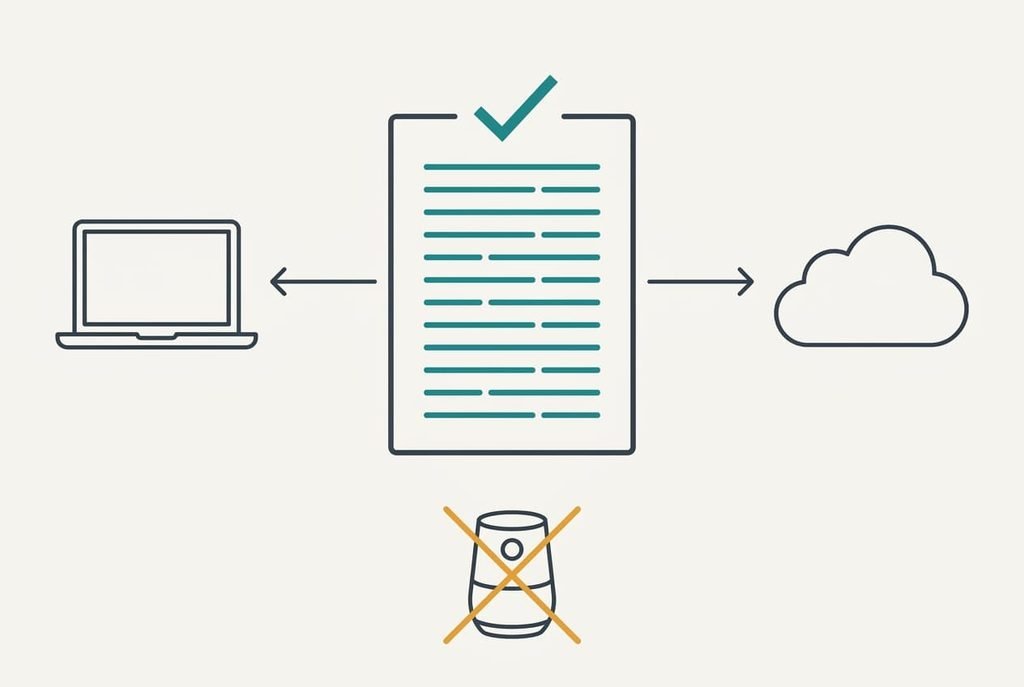
The written list that protects everything
Before you compare any route, write each recurring reminder on one sheet, keeping its wording next to its schedule. Reading 14 reminders off the app and writing them out takes about 10 minutes. Count the lines against the app’s own total so nothing is skipped. Add a note of who each reminder is for, since two people may share one speaker. Keep a copy on a laptop as well as on paper.
Then test the sheet once. Choose two reminders, rebuild them from it somewhere else, and see whether the sheet held everything needed. A list nobody has tried is a guess, and a tested one is evidence.
Alternatives to a smart speaker all start from that sheet, so it comes first. After that, run both setups for a month. Retire the speaker when the replacement has proved reliable, because this sheet is the cheapest insurance on the whole page. It takes ten minutes now and saves hours of guesswork later.
Questions readers keep asking
Do my reminders move across on their own?
Not in any common format that other devices read. You can usually see them on the display, so you copy them by hand. For our household that means 14 recurring and 9 one-off reminders, around 23 minutes of retyping once the sheet exists.
Does changing over cost money?
Seldom in cash. A phone or a shared calendar is free, and a dial timer is one small purchase. The larger cost is the reminders you stop setting, so count your recurring ones first and judge the effort in minutes, not pounds.
Is it worth the hassle?
Only when the speaker has stopped doing a job you rely on. While it still starts timers by voice and your reminders still sound, waiting costs nothing. Write the sheet now, so a surprise failure never leaves you rebuilding 14 reminders from memory.