A text says your parcel is held and a fee is due today. The link is right there. Six steps and about 25 seconds tell you whether to open it, and the answer comes from reading the address, never from the message around it. What follows is a way to check a link before you click it, using two invented addresses. If the domain matches the service you expect, open it. If it doesn’t, reach the service yourself through its app or a typed address. The method suits texts and emails, works on chat messages too and needs no software.
What You Need to Check a Link Before You Click
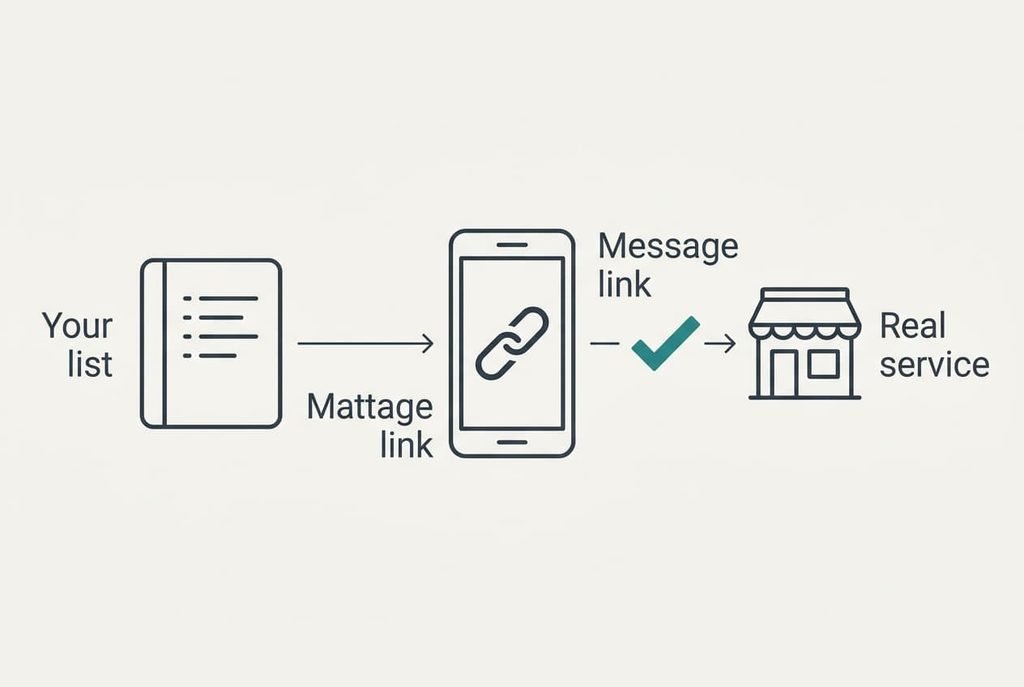
You need the real addresses of the services that message you. Most people skip this and then have nothing to compare against. Write down the real address of every service that may text or email you, such as your bank and your parcel carrier. Add your mobile provider too. Type each one yourself, or copy it from a bill or a card, and keep the list in a note app.
A tidy list holds about five addresses and takes ten minutes to make. Each entry is a short domain such as mybank.co.uk, with nothing longer attached. Memory is a poor substitute when you check a link before you click, because a false address that differs by one letter looks right at a glance.
You also need a message app that shows the full address when you press and hold a link, and many do. Without that preview you’ll have to rely on step six alone.
Two invented addresses carry the examples. The first is parcelhub-track.delivery-recheck.top/pay, from the parcel text. The second is mybank.co.uk.secure-login.info/verify, from an email that claims to come from your bank.
How to Check a Link Before You Open It
1. Notice the pressure first. A deadline measured in hours, or a fee you didn’t expect, is a common feature of false messages. It matters because pressure is built to make you act before you read. You know it’s present when the message sets a limit under a day or asks for payment or a login. Note it and read on, since the address still decides.
2. Read the whole address without opening it. Opening is the risk, so use the preview your app offers. Every character up to the first single slash must be visible. You know you’ve done it when you can read the address aloud to someone beside you.
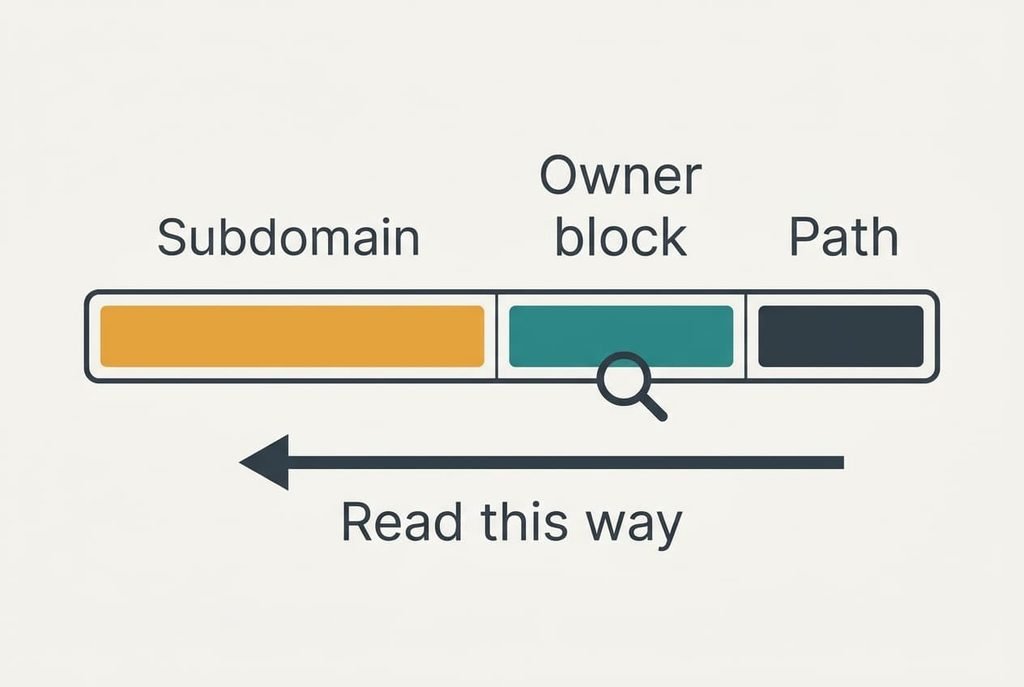
3. Find the host, which is everything before that first single slash. What follows is a path the site’s owner chose, and it proves nothing. In the first example the host is parcelhub-track.delivery-recheck.top, and in the second it is mybank.co.uk.secure-login.info. A path such as /pay or /verify tells you what the page wants from you, never who runs it. You know you’ve found the host when a fingertip can circle one unbroken stretch.
4. Read the host from the right. Two blocks name the owner, or three when the ending is a country block such as co.uk. Our first example ends with delivery-recheck.top, so that is the owner. Our second ends with secure-login.info, and its mybank.co.uk sits at the left as decoration. You know you’re right when the owner block matches an entry on your list.
5. Check each letter of that block for lookalikes. An r beside an n can pass for an m, and a 1 can stand in for an l. They work because phone fonts are small and the eye fills in what it expects. Read the block slowly, one letter at a time, and you’ll know it’s clean when it spells your list entry exactly.
6. Decide. Open the link only when the owner block matches and you were expecting the message. Otherwise open the service through its own app or a typed address. Keep the message until you’ve reported it, because deleting it throws away the evidence. You know you’re finished when you’ve either opened a matching link or reached the service by another route.
How to Test That the Check Worked
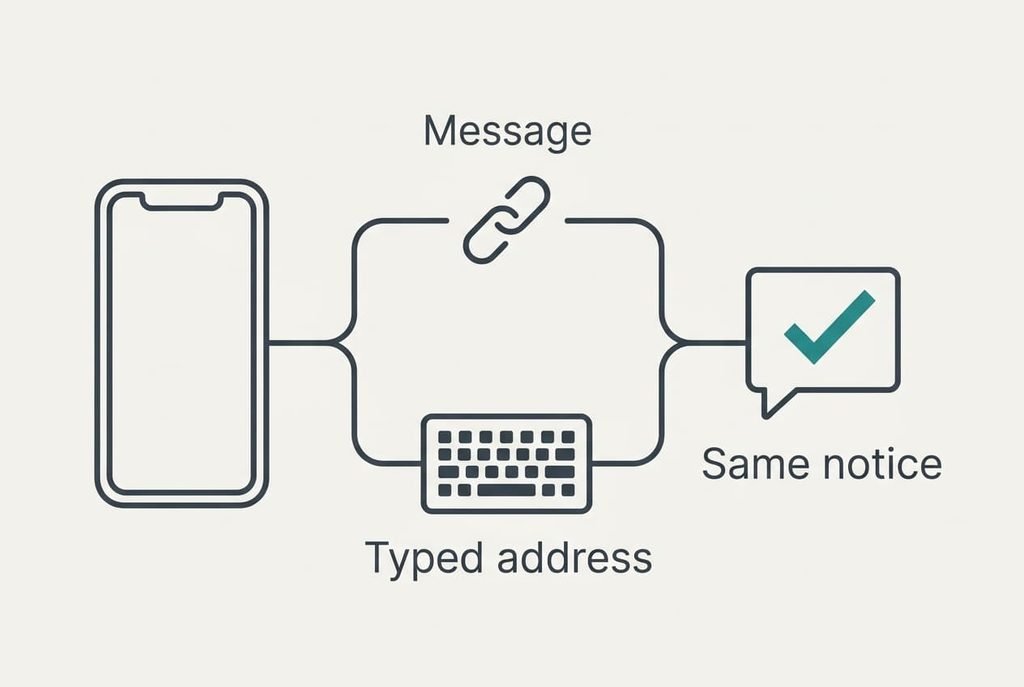
A finished check leaves you with one of two outcomes. Either the link goes where you expected, or you’ve reached the service another way.
Both outcomes are a good result.
Now prove it. Type the service’s own address or open its app, then look for the same notice there. A real parcel fee or a real bank request will show up in your account within a minute. If nothing appears, treat the message as false. That holds even when the link looked right, because a careful sender can copy a good address closely. Report it to the service first, because deleting it before then throws away the evidence.
Time yourself once. With the list in hand each step takes about five seconds, so six steps come to about 25 seconds. Anything over a minute means you skipped the list.
Where the Check Stalls
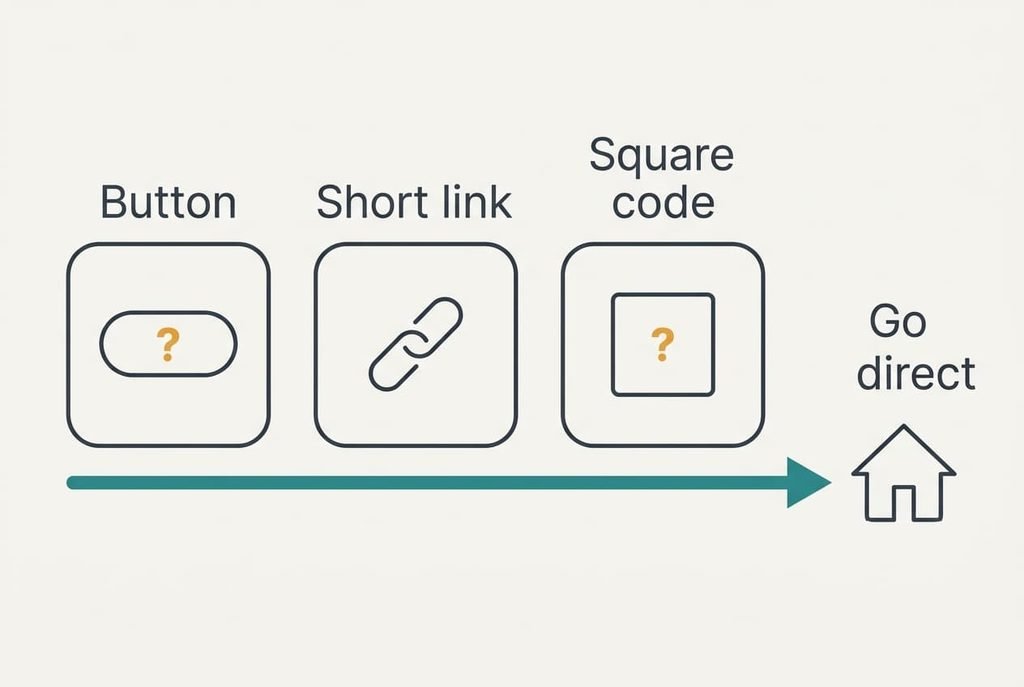
Three things can stop you as you check a link before you click it. Each has a way round.
A button instead of an address is the first. Some messages hide the link behind words such as “Track now”. The preview then shows the label and never the address. Treat that as unverified and go to the service directly.
A shortened link is the second. Short addresses hide the real host, so step three has nothing to read. Opening one to see where it leads counts as visiting it. If your app can’t expand it safely, skip the link. Use the service’s own app instead.
A code to scan is the third. A square code carries an address you can’t read until the phone decodes it. Use the camera’s preview of the decoded address and run steps three to five on it. If no preview appears, go direct.
A Step Not Worth Taking
People often paste the address into a website that rates links, and it rarely helps. Such sites compare an address with lists of known bad ones. Brand-new false addresses aren’t on any list yet, so a clean result gives false comfort. The address you paste can also hold a personal code from the message, which you’ve then handed to a stranger. The step adds delay as well, because the result can take longer than all six steps together.
Reading the owner block takes seconds and keeps the address on your phone.
Nothing in the method needs an outside service to check a link before you click. If the check is still unclear after two minutes, use the app instead. That rule replaces any outside rating, at the price of a short detour to a service you already trust. A habit of handing every address to a stranger also teaches you to skip the one skill that works fastest when it’s yours.
The whole method fits in one habit. Read the host from the right and compare the owner block with your list. When anything differs, go to the service directly. You don’t need to decide whether a message is clever or clumsy, since the address settles it. With practice you can check a link before you click it faster than a kettle boils. Keep the list current, because a new service that texts you is a new entry to add.
Questions Readers Keep Asking
How long does the check take?
About 25 seconds with your list ready, at roughly five seconds a step. The first time may take two minutes because you’ll be reading each part slowly. After a few tries steps two to four become automatic, and the list is the only thing you’ll still need to look up.
What if the owner block matches but I don’t recognise the message?
Don’t open the link. A matching block means only that the address belongs to the service, and a sender can still lie about the reason. Open the service’s own app and look for the notice. If it isn’t there, report the message, because a genuine one will show up in your account.
Does the padlock in the address bar prove a site is safe?
No. The padlock shows that the connection is encrypted, and anyone can get one for any address. It says nothing about who owns the site, so it can’t tell a real bank from a copy. Keep reading the owner block instead, because that’s the part a sender can’t borrow.