A gaming laptop or a console will both put a game on the screen, though the actual decision is about what else the machine must do. The laptop wins when it also has to carry your work, and the console wins when it only has to play. Our conditional verdict rests on one property: whether you would need a laptop anyway. The example is Priya, who lives in a Manchester flat with a single bedroom and works from home three days a week. All numbers below are assumptions made for the example. Compare each with your own flat and your own games.
Why a Gaming Laptop or a Console Comes Down to the Second Job
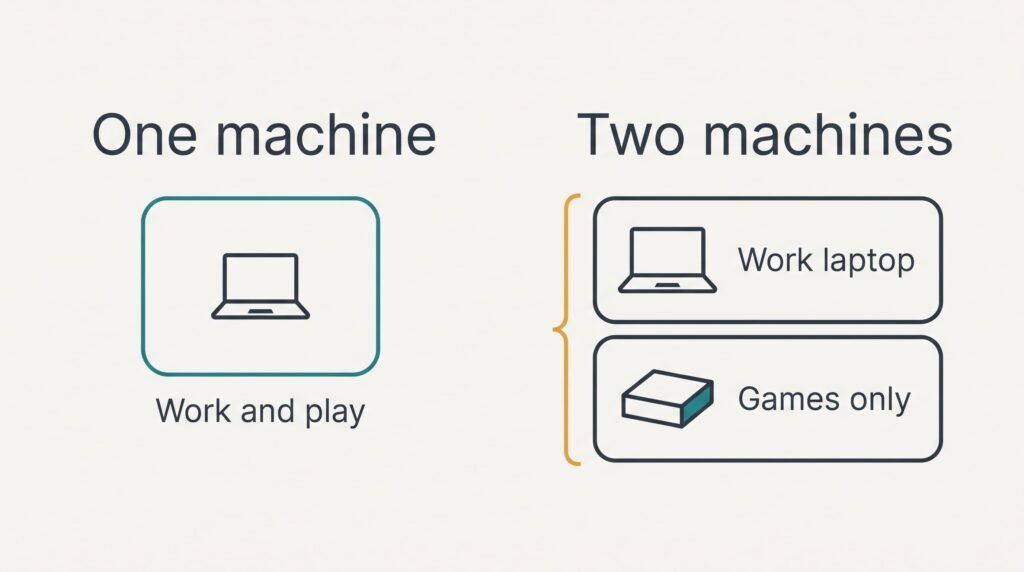
Set up well, either machine runs the same kind of game at a similar level of detail. They differ in what each one asks of the flat around it. A laptop is a computer first and fits wherever a desk and a socket do, whereas a console is a sealed box that expects a screen across the room. Priya’s answer turns on whether she’d own a work laptop anyway, because that decides how many machines the flat must hold.
Her week is easy to count. She works 3 days at 8 hours, which is 24 hours on a laptop she needs regardless. She plays 2 hours on each of 5 evenings, or 10 hours. A gaming laptop would carry all 24 + 10 = 34 hours on a single machine. With a console, the work laptop keeps its 24 hours and the console takes the other 10.
The flat therefore holds either 1 machine or 2. The same 10 hours of play also happen in different places: at a desk about 50 cm from the screen, or on a sofa about 2.5 m from the television. Priya’s living room is 3.5 m long. A sofa position 2.5 m from the wall television is realistic for her.
Gaming Laptop or Console: Side by Side in Numbers
| Point | Gaming laptop | Console |
|---|---|---|
| Second job | does your work and study as well | plays games and video only |
| Machines Priya must own | 1 | 2, because the work laptop stays |
| Weekly hours on the machine (sample) | 34 | 10 |
| Shelf space added (sample) | none beyond the desk it already uses | 30 × 28 = 840 cm² plus a lead to the TV |
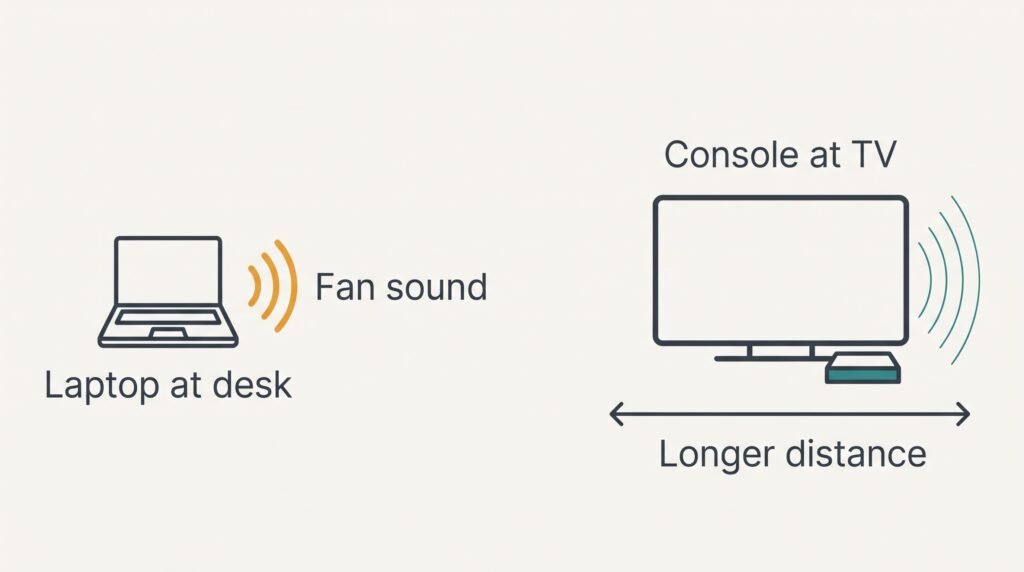
| Fan distance from your ears (sample) | 0.5 m at a desk | 2.5 m from the sofa |
| Settings to choose | you pick quality and screen size for each game | tuned in advance for one fixed set of parts |
| Where it plays at full strength | plugged in at a desk or table | at the TV only |
The surprising row is fan distance. Moving the same fan from 0.5 m to 2.5 m away is a factor of 5, and sound in open air drops by 20 × log₁₀(5) ≈ 14 dB over that distance. That assumes two equally loud fans, and real machines differ. Even so, the extra distance alone gives a clearly quieter evening in a small room, where nobody wants a fan whirring beside the ear for two hours at a stretch. A laptop’s fan can’t be moved away from you, as the fan is built into the case.
Where the Gaming Laptop Wins
A gaming laptop earns its place through the second job. Priya needs a work machine for 24 hours a week, and one laptop that can also play covers the full 34 hours. The flat keeps 1 machine instead of 2. The shelf stays as it is and the television keeps its free sockets.
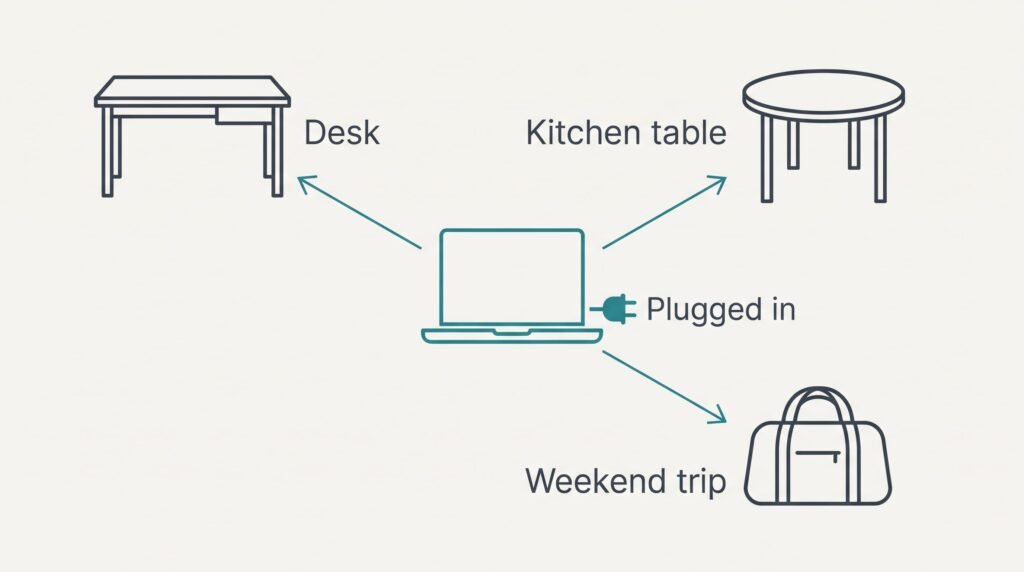
It also plays without the television. Where one TV serves the whole flat, anyone watching something doesn’t block an evening of play. A laptop works on the kitchen table or at the desk in the bedroom, and it travels to a friend’s flat for a weekend. Its screen also stays private when someone else wants the lounge quiet for the evening.
Settings give a laptop more reach too. Priya can lower the detail of a demanding game to keep it smooth, or raise it for a quiet one. A gaming laptop or a console each have limits, yet the laptop lets her trade detail for smoothness herself.
Many gaming laptops slow down on battery. Plan to play plugged in.
Where the Console Wins
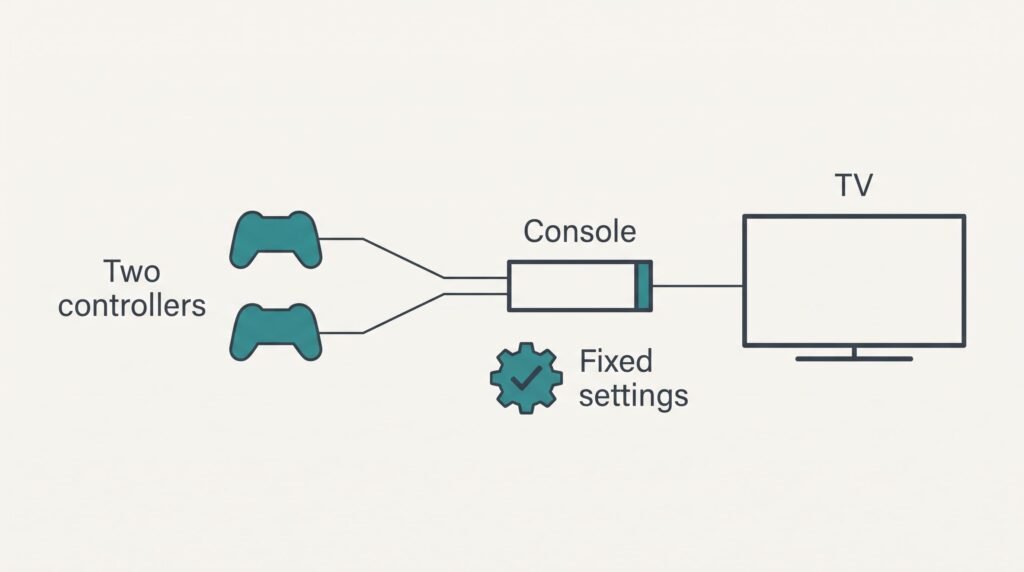
A console wins on routine. The hardware is fixed. Each game therefore arrives tuned for it, and Priya never opens a settings menu to rescue a stuttering scene. She switches on and signs in. Play begins within a minute, as an assumed figure.
Distance helps as well. From the sofa the fan sits 2.5 m away, about 14 dB quieter than a laptop on a desk at 0.5 m, if the two fans are equally loud. That matters in a building where walls let sound through late in the evening.
Sharing is simpler on a console. Two people on a sofa can face one television with a controller each, whereas two players around a laptop screen at 50 cm must squeeze together.
A shared TV evening costs nothing extra.
A console also leaves the work laptop alone. The laptop stays cool and free for work, and a long play session can’t drain the battery or crowd the desk that Priya needs on Monday morning. Its drawback is the second box on the shelf, which takes 840 cm².
When Neither Suits
Some households need neither machine. An existing computer can make both unnecessary, because a work laptop or an old desktop may already run the games you want. Open the shop page of each game on your list and read its listed system requirements, then compare them with the machine you own.
Short casual games can run on a handset you already own. A list of three puzzle games leaves a gaming laptop or a console unused.
Some titles exist for only one of the two platforms, and that single fact can settle the question. A game you’ve waited a year for may arrive on one and never reach the other. Write down your five most wanted games and check each against both machines before deciding. A free demo played on your current computer shows whether it copes. Borrowing a friend’s console for one weekend tells you whether you enjoy sofa play at all, at the cost of an afternoon spent carrying it home.
Which to Pick
Both branches carry a drawback, and each is named below.
If this must also be your work machine, choose the gaming laptop. It covers all 34 hours on 1 machine and plays at a desk or table. Accept the fans at 0.5 m, the need to play plugged in and the settings you’ll tune yourself. Choosing a gaming laptop or a console is easier once you know that.
If it only needs to play games, choose the console. It starts in a minute and sits 2.5 m away, about 14 dB quieter. Accept the second box and its 840 cm² of shelf, along with a television that others may want.
Write down your five games and your weekly hours, then check each game against both machines. Run one demo on the computer you have today, and note whether it stays smooth for a full hour. If it does, you may need neither machine. Decide with those figures beside you. Revisit them after a month of real evenings, because your hours may shift once the new machine is in place.
Questions and Answers
How much effort does each one take to set up and keep running?
A console needs a few minutes to connect and then mostly asks for updates. A gaming laptop needs game stores installed and settings chosen per game, which costs more effort at the start. In return it keeps doing your work. Count the evenings you’d spend tuning before you decide.
What happens when it runs hot or fails?
A laptop’s fans run hardest while you play, and heat builds on the keyboard deck. Give it airflow and a hard surface. A console sits on a shelf with its own vents. If either fails, the laptop also takes your work offline. Keep your files backed up elsewhere.
Which suits a shared one-bedroom flat?
A laptop suits a flat where one TV is shared, since you play at a desk without taking the screen. A console fits a household that enjoys sofa evenings and doesn’t want fans beside the desk. Choose by where the play happens, and your answer follows.