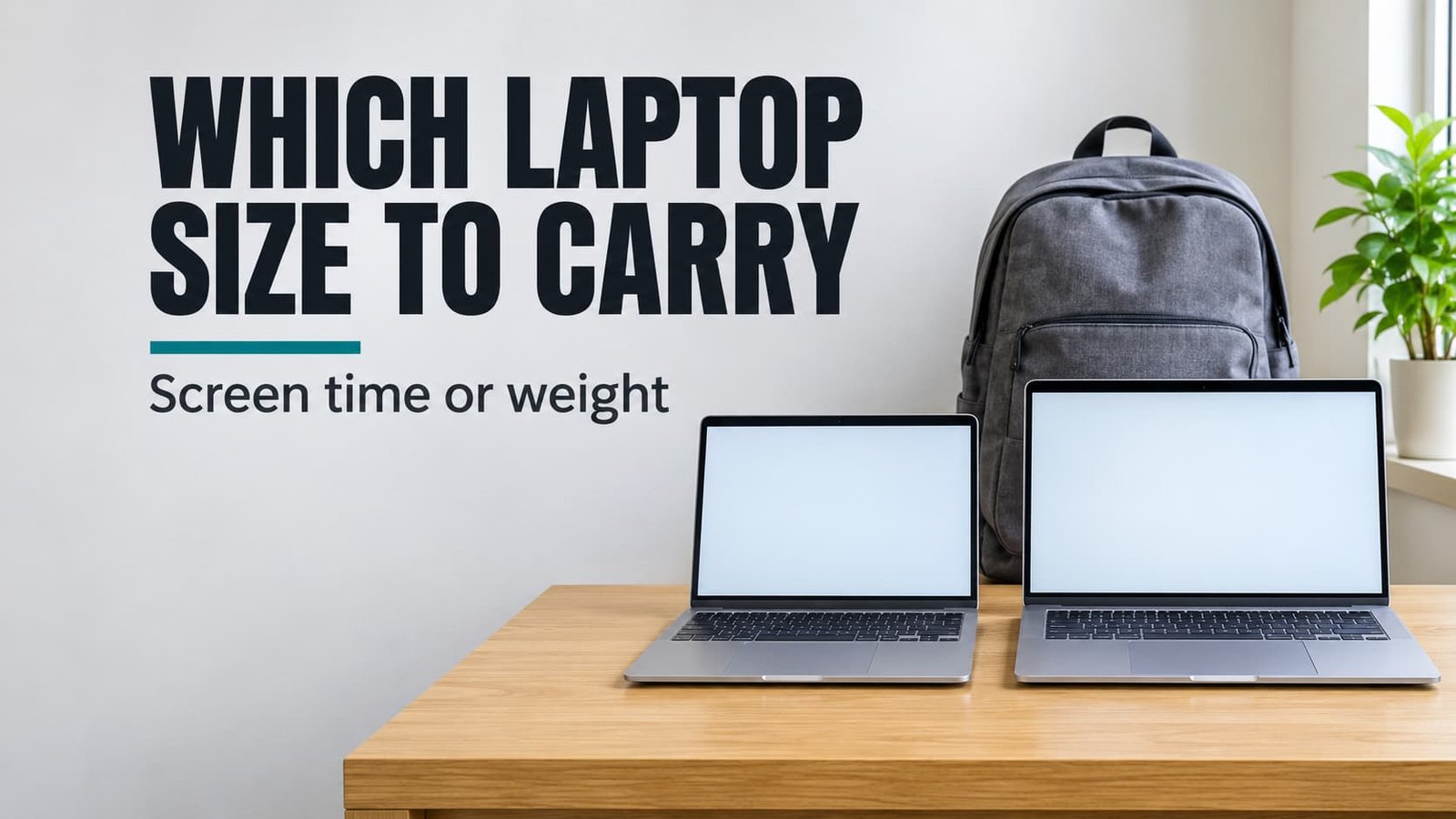
A 13 or 15 inch laptop will do the job either way, and the difference in daily effort is smaller than the shop shelf suggests. Weight favours the 13 inch by about half a kilogram on every journey. The 15 inch gives you far more room to spread out. The verdict is conditional. Take the smaller one when its screen is seldom the only one you look at, and the larger one when you stare at it alone for hours. Hours worked on the laptop by itself, set against hours spent carrying it, settle the matter. The figures in this article are made-up examples that you should rework with your own.
Carrying a 13 or 15 Inch Laptop: What Decides It
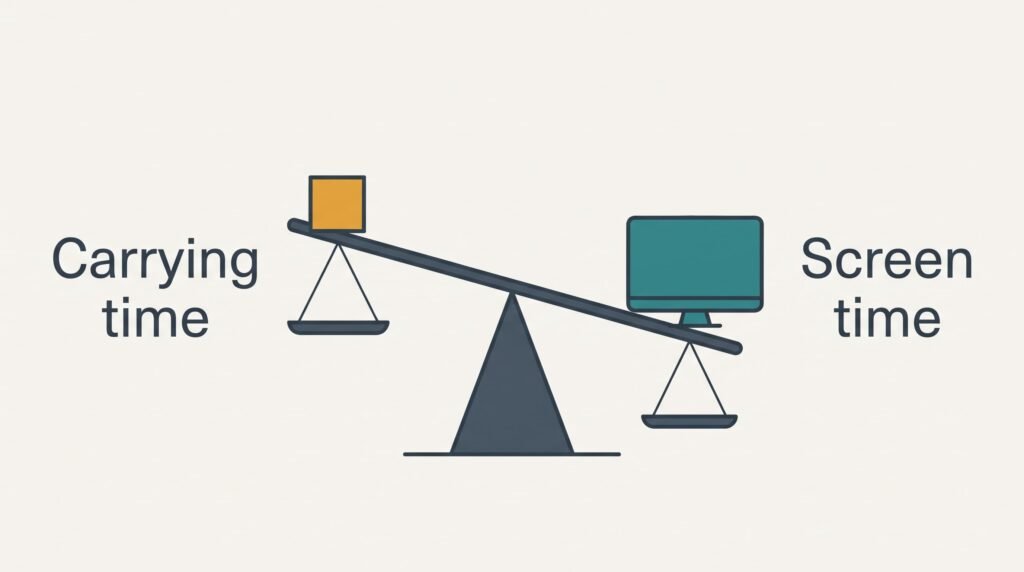
Two numbers settle most cases, and you can count both. One is the time the laptop spends on your shoulder or in your hand. The other is the time its own screen is the only screen in front of you.
Take a worked example. Suppose you commute on five days each week, with about 25 minutes from door to desk. That makes 10 journeys and 250 minutes, which is roughly 4 hours a week. A 13 inch model at 1.3 kg and a 15 inch model at 1.8 kg differ by 0.5 kg. The larger one adds that half kilo to every minute of those 4 hours.
Now count the screen. Say you work on the laptop for 6 hours a day. Suppose a monitor on your desk carries 5 of them. The laptop’s own screen is then your only screen for 1 hour a day, or 5 hours a week. The deciding measure is hours at the laptop screen alone against hours carrying it, and here the two are nearly level at 5 and 4, which lets the lighter model earn its place.
Change the working day and the answer moves. Spend all 6 hours at the laptop alone and you reach 30 hours a week against the same 4. That’s about seven hours at the screen for every hour of carrying.
The Two Sizes Compared Side by Side
Here is how a 13 or 15 inch laptop compares on the points you’d notice on an ordinary Tuesday morning. Every row can be confirmed on a shop floor in moments. The rounded figures describe typical models. Check the real numbers for the two you’re weighing, and measure your bag while you’re at it.
| Point | 13 inch | 15 inch |
|---|---|---|
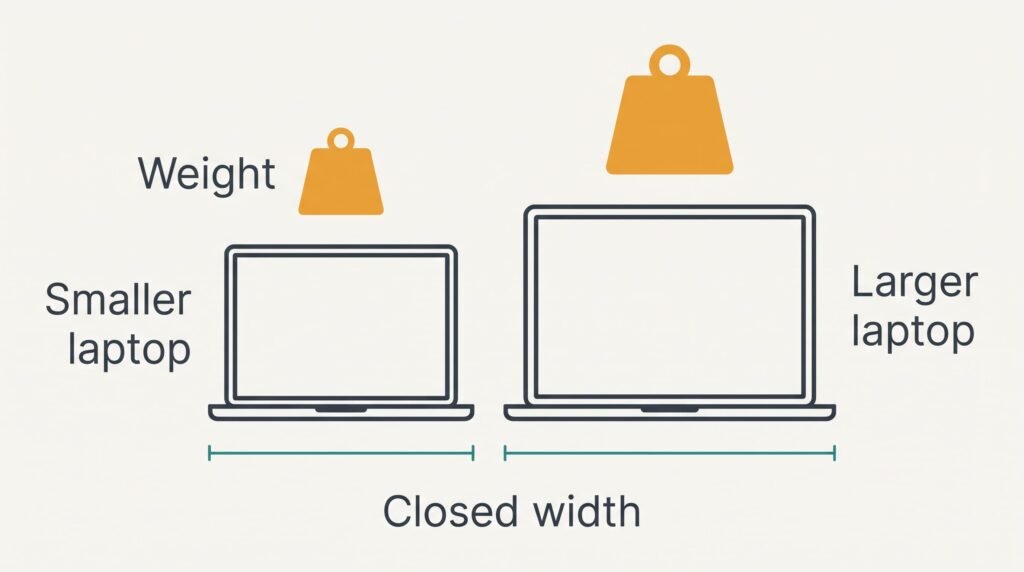
| Typical weight (assumed) | about 1.3 kg | about 1.8 kg |
| Screen diagonal | about 33 cm | about 38 cm |
| Width of the closed lid | about 30 cm | about 36 cm |
| Windows side by side | one comfortable, a second one cramped at normal text size | two comfortable at normal text size |
| Number pad | rarely fitted | often fitted |
| Charger weight (assumed) | about 0.2 kg | about 0.35 kg |
| Fold-down train table | fits with room for a cup | overhangs both edges of a small table |
The width row surprises people, because the half kilo gets all the attention. Six centimetres decides whether the laptop slides into the bag you already own, and a compartment that’s too tight forces you to carry the machine by hand for the whole journey while the charger and a lunch box fight for your pockets.
What the 13 Inch Does Better
The smaller laptop wins on every metre of the journey, and you pay for that journey ten times a week. At 1.3 kg it’s the one you stop noticing after a few minutes. An extra half kilo on one shoulder begins to nag as you climb the station stairs. In our example the gap adds up to two blocks of butter carried for 4 hours a week.
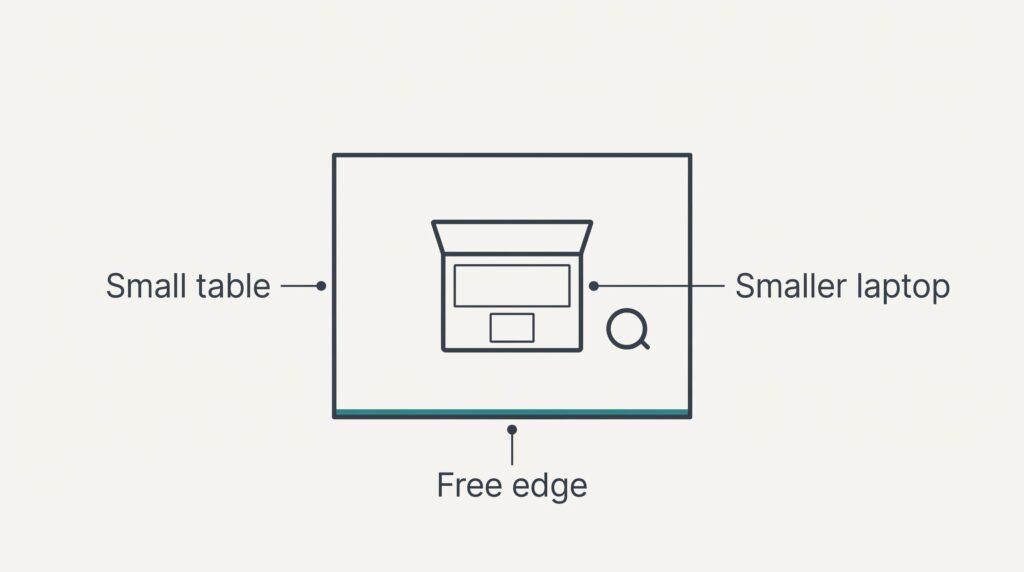
It also fits places a bigger lid can’t reach. Train tables and café tables with a cup on them have room for 30 cm of width and little more. You can open the 13 inch fully and type without nudging your neighbour.
Beside a monitor, the small laptop loses nothing. Once an external screen does the main work, the laptop’s own display only holds a chat window or a calendar. A few extra centimetres of it add very little.
The smaller one is then simply the lighter thing to put in the bag on Friday evening.
Where a 15 Inch Laptop Works Better
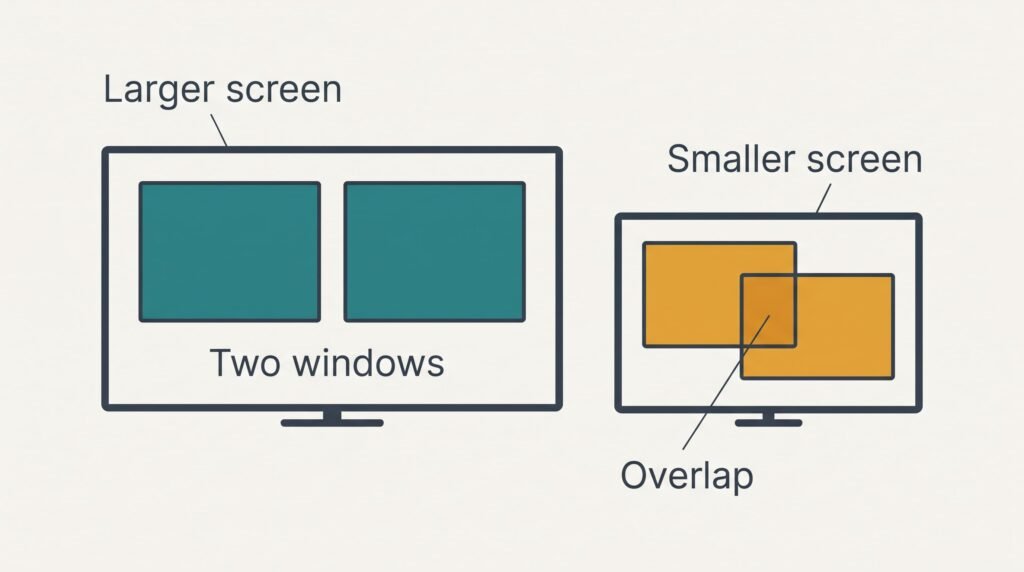
The larger screen wins when the laptop is the whole desk. Two windows sit side by side at a readable size. You can read a document on the left and write on the right without flicking between them. On the 13 inch the same pair must shrink the text or overlap. Reading stays easier when the type keeps its normal size.
Typing is more comfortable too. A wider body leaves room for a number pad and a deeper rest for the palms. Anyone who enters long columns of figures notices the difference within a week.
There’s a quieter benefit as well. Spreadsheets and long documents show more rows and columns before you scroll, and each scroll is a small interruption. Across 30 hours of solo work a week, those interruptions are felt far more often than half a kilo.
The larger one suits anyone who works from the sofa or kitchen table with no monitor, since the only journey is a single flight of stairs.
When Neither Size Is Right
Neither a 13 or 15 inch laptop suits you if you need the room of the larger screen but can’t face the weight of the larger body, and the answer is to pick the middle size and leave one charger at the desk. A 14 inch model at about 1.5 kg (assumed) sits halfway on screen and halfway on weight.
Then remove the heaviest loose item. Suppose the charger weighs 0.25 kg for the 14 inch and 0.2 kg for the 13 inch. If you carry the 13 inch with its charger, you’re lifting 1.5 kg. The 14 inch with a second charger kept at the office also travels at 1.5 kg. It gives you a bigger screen for the same load.
Make sure the battery covers your day before you commit to this. A charger waiting at both ends only helps if you actually plug in at each one. A laptop that lasts a full working day without a charger removes the issue.
Which Size to Choose for Your Week
If the laptop’s own screen is the only one you use all day, choose the 15 inch and accept the extra half kilo. Measure the compartment of your bag, then fill it with 1.8 kg of tins and walk your usual route. Whichever part of you complains first tells you how much margin you have.
If you mostly sit at a monitor and only carry the laptop between places, choose the 13 inch and accept the occasional cramped window. Raise the monitor to eye level and the pairing works well. A 13 or 15 inch laptop makes little difference to screen work in this routine, because the monitor carries the heavy work.
Write down your own two figures once: hours at the laptop alone, and minutes carrying it each week. When the former is many times the latter, the larger screen repays its weight. When the two are close, the lighter model wins the argument. You’ll feel the saved half kilo on every stair and bus step, and the screen difference barely shows once the working day is over.
Questions Readers Keep Asking
Does the larger laptop cost much more effort every day?
The effort is mostly the extra half kilo and the wider bag compartment. Over 10 journeys a week, that’s a noticeable load on one shoulder. Moving the laptop to a backpack worn on both shoulders spreads the weight and removes most of the strain. You may stop noticing it within a fortnight.
What fails more often on a bigger laptop?
The lid flexes more because the larger panel has more leverage when it’s squeezed in a full bag. That’s the weak point to watch. A padded compartment of the right width stops the squeeze, and a laptop that fits snugly without being forced rarely suffers. Never stack heavy items on top of either size.
Which suits a student who also works in cafés?
A 13 inch usually suits that routine, because café tables are small and the bag is already full of books. If the student writes long essays on the laptop alone, the 15 inch might earn its weight. Count the hours at the laptop alone for one week and decide from that figure.