Game mode on a TV cuts input lag by switching off the picture clean-up that normally holds each frame back before it appears. With it off, a button press in our example takes 93 ms to show on screen. With it on, the same press takes 51 ms. Input lag is the time between pressing a button and seeing the result, and the television’s share of that time is the part you can change with one setting. The numbers below follow a single press through a living room in Cardiff, using assumed figures that you can swap for your own.
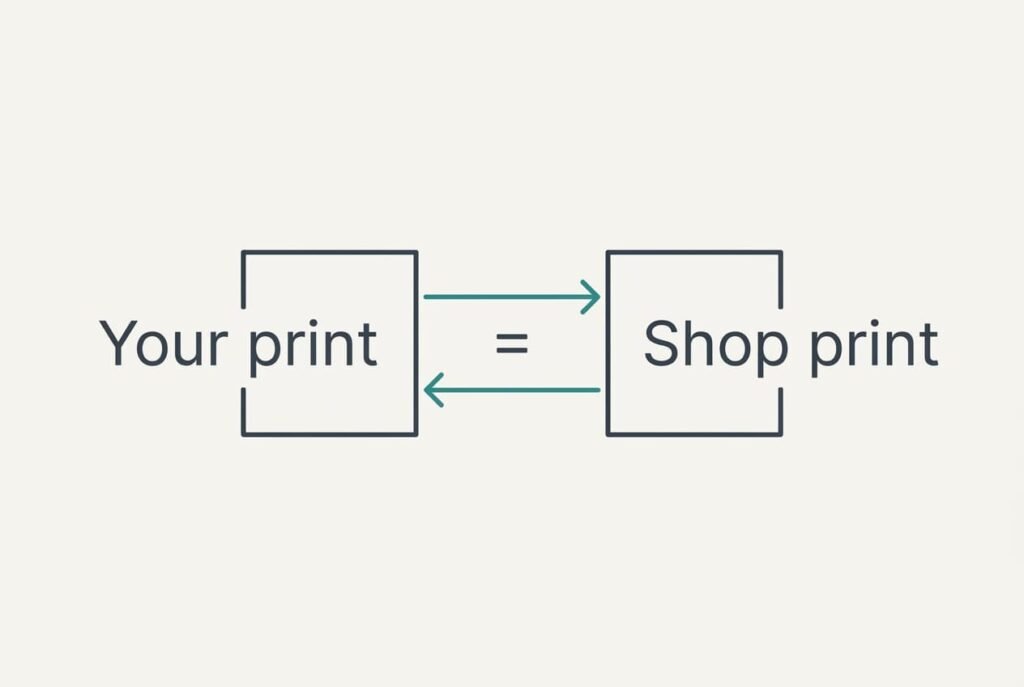
Why Game Mode on a TV Cuts Input Lag: The Short Answer and Its Gaps
A television doesn’t show a frame the instant it arrives. It scales the frame to fit the panel and compares it with the previous one to remove noise. Many sets also invent extra frames to place between two real ones, and that job is the costly one, because the set can’t draw a frame that sits between A and B until B has arrived. Game mode on a TV skips most of these jobs, which means it cuts input lag by letting each frame leave the set almost as soon as it arrives. What you remove is the waiting, since none of the extra steps needs much calculation on its own.
Plenty goes unsaid in that short answer. Delay in the controller, working time inside the game and the panel’s own response all stay where they were, and network lag in online play comes from a separate source. There’s also a cost to weigh. With the clean-up gone, a picture can look flatter, with more visible noise in dark scenes and a rougher pan across a wide shot.
Tracing One Button Press Through a TV With Game Mode Off
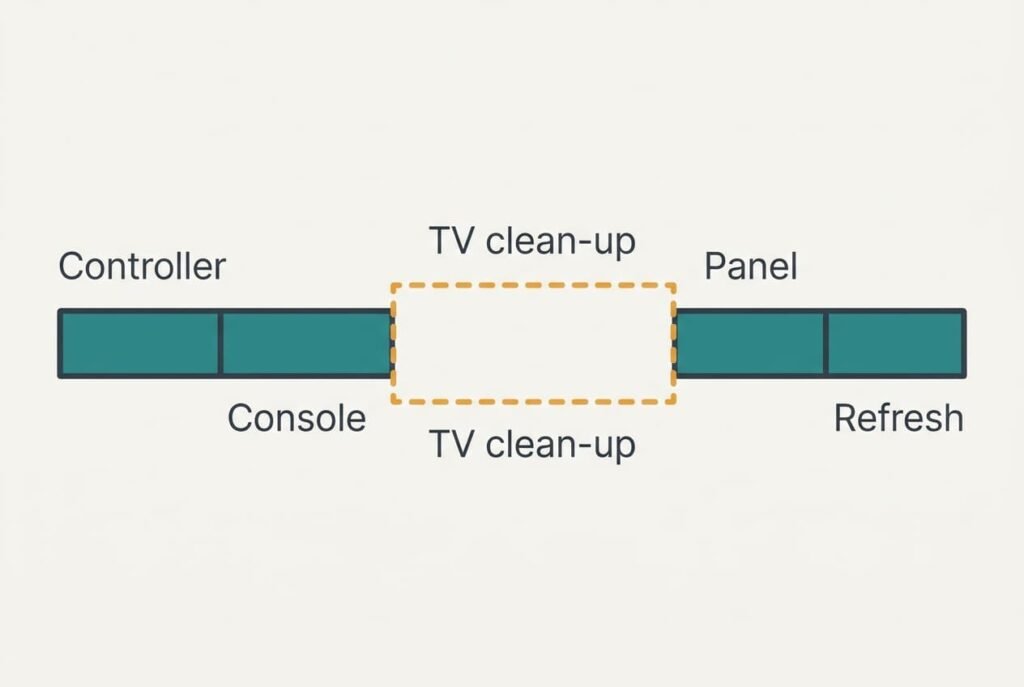
Follow Priya’s press in a Cardiff flat. Her game runs at 60 frames every second. Each frame lasts 1000 ÷ 60 = 16.7 ms. Every delay below is an assumption, and the exact figure for your own set will differ.
The wireless controller reports its state every 8 ms. A press arrives at an arbitrary instant within that cycle, which makes the average wait 4 ms. The console starts a new frame every 16.7 ms and reads the controller when it begins, which adds half a frame, 8.3 ms, of waiting. Working out and drawing the result then takes one full frame, 16.7 ms.
The picture now reaches the television. In its standard picture mode the set holds about three frames. Noise removal and the wait for the next real frame use two of them, and scaling with output uses the third. Three frames come to 3 × 16.7 = 50 ms. The panel then needs about 6 ms to change its pixels. Finally the screen refreshes line by line, and the changed pixels wait half a frame, 8.3 ms, for their turn.
Add the stages: 4 + 8.3 + 16.7 + 50 + 6 + 8.3 = 93.3 ms, which is 5.6 frames. A quick dodge in a fast game feels late at that size, because the screen answers more than five frames after your thumb has moved.
Now switch game mode on. Assume the set keeps only the scaling it can’t avoid, at about 8 ms. The new total is 4 + 8.3 + 16.7 + 8 + 6 + 8.3 = 51.3 ms, or 3.1 frames. The television’s share fell from 50 ms to 8. That removes 42 ms, a 45% cut in the whole delay.
Every other stage stayed exactly where it was.
A Delivery Comparison, and Where It Breaks
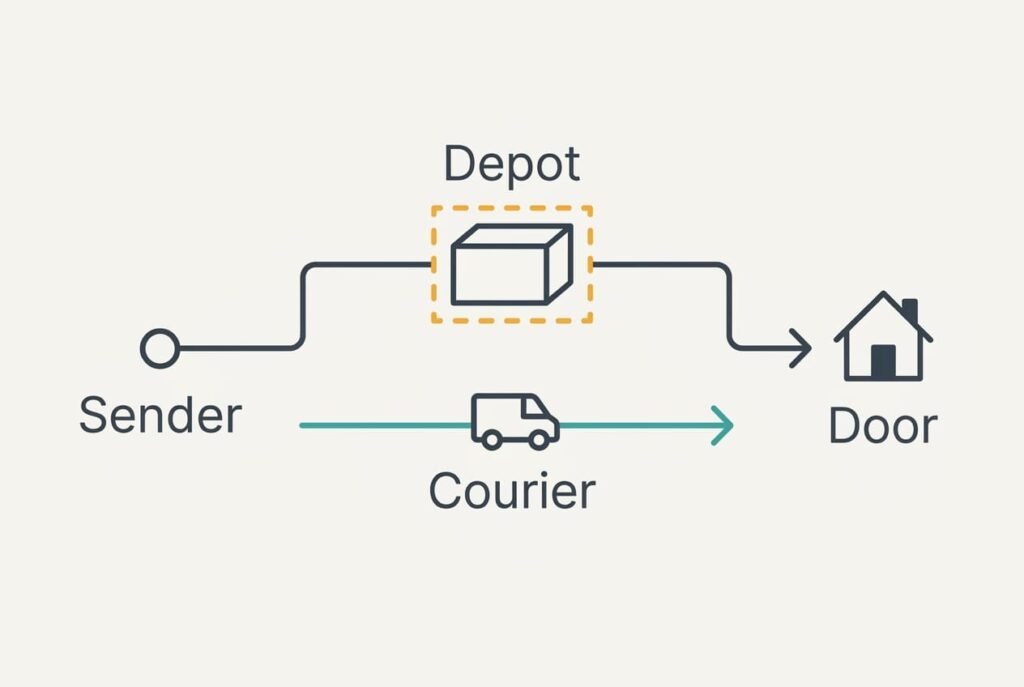
Picture a parcel that must pass through a depot before it leaves. Staff scan it and repack it. Game mode is a courier who carries the parcel from the sender’s hands to your doorstep. Both routes deliver the same parcel, and the courier is quicker because the parcel never waits in a queue.
The picture breaks down in two ways. A depot improves a parcel by repacking it, whereas the courier leaves it as it is, and a television’s clean-up genuinely improves some pictures. Also, a depot’s delay varies from day to day. A television’s processing delay stays steady. The 50 ms in our example repeats on every frame you see. Game mode is also a switch you flip, which leaves the choice with you.
The Limits of This Setting
Game mode on a TV removes only the television’s share. The other stages all stay, because they sit outside the set’s picture processing. In our trace they add up to 43 ms, which no menu on the television can shave. A lighter game or a higher refresh rate would trim that figure, though each would help far less than dropping 42 ms of clean-up.
One limit is widely misunderstood: game mode never touches the delay created before the picture leaves the console. A game that renders 30 frames per second doubles its own frame time to 33.3 ms, and nothing on the television can fix that, however fast the set responds. A second limit concerns the picture itself. Some sets disable the mode on certain inputs or lose part of their colour tuning while it’s active. Check the picture after switching. A last limit is the panel’s refresh: a 60 Hz screen can’t show a new frame more often than every 16.7 ms, however quickly the set passes it on.
Three Beliefs About Input Lag That Need Correcting
One belief says a wired controller removes the delay. It formed because wires feel more direct. In our trace the wireless wait was only 4 ms of 93. A cable saves a small slice, though it also removes the chance of a dropped connection.
Another says a low response time on the box means a fast screen. It formed because the number is printed in large type. Response time covers only the 6 ms pixel change, and the biggest delay in standard picture mode is the processing, not the pixels. That’s why two sets with the same response time can feel completely different.
A third says game mode makes the picture better for games. It formed because of the name. The mode simply does less work, and the picture often looks plainer, with softer motion.
Better for games means quicker, not prettier.
A Rule for Deciding Whether to Use It
Choose by whether your hands respond to what you see. The rule is simple: use game mode on a TV wherever timing matters, and standard mode everywhere else. A film gains nothing from a faster frame, and it benefits from the clean-up.
You can test the claim. Film the controller and the screen together with a phone set to slow motion at 240 frames a second. Count the frames from the press to the change on screen, and repeat it three times to use the middle value. Each frame lasts 4.2 ms. Our 93 ms shows up as about 22 frames and 51 ms as about 12.
A count that drops by roughly half after the switch means the processing was your biggest delay. A small change points at another stage, and the console’s own settings deserve a look next. Write down the count for each mode. Those two numbers show whether any later change, such as a new cable or a different game setting, helped at all. Repeat the test after each change to the console or the cable, because a single reading can mislead you and a pair of readings rarely does.
Questions Readers Keep Asking
Does game mode spoil the picture?
It can look a little plainer, because the clean-up stages are skipped. Dark scenes may show more noise, and pans may look less smooth. For a game you control, most people accept that trade, since the response feels sharper and the picture remains clear.
Do I need it for watching films?
No. A film doesn’t respond to your hands. An extra 50 ms of delay makes no visible difference. Keep the standard picture mode for films, where the clean-up helps. Switch to game mode when the controller is in your hands.
Is it better than buying a faster television?
For input lag, the setting is the easier first step. It removes 42 ms in our trace, while a faster panel can only trim the 6 ms pixel change. Try the mode first and measure the result before thinking about hardware.