A PDF or an editable document comes down to who decides where each line of your CV breaks. Send a PDF when the reader only has to read it, and an editable file when they have to change it. The deciding property is layout control: a PDF carries its fonts and positions inside the file, whereas an editable document gets laid out again by the reader’s software. Our sample is a two-page CV of 100 lines sent from a flat in Leeds. Every number is an invented sample chosen to keep the arithmetic short, and no product is named here.
The Property Behind a PDF or an Editable Document
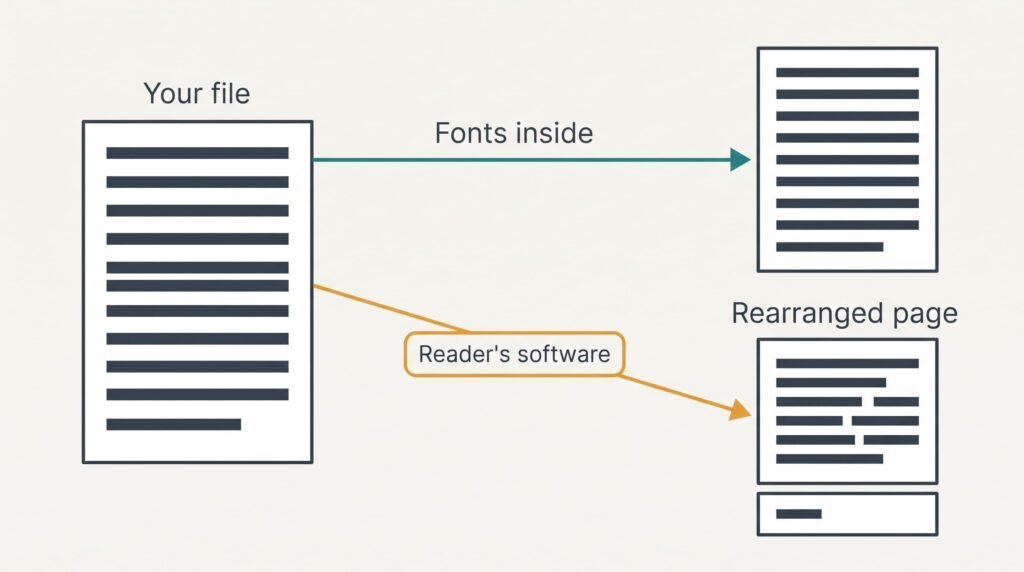
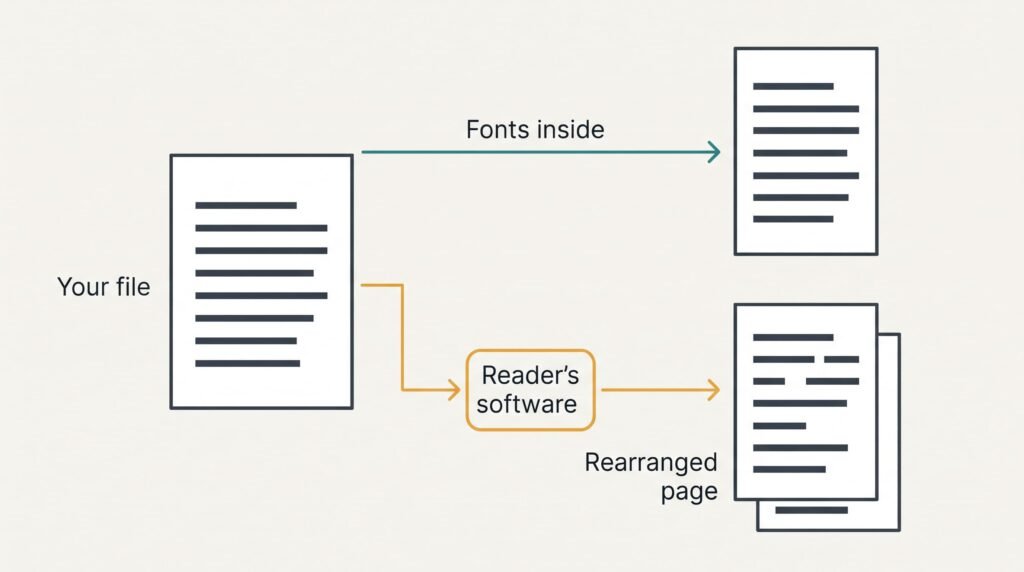
A page begins as a list of instructions until something draws it. A PDF stores the finished drawing, with each letter already placed and the fonts packed into the file. An editable document stores only the words and the rules. The reader’s software then decides where the lines fall, using whatever fonts it can find on that machine. Who decides where each line breaks is the whole difference.
When the reader’s machine lacks your font, the software swaps in a stand-in. Suppose a line holds 95 characters in your font and the stand-in is 7% wider. It then holds 95 ÷ 1.07 ≈ 88 characters, and any line of 89 to 95 characters wraps onto an extra line. A line breaks only between whole words. One wider word near the top pushes a word onto the next line, and the shift runs down every paragraph that follows. That ripple is how a 7% difference becomes a lost page.
The sample CV has 100 lines on two pages that hold 54 lines each, 108 in all. Suppose 14 of those lines run to 89–95 characters. Each wraps, the total reaches 114 lines, and 6 lines spill past the end of page two.
The reader sees a third page that you never wrote.
An Editable Document or a PDF Compared Row by Row
The rows below cover what differs in daily use, and you should test each row against the CV you plan to send. File size and opening speed are left out, since both are tiny for a two-page CV and would only blur the contrasts.
| Question | Editable document | |
|---|---|---|
| Layout on the reader’s screen | fixed, fonts carried inside | rebuilt by the reader’s software |
| Selecting and copying text | works if exported from a document | works |
| Can the reader change it | only with effort | easily, including by accident |
| Hidden details | author field, sometimes | author field, comments, tracked changes |
| Reading on a phone | a small fixed page to zoom | text often reflows to fit |
| Filling in blanks | only in a form-style file | yes |
| Printing on paper | same page breaks every time | breaks follow the printer’s paper setting |
Hidden details is the row people overlook. Many assume the look decides, yet an editable file can still carry earlier wording in tracked changes and comments you’ve forgotten. Weighing a PDF or an editable document for a CV includes one more step. Open the properties panel and the review pane before sending, because a draft remark such as “cut this job” travels with the file. It’s the sort of detail that survives a final read, since nobody reopens a CV they have already sent.
Where a PDF Wins for a CV
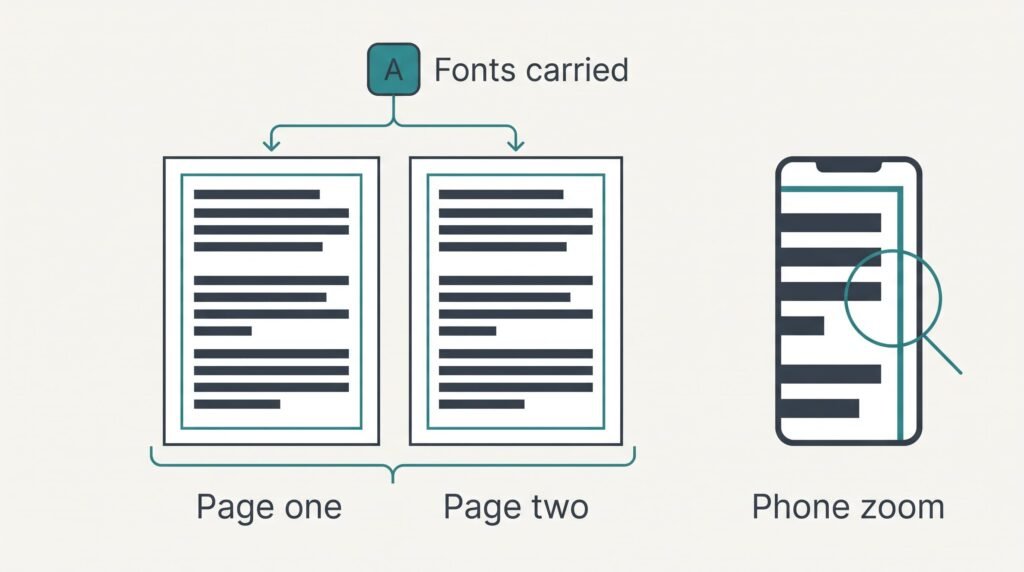
A PDF wins when the layout is part of the message. Margins and columns stay put, and so does a tidy second page, because the file holds each letter in place. The sample CV stays at exactly 2 pages on any screen, whichever fonts the reader has installed.
That fixed shape protects the last line too. A two-page CV that spills onto a third page looks careless, and the reader can’t tell the spill came from their own fonts. A PDF removes the risk.
It also suits the stage where nobody should touch the wording. The employer sees what you meant, and a print-out keeps the same page breaks. Search and copy work as well, provided the PDF was exported from a document rather than made from a picture of one. Select a word with the cursor to test it: if it highlights, the text is real.
Phones are the one weak spot. A fixed A4 page shrinks to fit the screen, and the reader must pinch and drag to follow it. Type of 11 points or more stays legible once zoomed.
Where an Editable Document Wins
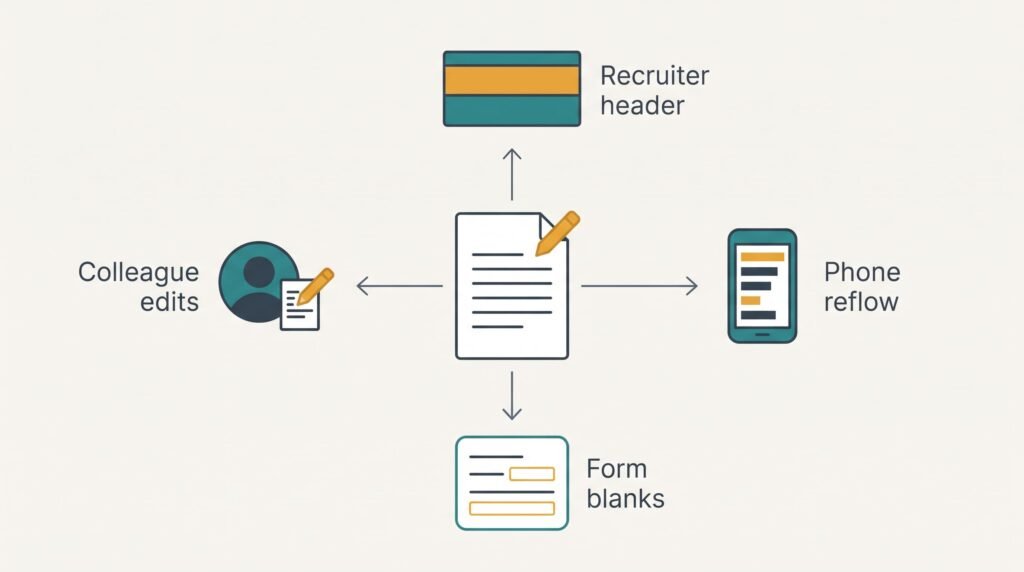
An editable file wins when the next step is changing it. A recruiter who must add a header, a colleague who tidies your wording and a form with blanks all need a file they can type into. A PDF forces them to retype, or to find a tool they may not have.
It suits small screens as well. Many viewers reflow an editable file to the width of the display, which lets a phone show large, readable lines without pinching.
Control is the trade-off. The reader can alter text or move a heading, a careless edit can break the layout, and their fonts shape the final look. The sample CV can grow from 2 pages to 3 on a machine with wider fonts, as the sums above show.
Reduce that risk with common fonts and a simple layout, and avoid text boxes that float on the page. Send the file with tracked changes accepted and comments removed. Keep a PDF copy for your own records so you know what you intended.
When Neither File Suits
A scan or a photo of a printout is neither, even when it arrives as a PDF. It stores a picture, and no word in it can be selected or searched. The sample CV photographed on a phone yields two images, and nobody can copy the phone number from them.
Open the PDF and try to select one word.
If the cursor drags across the whole page as a block, you’re holding a picture. Export again from the original document and the text becomes real. The picture version also blurs on small screens and loads slowly, which a reader scrolling through a pile of applications won’t forgive.
Some portals ask you to type a CV into boxes and attach nothing. Follow the form, and keep a plain-text copy of each section ready to paste. When a form names a format, send that one, since a rejected upload costs more than any difference between a PDF or an editable document ever will.
Which to Pick for a CV
Choosing a PDF or an editable document for a CV leads to two branches, and each asks for one habit. Choose a PDF if the reader only has to look, as a recruiter does on a first read. Send the PDF exported from your document, and keep the editable master at home. Name the file with your own name and the word CV because it’s easy to find in a busy inbox. Open the result once on a phone before you attach it.
Choose an editable file if the reader has to work on it, such as a colleague tidying wording or an agency adding its header. Say which file is the master in your message, because that stops edits scattering across versions.
Whichever file you choose, open the one you’re about to send, not the one you made. Check the page count once. Then look at the fonts, then the hidden details, then attach it. Two minutes there prevents a page with six lines on it, which tells the reader you check your work. Keep the sent copy in a folder so you can see later exactly what they received.
Questions and Answers
How do I turn a document into a PDF?
Use the save-as or print-to-file option in the program that holds your document and choose PDF. The step takes under a minute. Open the result and select one word to confirm the text is real. Then check the page count against your original before attaching it.
What if the file looks different on another device?
An editable document does this when the reader’s fonts differ, as the sample CV spilling six lines shows. A PDF shouldn’t change, because it carries its fonts. If a PDF does look wrong, it was probably made from a picture; export it again from the original document.
Which suits a job form that asks for an attachment?
Send the format the form names. When it doesn’t say, a PDF suits a finished CV because the layout and page count stay as you set them. If the employer says they’ll add or edit content, send the editable file. Keep the PDF copy for yourself.