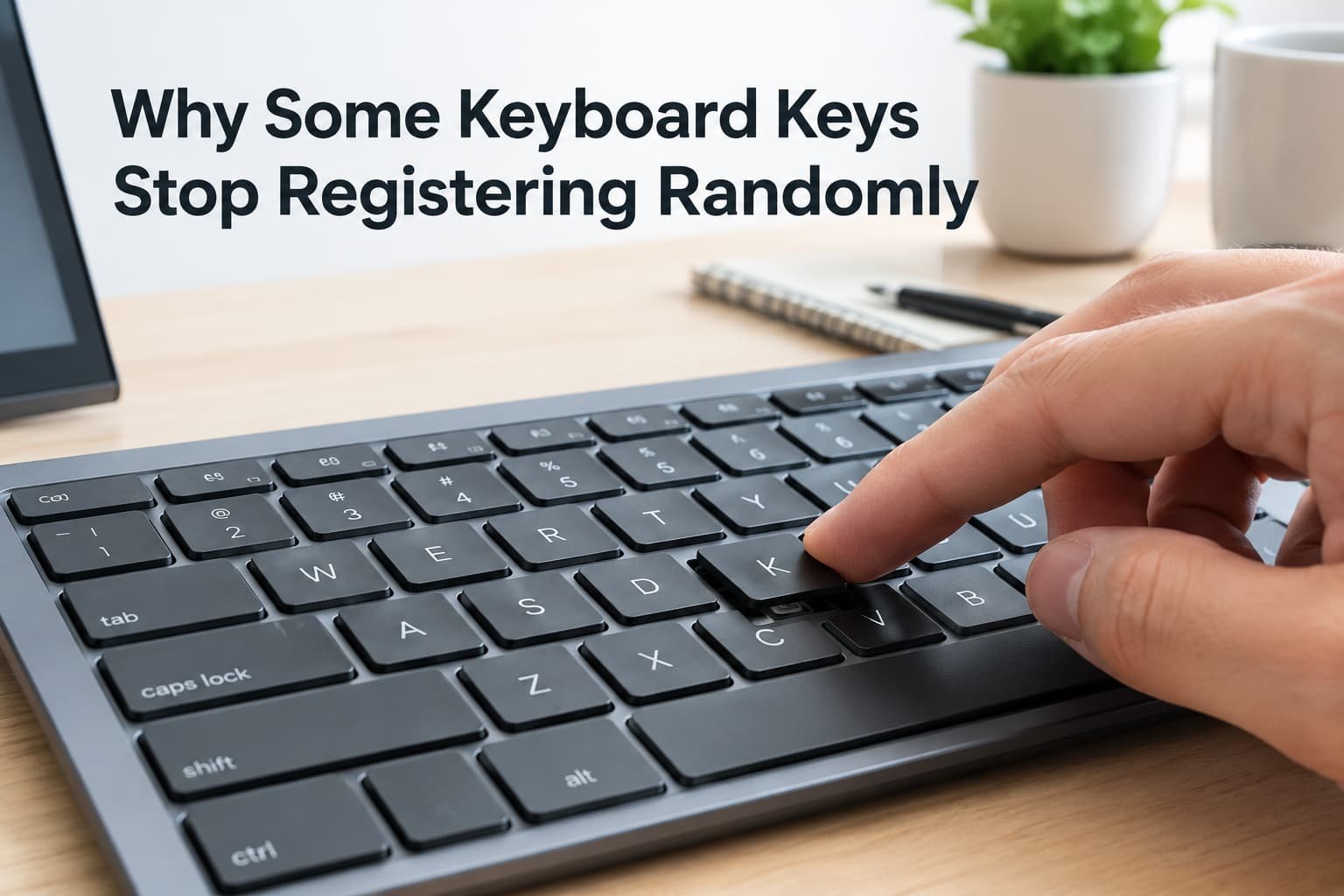
A keyboard where specific keys randomly stop registering usually genuinely isn’t a single mysterious fault at all – it’s typically one of a small number of specific, checkable causes distinct to how keyboards actually detect and transmit each individual keystroke, each requiring a genuinely different, specific fix. Understanding which category applies to your specific situation determines whether the fix takes seconds or requires a more involved change.
What is actually happening
Keyboards register each keystroke through a genuinely physical mechanism beneath each key – a switch or membrane contact – that must make reliable contact for that specific keystroke to actually register with your device. This specific mechanism means individual keys can fail independently from the rest of the keyboard, distinct from a broader connectivity or software issue that would typically affect the entire keyboard simultaneously rather than specific, isolated keys.
Distinguishing between these categories matters because “some keys randomly stop working” caused by physical debris beneath a specific key requires an entirely different response than the same symptom caused by a software or driver issue, which no physical cleaning will actually resolve.
Confirm which pattern you have
Check whether the affected keys are consistently the same specific keys each time, or whether different keys fail unpredictably across different sessions, since this distinguishes a genuine physical issue localised to specific keys from a broader software or connectivity pattern affecting the keyboard more generally.
Check whether the issue occurs across multiple different applications and even at your device’s own login screen, since this helps distinguish a genuine hardware-level issue from one specific to certain software or application settings.
The causes, diagnosed
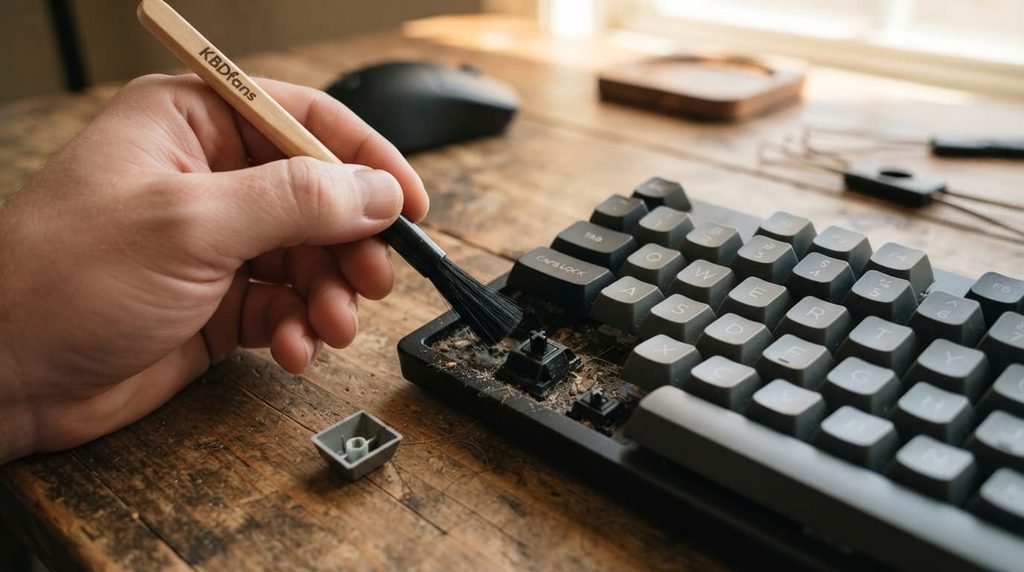
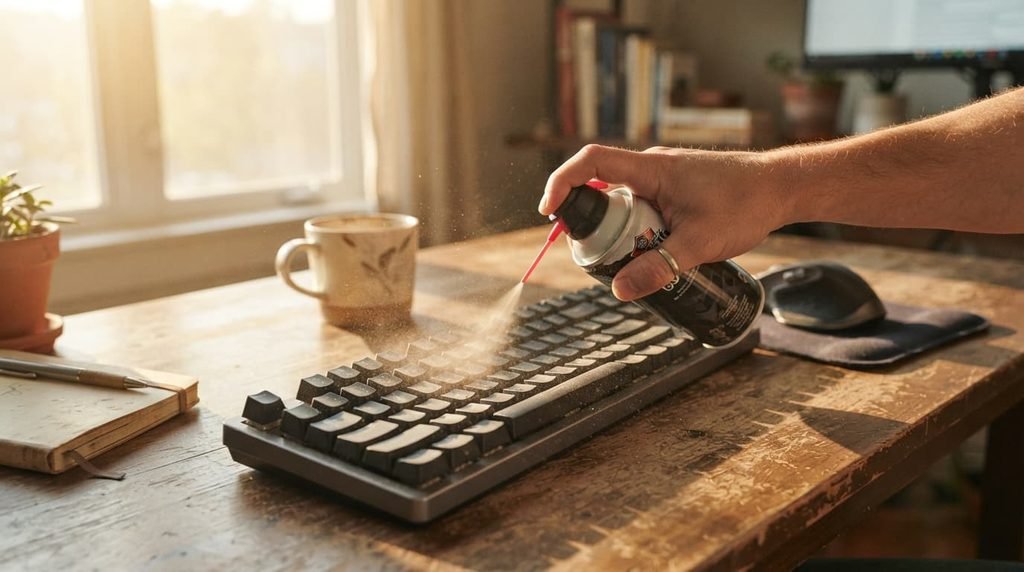
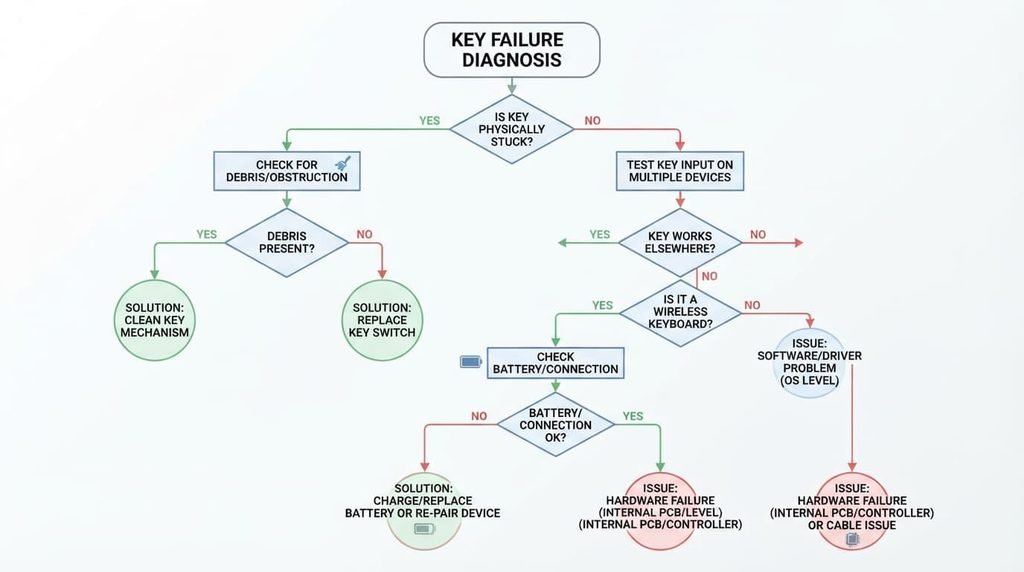
“The same specific keys consistently fail to register, regardless of which application I’m using.” This points to physical debris or genuine wear affecting that specific key’s actual switch mechanism, since consistent failure isolated to particular keys typically indicates a localised physical issue rather than anything software-related. The fix: carefully clean beneath the affected keys specifically, using appropriate methods for your keyboard type, since accumulated debris is a genuinely common cause of this exact symptom pattern.
“Different keys fail unpredictably, and the issue seems to correlate with typing speed or pressing multiple keys simultaneously.” This points to a genuine keyboard rollover limitation, since some keyboards have technical limits on how many simultaneous keystrokes they can accurately register, causing seemingly random failures specifically during fast or complex typing patterns. The fix: check your specific keyboard’s stated rollover specifications, and consider whether a keyboard with genuinely higher rollover capacity better suits your actual typing patterns if this limitation is genuinely the cause.
“Keys fail intermittently, but the pattern seems to improve or worsen depending on my specific connection type or distance from my device.” This points to a genuine wireless connectivity issue specifically, rather than any actual physical key problem, since this pattern correlates with connection quality rather than the keys themselves. The fix: check your wireless keyboard’s actual battery level and genuine proximity to its receiver, since both factors can affect connection reliability in ways that manifest as seemingly random key failures.
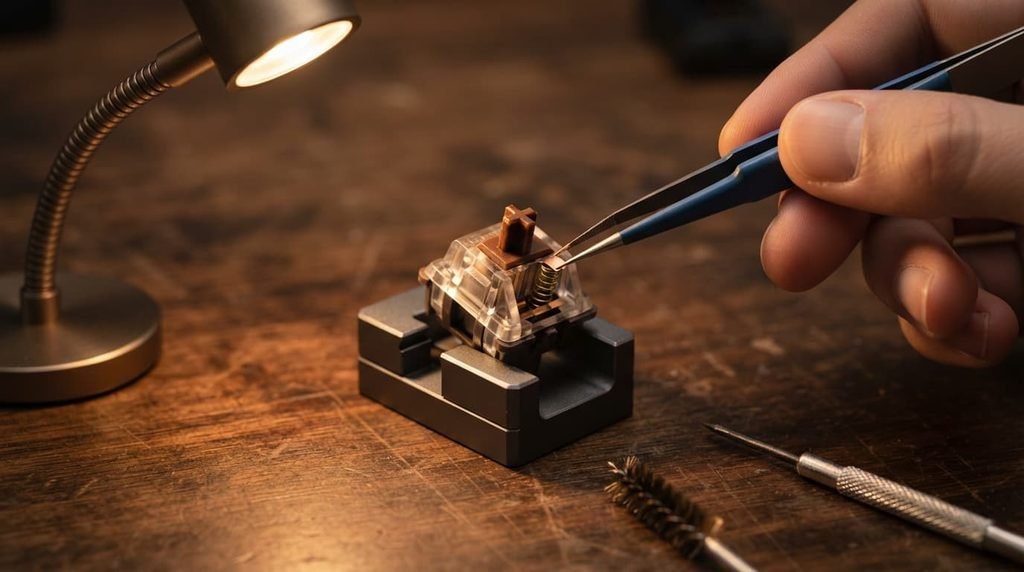
“One or two specific keys feel physically different when pressed – slightly stuck, or requiring noticeably more force – compared to the surrounding keys.” This points to a genuine mechanical issue specific to that key’s switch mechanism, distinct from debris alone, since this tactile difference suggests the actual internal mechanism itself has developed a physical fault rather than simply being obstructed by surface-level debris. The fix: for keyboards with genuinely replaceable individual switches, replacing just the specific affected switch can resolve this without requiring full keyboard replacement, though this depends on your particular keyboard’s actual design and repairability.
What people get wrong about keyboard reliability
The most common misconception is assuming all key registration issues stem from the keyboard’s own hardware specifically, when a genuinely significant portion of these issues actually trace back to wireless connectivity or software settings instead, factors entirely separate from the physical keys themselves functioning correctly.
A second common misconception is assuming a keyboard experiencing this issue is definitely failing entirely and needs full replacement, when many failure patterns are genuinely isolated to specific, addressable causes – particular keys, particular conditions – rather than indicating comprehensive hardware failure requiring complete replacement.
What isn’t worth doing
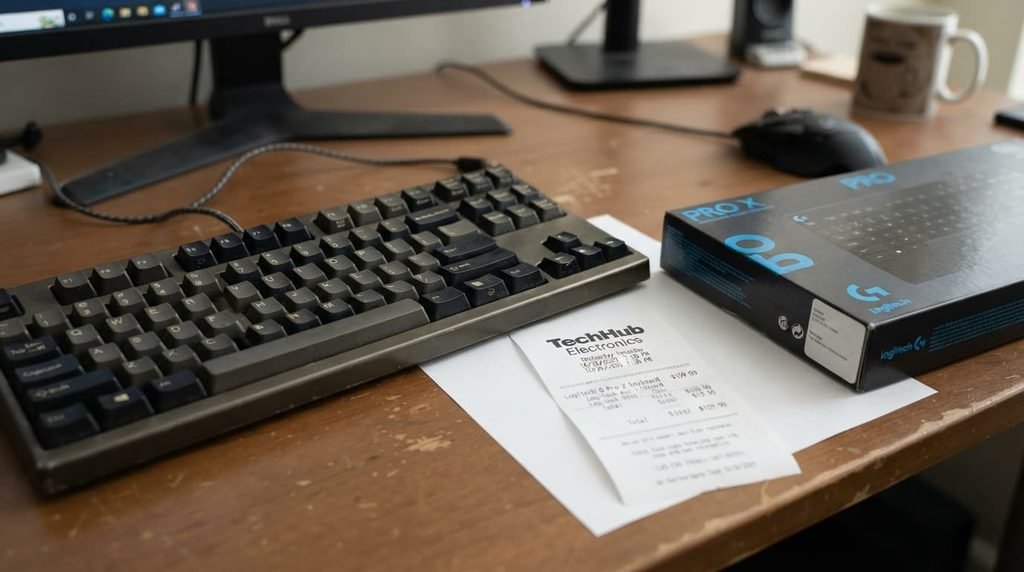
Immediately assuming your entire keyboard needs replacing, without first identifying which specific cause above actually applies to your situation, isn’t worth the expense this assumption leads to.
Many common causes of random key failure – debris, rollover limitations, wireless connectivity – are genuinely resolvable without full replacement, meaning a new keyboard purchase often doesn’t address an issue that was never actually about the keyboard’s fundamental hardware capability in the first place.
When this points to something more serious
If you’ve genuinely cleaned the affected keys, confirmed rollover isn’t the cause, and ruled out wireless connectivity issues, and specific keys still consistently fail to register, this points toward genuine internal switch damage that these standard troubleshooting steps won’t resolve.
This genuinely matters because genuine internal switch damage, as distinct from the addressable causes covered above, typically requires either professional repair or replacement of the specific affected component, rather than any further cleaning or settings adjustment ever meaningfully resolving the issue.
How to prevent this from recurring
Clean your keyboard as a genuine, regular ongoing habit specifically, rather than only addressing debris once it’s already causing noticeable key failures, since proactive cleaning prevents a meaningful portion of the accumulated debris issues covered above before they actually develop into functional problems.
Keep your own wireless keyboard’s battery genuinely charged or replaced proactively, rather than waiting until connectivity issues actually manifest, since maintaining adequate battery level prevents a meaningful category of the intermittent key failures specifically caused by weakening wireless connection quality over time.
Questions readers keep asking
Does typing style or pressure genuinely affect how likely keys are to fail over time?
Yes, meaningfully – genuinely forceful or imprecise typing can accelerate wear on key mechanisms over time, so moderating typing force somewhat, where practical, may help extend a keyboard’s genuine functional lifespan beyond what typical use alone would produce.
Is it normal for a keyboard to develop this issue gradually, or should it happen suddenly?
Both patterns genuinely occur depending on the actual underlying cause – debris-related issues can develop gradually as buildup accumulates, while a sudden onset more often suggests a specific event, such as spillage or physical impact, rather than gradual wear alone.
Does keyboard cleaning genuinely require special tools, or can I use items I already have at home?
Basic cleaning genuinely often works reasonably well with genuinely appropriate everyday household items – compressed air, a soft brush – though for more thorough cleaning specifically involving key removal, checking your particular keyboard’s own guidance on safe cleaning methods is worth doing before attempting anything more involved than surface cleaning.
Should I be concerned if this issue only happens with certain specific applications or games?
This pattern specifically points toward a software or application-level cause rather than a genuine physical keyboard issue, since a hardware problem would typically affect key registration consistently regardless of which specific application is actually receiving that input.