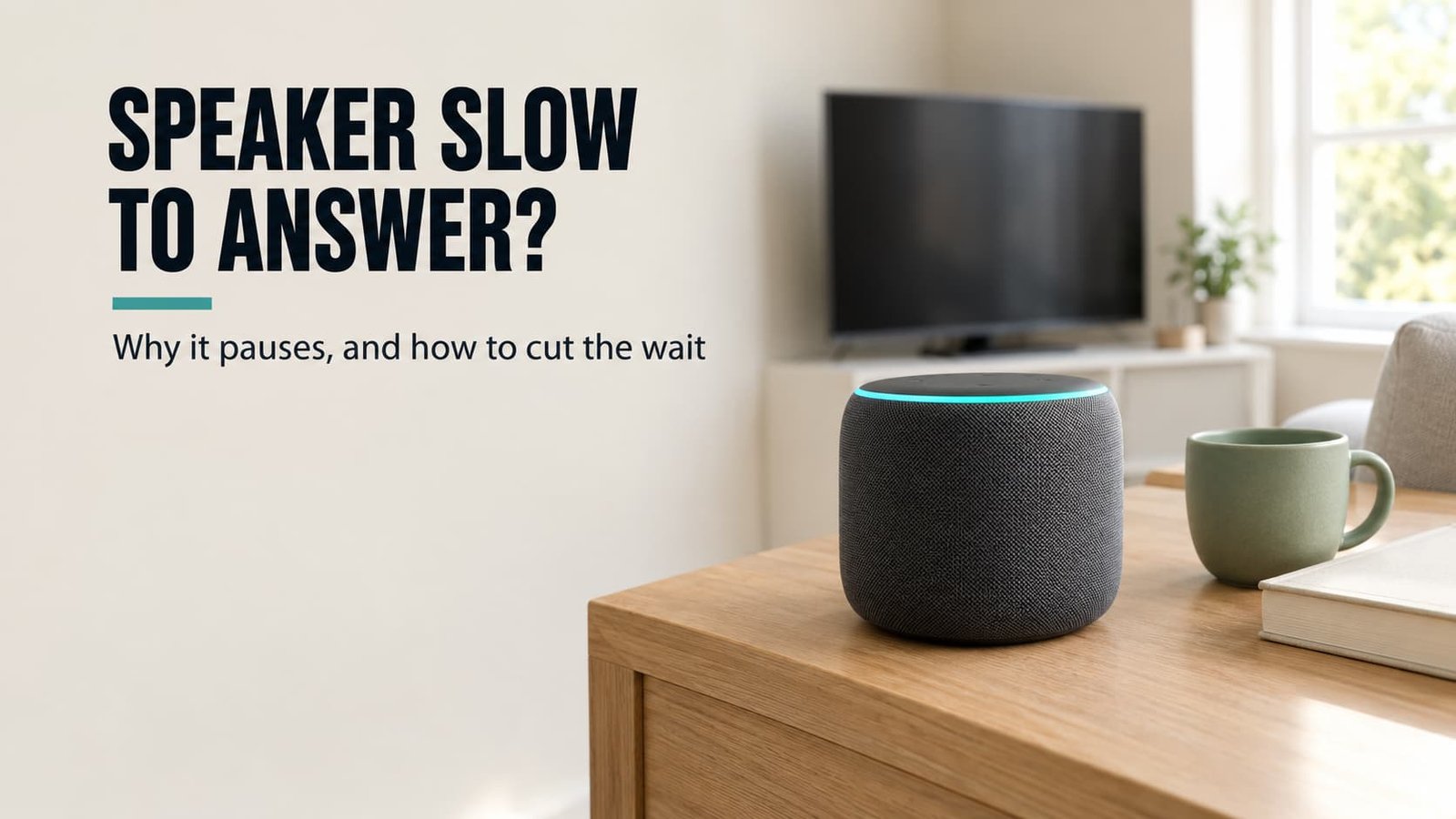
You ask for the time, and the speaker sits there for a beat, as if it’s thinking things over. Why does a smart speaker answer a second after you speak? Mostly because it’s waiting to be sure you’ve finished, and a noisy room stretches that wait. My view is that you should fix the room before you blame the router, because the router’s share is the smallest line in the sum.
These sums use a UK living room and an ordinary speaker on home Wi-Fi. Read every time as a rough illustration and swap in what you measure. Speakers differ, so the figures show a pattern rather than a spec.
Why does a smart speaker answer a second after you speak
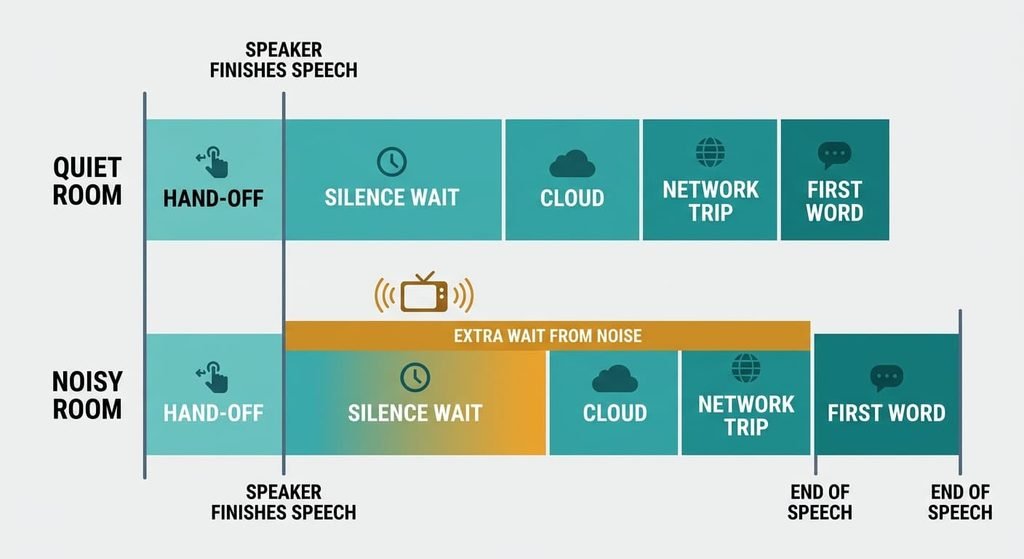
Think of the pause as a stopwatch with five lines. The speaker hands your voice from the wake-word listener to the recogniser in about 0.2 s. The cloud needs about 0.4 s to build a reply, and the first spoken word takes another 0.1 s. Between the two sits one network round trip, which costs about 0.04 s on healthy Wi-Fi. The fifth line is silence.
A speaker can’t read your mind, so it decides you’ve finished once it has heard 0.7 s of unbroken quiet. In a still room the sums come to 0.2 + 0.7 + 0.4 + 0.04 + 0.1 = 1.44 s. Only the silence line can stretch by much, because the other four are fixed by design or by physics. None of those lines responds to anything you do at home.
A television murmuring across the room restarts that timer whenever its voices pause for less than 0.7 s. Say the speaker gives up at a hard limit of 1.5 s. The timer then runs 0.8 s longer and the total reaches 2.24 s. Add weak Wi-Fi at 0.25 s for the round trip, and you’re waiting 2.45 s. That’s a full second longer than the still room, and most of the extra comes from the television.
Four checks on a smart speaker: why its answer comes a second after you stop
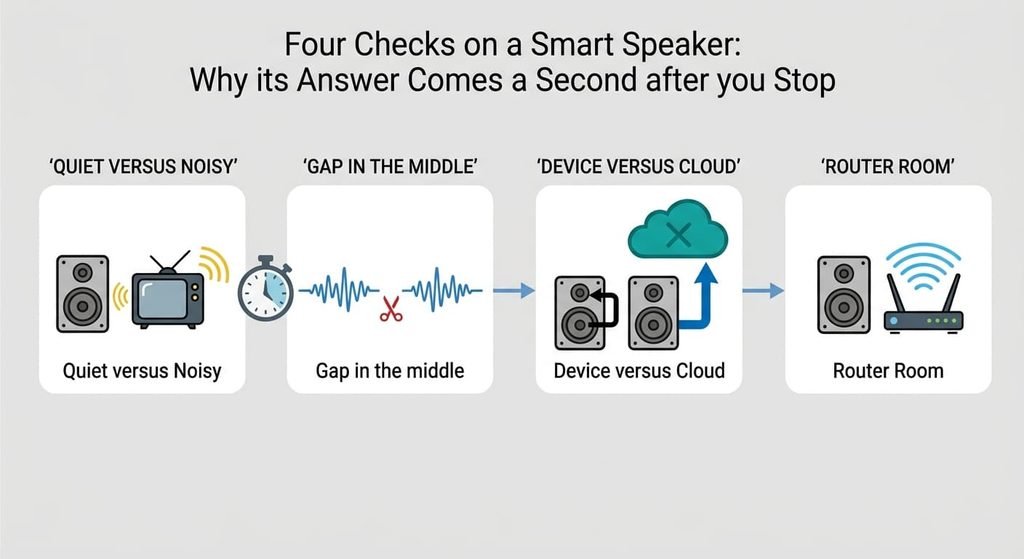
These checks show what makes a smart speaker answer a second after you stop, and all of them cost nothing. Time each answer with a stopwatch on your phone, from the end of your sentence to the first spoken word.
First, ask the same question in a silent room and again with a radio or television on. A longer pause in the noisy room is the stretched timer.
Second, say a command with a deliberate one-second gap in the middle. If the speaker answers before you finish, its timer sits below a second, and your own pauses cost you repeats.
Third, ask for something the speaker does on the device, like turning the volume down, and then ask for the time. The extra delay on the second request is the cloud and the network together.
Last, carry the speaker into the router’s room and ask the time again. A shorter pause points at Wi-Fi, though expect it to be small.
Note each time down, since the pattern points at the fix to attempt first.
The four fixes, in order
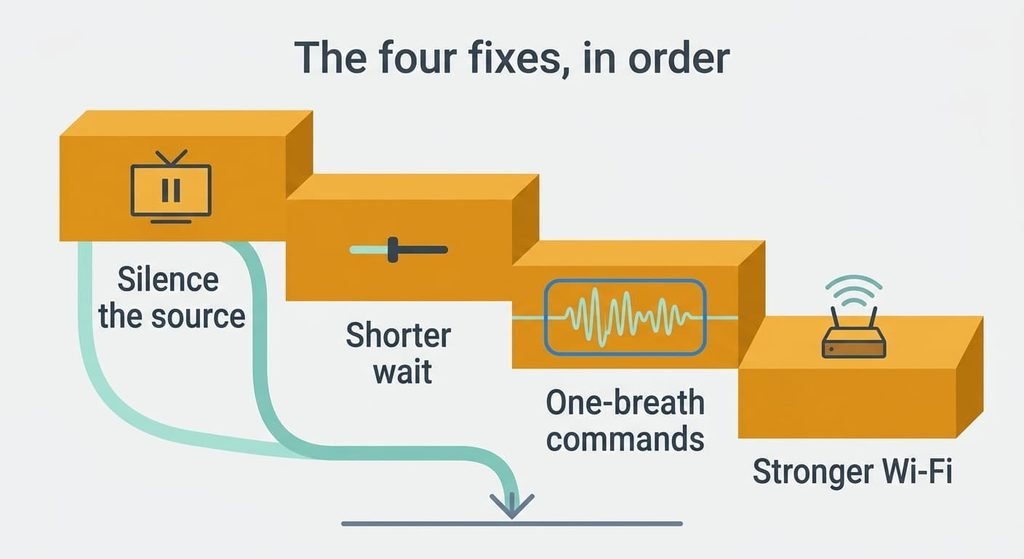
Every step below shortens one thing that makes a smart speaker answer a second after you stop. Time the same question after every step, and chase the still-room figure of 1.44 s.
Silencing the sound source before you ask answers the stretched timer, which is the largest item. The cost is zero. Pausing the television brings the silence wait from 1.5 s back to 0.7 s, so the total falls from 2.45 s to 1.65 s. You lose a moment of your programme each time, and you have to remember to do it before you speak rather than after. A hob extractor or a dishwasher needs the same treatment, and it helps to stand nearer the speaker when you can’t switch the noise off.
Choosing the shorter wait for silence is a setting, and it takes a minute. Look for the control that decides how long the speaker waits before it decides you’ve finished, if your model offers one. Moving the wait from 0.7 s to 0.5 s takes the total to 1.45 s. The price is cut-off commands whenever you pause mid-sentence, so the setting suits people who speak in one go. If you often think while you talk, leave the wait where it is and use the next fix instead.
Rehearsing your five daily commands as one breath costs a few minutes of practice. Say each one whole, and drop openers like “could you maybe”. A cut-off command costs a second full pause of about 1.45 s, so every command you stop botching saves that much. The loss is some politeness in your phrasing, and the habit takes about a week to settle. Give the household the same short forms, so the speaker hears one pattern from everybody.
Strengthening the Wi-Fi at the speaker is the only purchase, and it comes last because the line it answers is small. A second access point near the room, or a cable if the speaker has a wired port, takes the round trip from 0.25 s to 0.04 s. The total falls to 1.24 s, a saving of 0.21 s. It adds a box with its own socket and costs money for a gain you’ll barely feel. Run the router-room check from earlier first, and buy only if it gave a clear improvement.
If none of that worked
If the pause stays near 2 s in a silent room, test a command the speaker handles on the device, like changing the volume. A lag there points at the speaker itself. Write down the times and the room, and note whether the noise was on. Send the maker that list, because a pattern across several evenings is what a support desk can act on.
Next, load a page on a phone from the same spot. If the page crawls too, every device on the network is affected, so the fault sits with the broadband line. Send the provider your list of times.
A factory reset is the last step and the least reversible, because it wipes the saved network and every routine built on that speaker. Write the routines down first, and check what your account keeps before you start.
The fix that isn’t worth doing
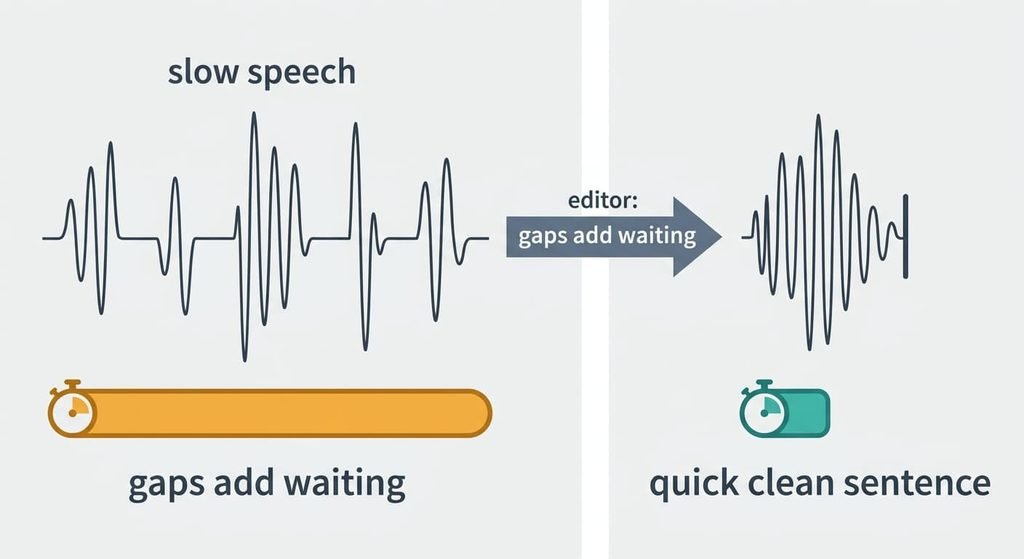
Speaking slowly and clearly is the instinct, and it makes things worse. The stopwatch starts when you stop talking, so a slower voice adds your own time and removes none of the speaker’s. A three-second command delivered at 80% speed takes 3.75 s, which is 0.75 s of extra talking. The 0.7 s timer stays where it was, and so do the cloud and the round trip.
Slow delivery leaves gaps between words. A gap beyond the speaker’s timer ends your sentence early, so the speaker answers half a request and you start again. Slowing down feels like the careful choice, because nobody wants to repeat a command. Slow speech also tempts you to add filler words, and each one is another chance to leave a gap.
A quick, clean sentence with a firm stop gives the timer its quiet sooner and avoids the repeat.
What makes a smart speaker answer a second after you speak is mostly a silence timer, so quiet the room first. Then trim the timer if your model lets you. Practise the daily commands next. Treat the Wi-Fi as the last line to touch, and stop once the pause sits near 1.45 s. One evening of timing will show which order suits your home.
Questions readers keep asking
Is a pause of about a second and a half normal?
Yes. In the example, a still room with healthy Wi-Fi gives 1.44 s, and 0.7 s of that is the silence timer. Three more lines are fixed, and they total 0.7 s as well. A pause past 2 s means you should check the room’s noise first.
Does a faster router shorten the wait?
Barely. The network contributes one round trip, 0.04 s when healthy and 0.25 s when weak. Fixing Wi-Fi at its worst saves 0.21 s, while quieting a noisy room saves 0.8 s. That’s why the room deserves your first attempt, and the router your last.
Why is the pause longer when the television is on?
Speech from the television leaves gaps shorter than 0.7 s, so the timer keeps restarting. It finally stops at the hard limit of 1.5 s, which is 0.8 s later than in a quiet room. Pause the programme and the wait returns to normal.