Most forgotten tasks slip because the reminder sat in the wrong place, and the format matters far less than people think. Our example is Mara, a bookkeeper in Glasgow who tracks twelve tasks a month. Use a paper list or a reminders app according to one property, which is whether a clock time or a place she passes sets each task off, since the app wins on times and the paper wins on places. Her twelve split five and seven, so she needs both. Most people can lean on one. Count your own split before you copy any number here.
A Paper List or a Reminders App Comes Down to What Triggers the Task
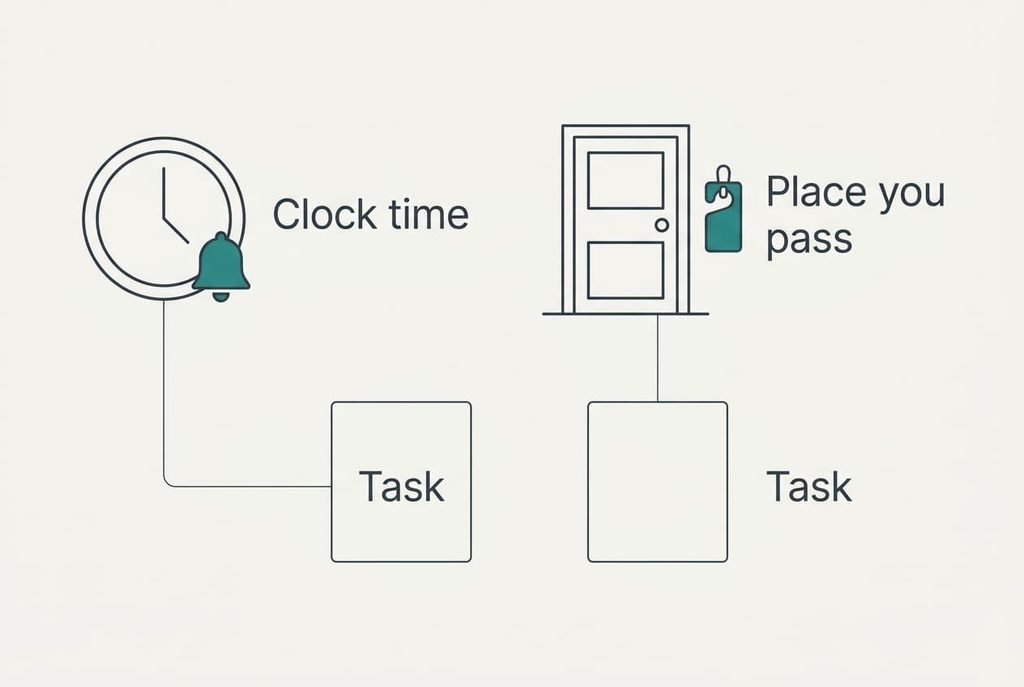
Write out every task you must not forget this month, one per line. Beside each, mark what should set it off. Mara listed hers in a notebook, which took about ten minutes. Some tasks have a deadline on the clock, such as a client call at 09:30 or a filing that closes at 17:00. Others have a spot: the recycling that leaves when you shut the door, or the form to post on the way past the box.
Sort each task by whether a clock time or a place you pass sets it off, because every other point in this comparison follows from that sort. Mara’s twelve tasks came out at five timed and seven placed. A timed task needs something that speaks up while you’re busy elsewhere. A placed task needs something you’ll meet in that very spot, whatever the hour.
Then look for the gaps. A task with no clear trigger, such as sorting the receipts sometime this month, fails on any list. Giving it a day or a doorway is the repair, and it comes before you choose a tool. A vague task defeats both formats equally, and no better app will rescue it. An hour spent on the sort saves a month of guessing.
A Paper List and a Reminders App, Row by Row
The table shows how each format behaves and leaves out cost and speed. Read each row with your own week in mind, and start with the one that worries you most.
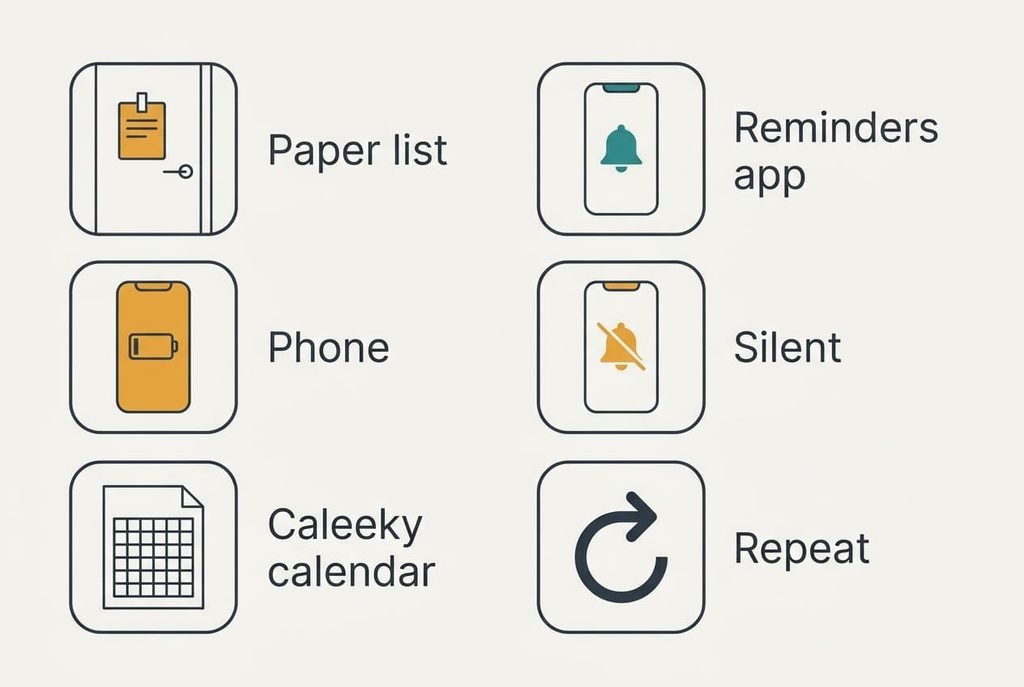
| Question | Paper list | Reminders app |
|---|---|---|
| Reaches you when you’re out | only if you carry it | yes, it travels with the phone |
| Fires at an exact minute | no, you must look | yes, with an alert tone |
| Works with a flat battery | yes | no |
| Stays visible beside other alerts | yes, it sits on its own card | no, it joins a long queue |
| Shows the whole week at a glance | yes, on one sheet | needs scrolling |
| Repeats a monthly task by itself | no, you rewrite it | yes |
The oddest row is the fourth. An app alert rarely goes missing, because it arrives on time and then gets buried under a queue of others, so the fault lies with attention while the software did its part. Mara found that two of her timed tasks slipped even though the app had fired. A paper list or a reminders app can therefore fail in opposite ways. One is absent when needed, and the other is ignored.
Where Paper Wins
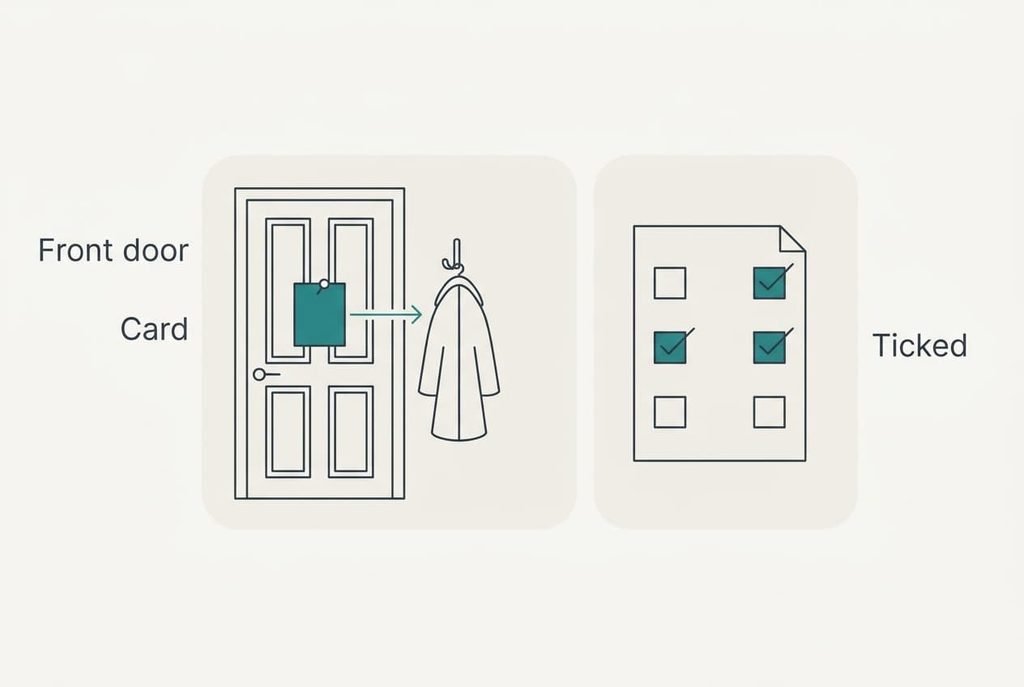
Paper suits the seven placed tasks. Mara copied them onto a card of A5 size and hung it inside the front door, by the hook where she reaches for her coat. She meets the card at the exact moment she can act on it.
No other tool lines up the reminder and the doorway so neatly.
A sheet also shows all seven tasks together. It needs no charge and no update mid-morning. A partner who reads the same card sees the same list. The size of the sheet sets a limit too, since A5 holds about twelve lines and a list that can’t grow stays short enough to read.
Across her month of testing, the seven placed tasks were missed 0 times on paper. Two of them slipped when she kept them only as app alerts, because the alert fired at breakfast while she was still in the kitchen. Do the sort first and you’ll usually find that paper pays back most on the placed pile.
Where the Reminders App Wins
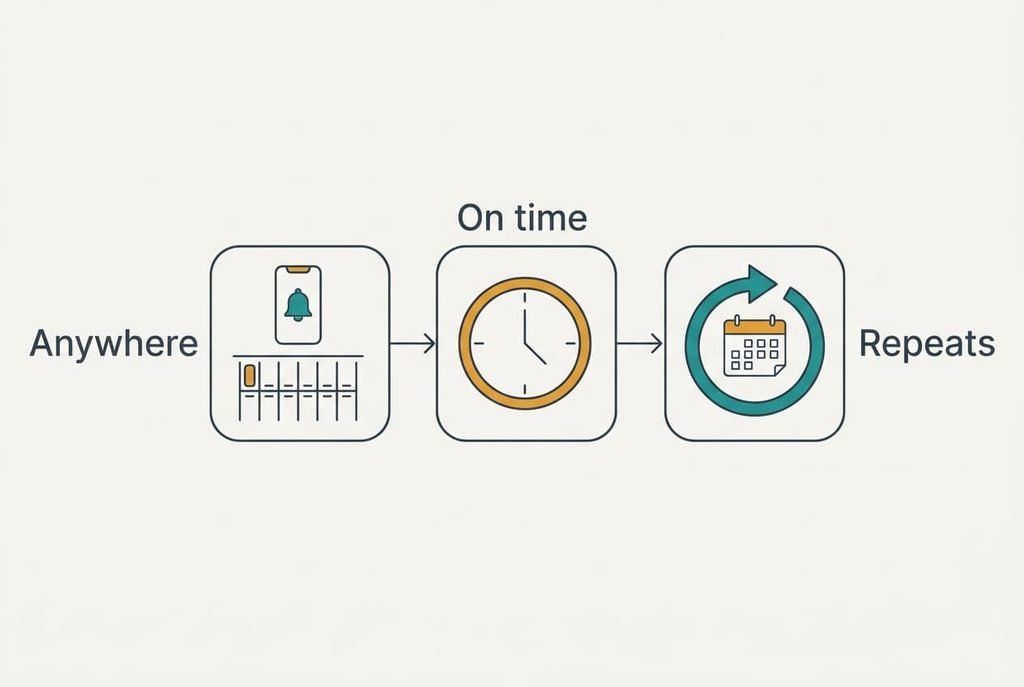
The app suits the five timed tasks. A client call at 09:30 needs a nudge at 08:45, and the phone delivers it wherever she stands, even on a client’s doorstep. The card on her door can’t follow her there. Paper missed three of the five timed tasks for exactly that reason.
Repetition favours the app too. A quarterly filing is set once and returns every quarter, with no note to rewrite. Each alert can also be snoozed for ten minutes, which suits a task that can’t be done yet but mustn’t be lost.
Then there’s the matter of a trip: the phone goes abroad with her, whereas the card stays on a door in Glasgow.
The app has its own weakness, as the table showed. Mara’s phone sat on silent through two meetings, which explains those two slips. An app works best when the phone is audible at the hour that counts. It also helps to let only the important alerts through. For her, each format covered the other’s blind spot.
When Neither Fits the Task
A task that waits on another person’s reply, or one with no day and no place at all, defeats a paper list or a reminders app alike. Mara’s chasing of a late invoice is the example. Nothing about it happens at a time she chose, and the reply can arrive on any day.
Give such a task a trigger of your own making. Set a follow-up date three working days after you send the request, then write it as a timed task in the app. If the reply lands first, cross it off with no loss. If the date arrives and the reply hasn’t, the alert tells you to chase.
A task that touches other people in the house can also use a shared sheet on the fridge, so each person sees what’s pending and ticks it off. Agree on one tick colour so that nobody wonders who did what.
Which One to Use
If most of your tasks hang on a clock time, make the app your main list. Give each task its own alert about an hour early, and let only the few apps you trust interrupt you. Check that the phone is audible at the hours that matter, because a silent phone turns the whole list into paper you left at home.
If most of your tasks hang on a place you pass, use a card at that spot. Pin it at hand height beside the key hook, and tick items off with a pen. Replace the card when it fills, and copy over only the tasks still open.
Settle on a paper list or a reminders app for one month, and keep a tally of the tasks that slip. Count them at the end, then move each failed task to the other format. Most people end up with a card by the door plus a few alerts. The tally shows where your own line falls. Write the start date on the card so you know when the month ends.
Questions Readers Keep Asking
Which takes less effort to keep up?
The app, once it’s set up, because repeating tasks return alone and you only tick them off. Paper needs a rewrite whenever a task repeats, and the card needs a new sheet when it fills. A week of effort on either format usually shows which one you’ll still be using in a month.
What happens if the phone dies or the alert gets ignored?
An app can’t help you with a flat battery, and a silenced phone makes its alerts easy to overlook. Paper keeps working in both cases, since it needs no power and sits where you pass. Keep one critical task on the card by the door as a backup, so a dead phone costs you less.
Which suits a shared household better?
A card on the fridge or the front door suits a shared household, because everyone reads the same sheet and ticks items off in view. An app list can be shared too, though each person gets different alerts and may silence them. Use paper for chores that belong to the home, and apps for personal deadlines.