A 36-minute run recorded once a second is 2,160 points of position and time, and that file is the part to save. Freeing your workout history locked inside a fitness app takes one of three routes, and the first costs only a monthly habit. Our example is a runner in Manchester with 312 recorded runs over two years. She ran three times a week at 6 km a time, so the total comes to 1,872 km. All numbers are illustrative, so check each against a count from your own account. Medals and streaks won’t travel, but the raw record will if you ask for it.
What Survives of Your Workout History Locked Inside a Fitness App
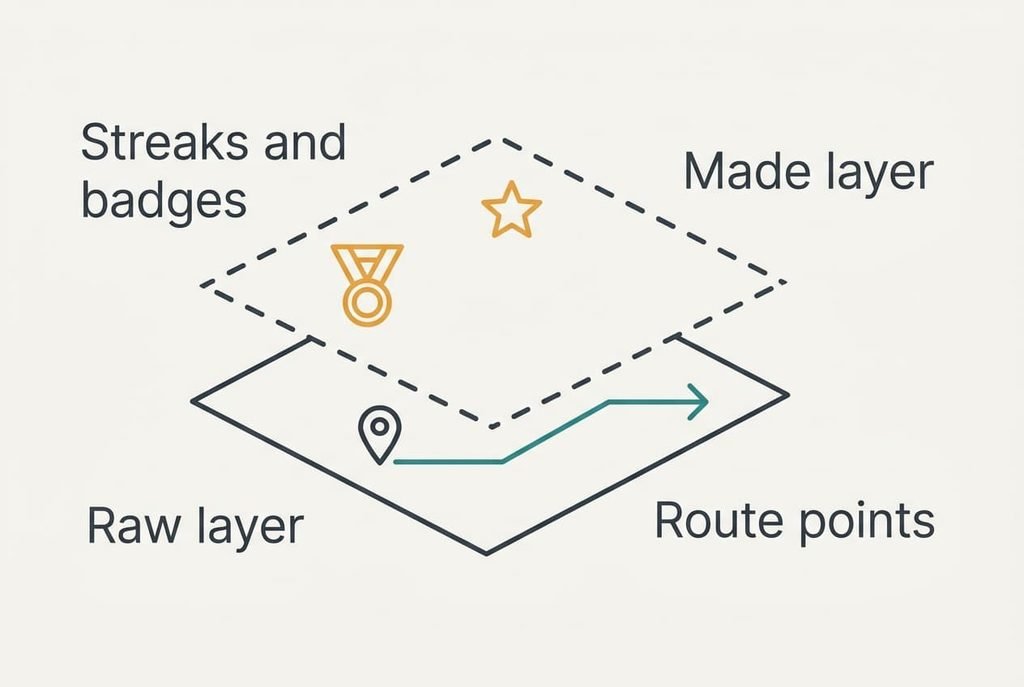
Split the history into two layers ahead of choosing a route. The raw layer is what the watch or phone recorded. It holds the date and route plus the distance and time. The made layer is whatever the app built on top of it. Streaks and badges belong here.
The raw layer moves out as plain files while the made layer stays behind, because only the raw layer is data you own. A route file is just a list of points, and our runner’s 312 runs hold 673,920 of them. Any program can read those points and rebuild every distance from them, so this layer travels well between apps.
Personal bests sit in between. The app calculates them from your raw runs, so a new tool recalculates them after an import. The answers may differ slightly, because each tool rounds its timings in its own way.
Group challenges and a social feed live on the app’s own servers, so no file carries them out. Expect to lose both of those, along with any messages from friends.
Decide in advance whether you’ll miss the social side.
Three Ways Out Compared by Cost and Effort
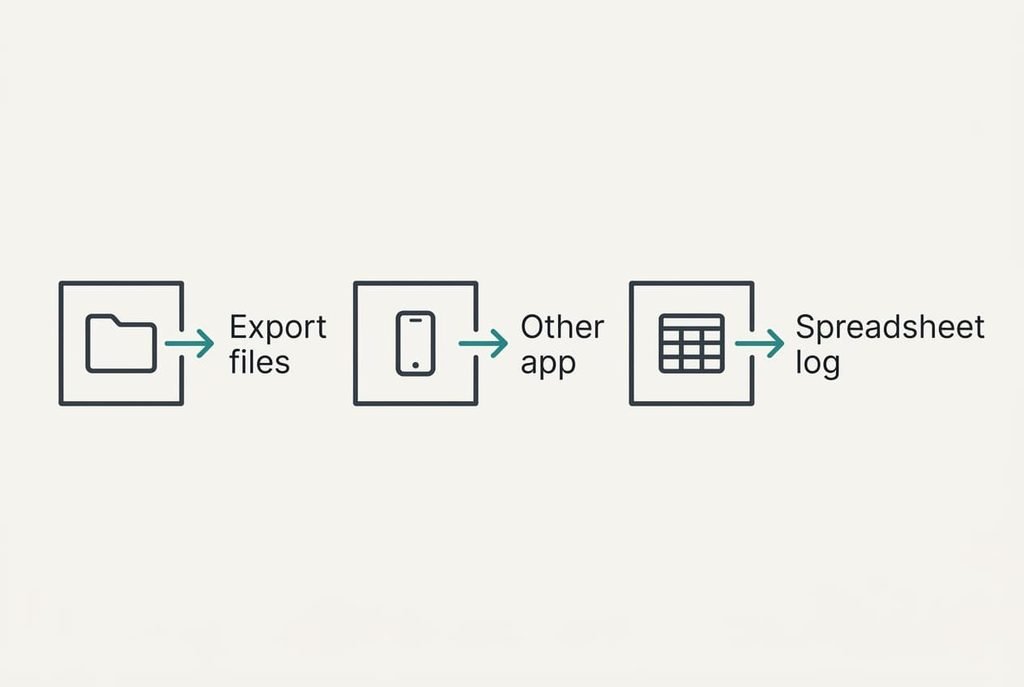
1. Export the files and store them yourself. This suits anyone who wants the history without the app, and it asks for ten minutes each month. The price is the loss of the maps view and of every made feature. Each run arrives as one file in a dated folder, so 312 runs become 312 files. Name the folder by year so the set stays easy to scan, and run the export again every six months to add new runs. Trouble arrives when the app exports only summaries. Open one file and check that it holds the route points before you trust the rest.
2. Move to another tracking app that reads those files. This suits a runner who still wants maps and a record of bests. The import takes about an hour once. The old streaks and badges stay behind. A new app rebuilds each distance and time from the points in every file, and it checks that kilometres and miles agree. Trouble arrives when the import duplicates runs or shifts a start time by a time zone. Compare your totals afterwards, because a duplicate quietly inflates every figure. Store the first export untouched as a spare copy that nothing can overwrite.
3. Keep a plain spreadsheet log. This suits a runner who wants only the numbers, with one row per run. Logging a run takes 15 seconds. A week of three runs adds 45 seconds, so a year adds 39 minutes. Entering the 312 old runs from the export takes 78 minutes once. You give up maps and charts completely, and nothing updates itself. A second tab with monthly totals gives you a simple chart. Trouble arrives through neglect, because a skipped week leaves a hole that nobody can refill, and a half-filled sheet is worse than none.
Where Your Fitness App Keeps the Workout History Locked Inside
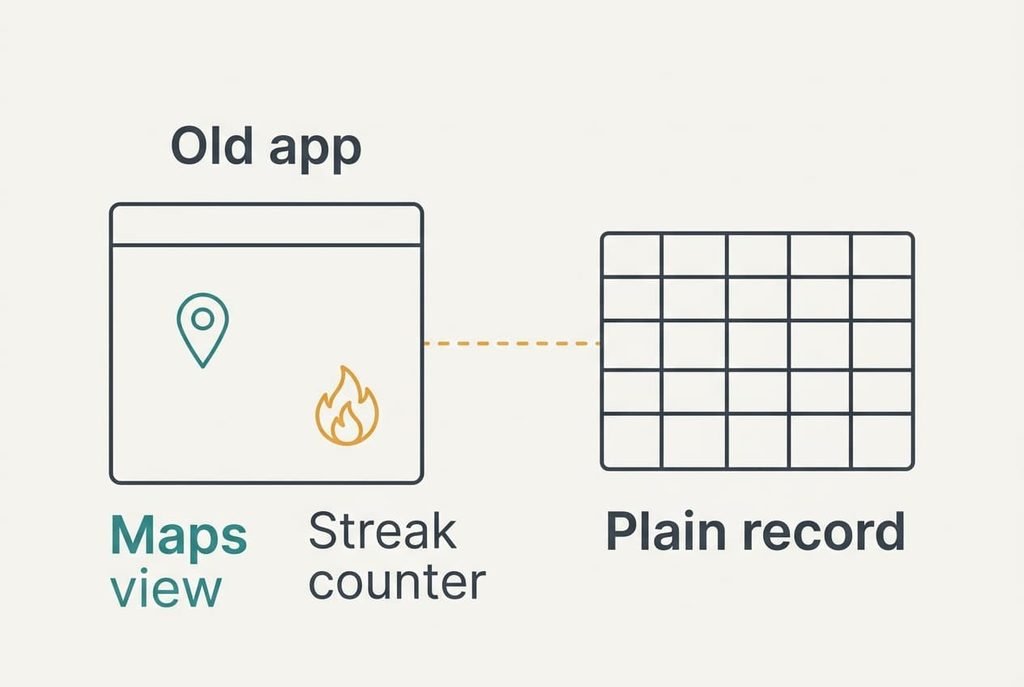
Judge each route at month three, once the novelty has worn off. The export route feels light at first, but by month three you’ll miss the maps most, since looking back at a route used to take one tap. Moving to a second app trades that loss for a new interface to learn, and its streak counter starts again from zero. Friends who still use the old app will see your activity vanish from their feed.
The spreadsheet route trades the most, because it drops charts and maps while automatic imports vanish too. What it keeps is an honest record, with no subscription that can lapse and no import that can break.
The old account lingers after you walk away. Its servers hold your data for a while, and what happens after you close it varies by service, so export before cancelling. Treat the export as your only guaranteed copy.
A Migration Sequence That Loses Nothing
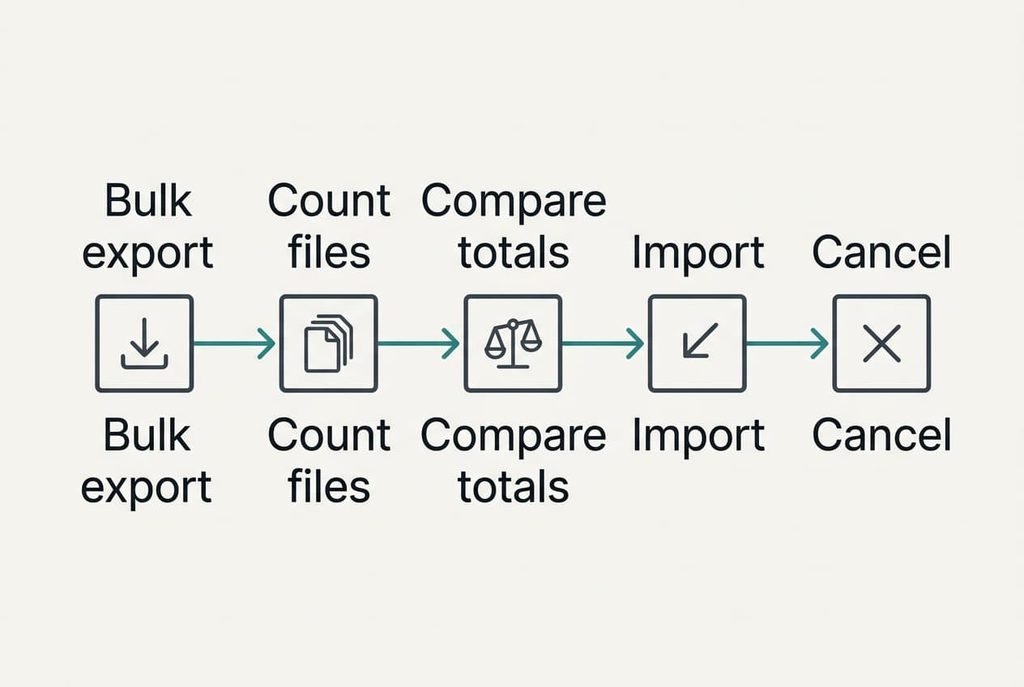
Keep the old app alive until the last step is done. First, ask for a bulk export of every run, not only last month’s. Second, count the files: 312 runs should give 312 files, and a shortfall means a partial export. Write both numbers on a note so the comparison is honest.
Third, total the distances. Compare that total with the 1,872 km you started from. A gap of up to about 19 km, which is 1%, is acceptable. Anything larger means missing runs. Fourth, import into the new app or the spreadsheet and repeat the same check. Fifth, cancel the subscription.
Follow that order and your workout history locked inside a fitness app becomes a folder that you control. The old account is then only a spare copy until you close it.
When Staying Put Is the Better Choice
Stay where you are if the app’s own features are the reason you run, such as a coaching plan that adapts each week or a group challenge that keeps you out the door. Those belong to the made layer, and no file carries them.
Staying also wins when you record fewer than about two runs a month. At that rate the export takes longer than the history is worth. Leave the account alone and save one file every six months as a spare. Reopen the question when the renewal date arrives. Your workout history locked inside a fitness app is no trouble while the account stays open.
A shared account with a partner or coach is another reason to stay, since a move splits the record in two. Switching mid-block is a poor idea too. A new tool needs a few weeks to settle, and a plan that changes under you does more damage than an old logo.
The Export Check Before You Cancel
Ask for a bulk export, then open one file and add up the whole set before you cancel anything. Look for the route points inside the file and not just a line of totals. After that, compare the distance across all files with the figure in the app. Once the totals match, your workout history locked inside a fitness app is fully accounted for.
Keep two copies of the export: one in a folder on your computer and one on a drive or in a cloud folder you already use. A single copy is one deleted folder away from gone.
Label the folder with the date of the export so you know later how far the history runs.
A tidy folder also makes the next move easy. The files are ready for any tool that reads them, and a yearly top-up keeps the record current. You’ll know where the runs live and what they add up to. That is the point of owning your history instead of renting a view of it.
Questions Readers Keep Asking
Will my routes and personal bests transfer?
Routes transfer as files, which hold the points of each run. Personal bests are calculated by the app, so the new tool recalculates them from the imported runs and may report slightly different values. Streaks and badges stay behind. Challenge results do too, because they exist only on the old app’s servers.
Is it cheaper to leave a fitness app?
Leaving the subscription saves its fee, and the export route costs only your time, about ten minutes a month. A new tracking app may charge a fee of its own, so compare that with the features you actually use. The spreadsheet route stays free.
Is it worth the disruption if I run twice a month?
Probably not. At two runs a month the history grows by about 24 runs a year, which a yearly export covers in minutes. Keep the app, save one file twice a year and move only if the subscription or the service changes.