You’ll get through an afternoon with a laptop on the move either way, but the two routes spend different things. The phone hotspot spends your mobile data and battery, while café Wi-Fi spends your patience and a little trust. Our verdict is conditional: the hotspot suits you when your plan has data to spare and you take calls, and the café connection suits you otherwise. Only one comparison really matters: the data the work needs against the data your plan still holds. The sums below follow one sample session of three hours, and the method carries over to any plan.
What Decides It for a Laptop on the Move
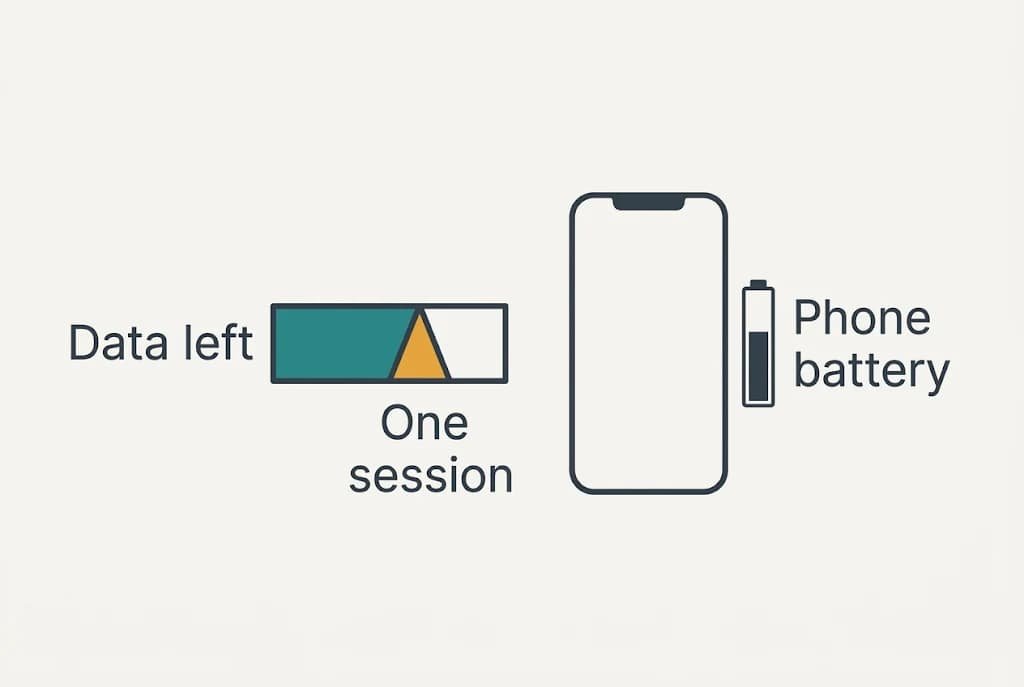
Everything begins by measuring the job. Take a three-hour session in a café. It contains one video call of an hour at 0.9 GB, documents of 200 MB to open and save, and background syncing at 100 MB an hour, which adds 0.3 GB. The total is 0.9 + 0.2 + 0.3 = 1.4 GB.
Now set that against the plan, since a figure like 1.4 GB means little on its own. Suppose 8 GB remain this month. One session eats 1.4 ÷ 8 = 17.5% of what is left. Three sessions a week would take 4.2 GB, and the allowance would run out before the second week ends.
That is why the deciding number is the data your plan has left, divided by one session’s size. Where the answer is large, the hotspot costs you almost nothing. Where it is small, every call bites into the month, and a single long meeting can use up a week of spare allowance.
The phone adds a second bill. Sharing its connection keeps the radio and the screen busy, and we assume a drain of about 20% of the battery an hour. Over three hours the phone loses 60%.
Café Wi-Fi charges neither bill, yet it makes you sit in a particular place and trust a router that isn’t yours.
Phone Hotspot and Café Wi-Fi Compared on the Points That Matter
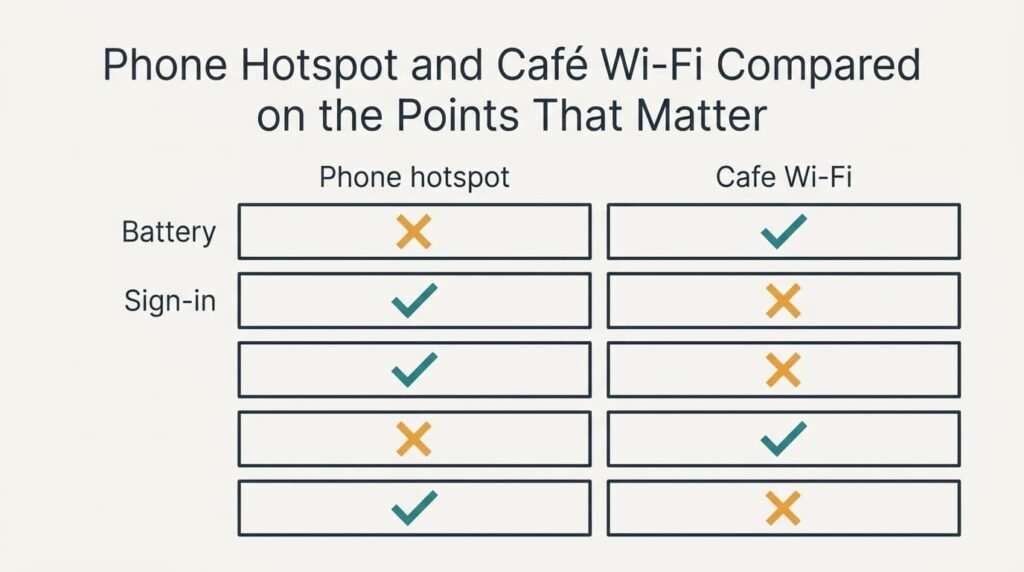
Here is how the two routes compare for a laptop on the move. Swap in your own plan and habits before trusting any figure, because a small allowance reorders several rows at once,.
| Point | Phone hotspot | Café Wi-Fi |
|---|---|---|
| Data taken from your plan | about 1.4 GB in the sample session | none at all |
| Phone battery over three hours | falls by about 60% (assumed) | stays where it was |
| Who shares the line | only your own devices | every customer in the room |
| Sign-in steps | none after the first pairing | a login page that can expire mid-task |
| Works on a train between towns | wherever the phone has a mobile signal | rarely available |
| Router that carries your files | your phone’s own link | the café’s equipment, which you can’t inspect |
| Needs a seat in the café | no, any bench will do | yes, and a table near a socket helps |
The battery row surprises people. The hotspot looks free once you’ve paid for the plan, yet a phone that is down to 40% after the session may struggle to deliver a payment code or a call when you leave. Café Wi-Fi spends the café’s bandwidth instead of your battery. The train row matters just as much: a route that vanishes between towns can’t carry a deadline.
Where the Phone Hotspot Wins
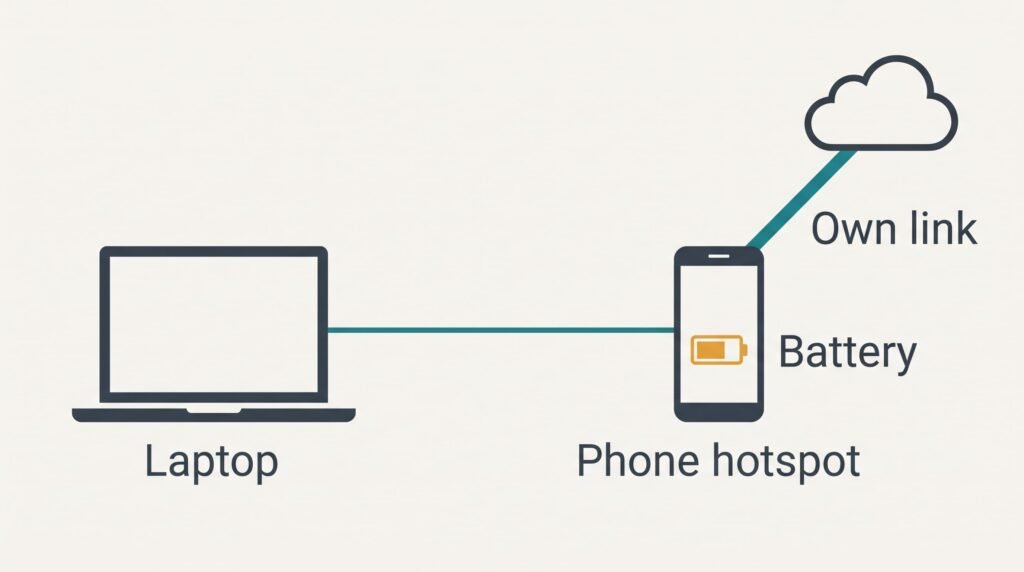
The hotspot wins on control. Nobody else shares the link. A video call therefore keeps its quality when the café fills up at lunchtime. Café connections divide one line among every customer, and your share shrinks as the room grows.
It also saves you the login. A café connection often shows a page that you must accept, and the session can expire in the middle of an upload. A paired laptop reconnects by itself and carries on.
Location matters too. The hotspot works wherever the phone has signal, including trains between towns. A café is a place, and you must be in it.
Your files also travel over the phone’s own link and not through the café’s equipment. Sensitive documents are a fair reason to choose the hotspot, since you needn’t wonder who else sits behind a router you’ve never seen. For a laptop on the move that matters more than speed.
The drawback is the phone’s charge. For any session longer than two hours keep it on a charger or a power bank.
Where Café Wi-Fi Wins
Café Wi-Fi wins on cost to you. The sample session leaves the plan untouched. Three sessions a week keep 4.2 GB in reserve, over half of the 8 GB remaining. A month of such sessions could otherwise push you into extra charges or a throttled connection.
It also protects the phone. With the laptop on the café connection, the phone stays at full charge and free for calls and for the codes that banks and email send you. A flat phone in a strange town is a bigger problem than a slow upload.
Big files also suit a café line. Most cafés have room for a large download that would take plenty of data on a phone. Updating a laptop with 2 GB of patches is the clearest example.
The trade-off here is trust and tidiness. You rely on a router you didn’t choose; keep sensitive work for a better moment, and expect to sign in again if the session lapses.
When Neither Works
Neither route suits a day when the signal is missing and the allowance is spent. Download everything the night before and work offline, then sync once at home. Two hundred megabytes of documents and a one-off update take a few minutes on a home line, while the same work done online would eat into your allowance.
Plan the offline day. Open each file once on the laptop before you leave, to make sure it has really downloaded and not just appeared in a list. Save changes locally and let the sync run when you’re back on your own network.
Working offline isn’t a loss of capability. With a laptop on the move, writing needs no connection at all, and a day spent that way uses zero data and no battery on the phone.
Only calls and live collaboration need a link: those belong in a place with a reliable connection.
Which to Use When the Laptop Is on the Move
Two checks settle most days for a laptop on the move. Each branch has a cost, and you should accept it before you set out.
If your plan has more than 10 GB spare and you take calls, choose the hotspot. Fit a charger into the bag and accept that the phone will be busy. Pair the laptop at home so there is no fiddling at the table, and give the phone a cool, hard surface.
If you mostly write and send files, or your allowance is low, choose café Wi-Fi. Accept the login page and keep anything sensitive for later. Save your work often, because the session can expire without warning.
Check the allowance in the settings before you leave the house, and note the number. That one figure decides more of these days than raw speed does. If it dips below the size of one session, switch routes without regret. Look again at midday, since a morning of syncing can quietly change the answer, and move the next call to a stronger connection whenever the figure looks tight.
Questions Readers Keep Asking
How much data does a hotspot use in an hour?
The work sets the figure. Reading and email use well under 100 MB an hour, while an hour of video call can reach about 0.9 GB. Streaming a film uses far more. Check the usage figure in your phone’s settings before and after one session, and you’ll have your own number.
What if the hotspot signal drops mid-task?
Save your work and wait a moment, since signal often returns on its own. Move nearer a window or a different seat before you try again. Offline files stay safe, and syncing resumes by itself once the link returns. Keep one task on hand that needs no connection.
Which suits a long train journey?
The hotspot, because trains cross areas with no café connection at all. Keep the phone charging if the carriage has a socket, and expect the signal to wobble between towns. Download the documents you need beforehand so a gap in coverage costs you nothing.