Powerline adapters or Wi-Fi mesh? First ask what your signal has to cross. If two thick walls or more stand on the path from router to far room, powerline adapters usually win, because the mains cable already runs through those walls. If one wall or none stands there, a Wi-Fi mesh system wins. What decides it is what lies between the two points: in our worked case radio loses 90% of its power at every thick wall, whereas a cable’s loss follows its length. The worked house is a UK terrace with solid brick walls, and every figure comes from that one invented home. Count the walls on your own floor plan first, since that number drives each section below.
The one property that decides powerline adapters or Wi-Fi mesh
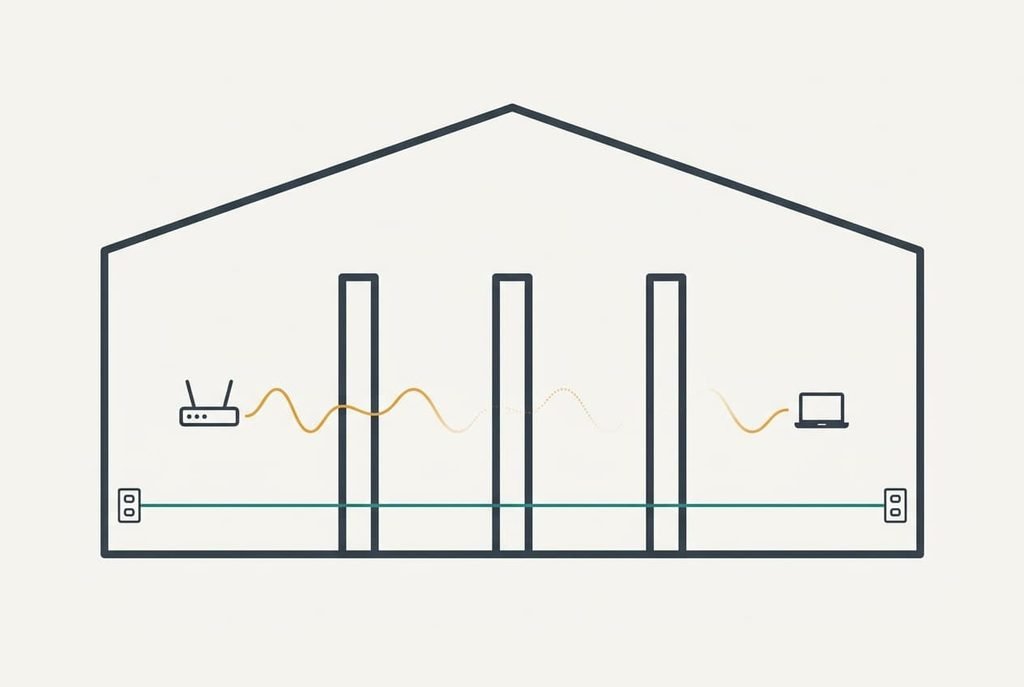
What the signal must cross as it travels from the router to the far room settles it. Radio and mains cable fail in different ways, and your house decides which failure you meet. A thick wall costs radio about 10 dB, which means a tenth of the power arrives. Take 215 mm of solid brick as the worked case. Two such walls cost 20 dB, so a hundredth arrives. Three cost 30 dB, leaving a thousandth. Every 3 dB halves the power, so a single wall already means more than three halvings. That’s why a router in the front corner can leave a back room with almost nothing, however close it looks on the plan.
A mesh system answers by adding nodes, and the rule is one thick wall per link. Every extra link repeats the same data on the same channel, so with n links the rate falls to roughly 1/n of a single link’s rate.
A powerline adapter ignores walls altogether, since its signal rides the mains cable that already passes through them. Its losses follow the cable’s length and whatever else is plugged in. Between sockets on different circuits the signal runs to the consumer unit and back, so a 9 m gap on the plan can become 20 m or more of copper.
Powerline adapters or mesh, side by side
| Question | Powerline adapters | Wi-Fi mesh |
|---|---|---|
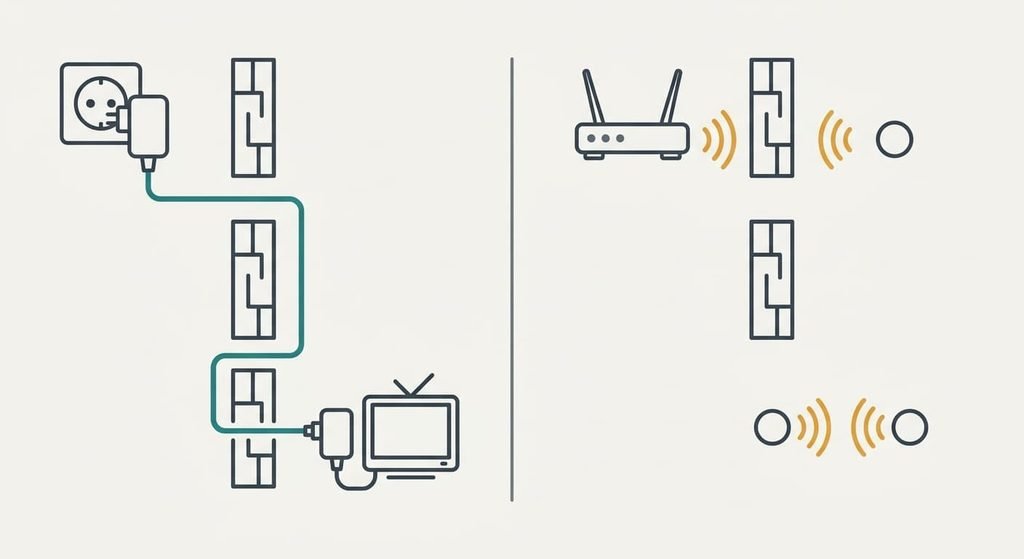
| What the signal crosses | The mains cable inside the walls | The walls themselves, as radio |
| What weakens it | Cable length and circuit changes, plus noisy plug-in devices | Each thick wall, about 10 dB |
| What each far room needs | A wall socket | A node within about one wall of the last one |
| A wired port for a television or desktop | Usually on every adapter | Only on nodes that carry one |
| What sits in between | A filtered strip can swallow the signal | Furniture and doors matter little while a large mirror or a tank can hurt |
| What it can’t cross | A separate electrical supply, such as an outbuilding | More than one thick wall per link |
| What changes when you move house | The adapters go into any wall sockets | The nodes need placing again against new walls |
The filtered strip is the surprise in that table, since a strip with surge protection often removes most of an adapter’s signal. A kit that works in one room can fail in the next for that reason alone, so the cure is a plug straight into the wall, and a trial in two different sockets costs a minute.
Where powerline adapters win
They win behind thick walls. With two or three of them between router and room, a mesh would need a node in every gap, and each link repeats the same data on one channel. One pair of adapters sidesteps all of that, because the walls never touch the signal.
They win where a wired port matters. A desktop or a television behind the brick takes a cable from the adapter, with no radio link to share. The cable also frees the radio for phones, so the television stops competing with them for airtime. A console in the back bedroom then keeps a steady connection through the evening.
They win on setup. You plug one adapter in by the router and the other in the far room, then wait for the lights to settle. Nothing needs placing on a shelf, and no app has to be signed into. There’s no password to share and no account to create.
They win when the house is a known quantity: solid walls all through and wiring you trust.
Where Wi-Fi mesh wins
In the choice between powerline adapters or Wi-Fi mesh, mesh wins in a house with wiring trouble. Sockets on different circuits, a garage on its own supply or a long run behind every plug all hurt an adapter, and a radio link ignores every one of them.
It wins where walls are thin. One wall or none costs 10 dB at most, so a node placed in the middle gives two clean links, and your phone moves between nodes under a single network name. The handover happens in the background, so a call carries on as you walk upstairs.
It wins for devices that move. Phones and laptops travel from room to room and need coverage wherever you sit, not a socket. An adapter’s own Wi-Fi covers one room, whereas a mesh covers the whole plan.
It wins when sockets are scarce. A node needs one socket and a shelf. A crowded hall or a sealed-off back room with one outlet still works.
It wins when you’d like to extend later. A third node joins the same network, and the system rebalances without any new wiring.
When neither is the answer
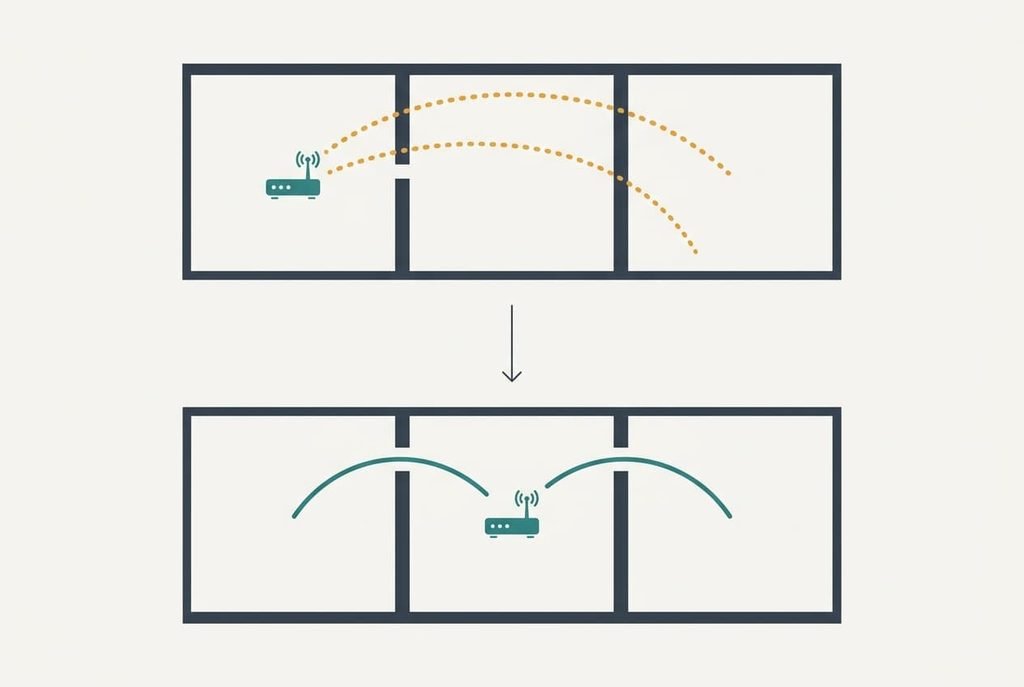
When powerline adapters or Wi-Fi mesh both feel like overkill, moving the router to a central spot in the house beats both. In our terrace the router sits in the front corner, and the back room lies behind two thick walls, which costs 20 dB. Put the router in the hall and the back room is one wall away at 10 dB, so ten times the power gets through.
The price is a cable run, and that may be a metre of lead and a socket. If an older network socket already sits in the wall from an earlier cabling job, plug the router into that.
Study the plan first, before any purchase. Draw it, mark each thick wall between router and room, and count again from the hall.
A move that cuts the count by one beats either kit.
A network cable from the hall to the back room would settle it too. It means drilling, which a landlord rarely allows in a rented flat.
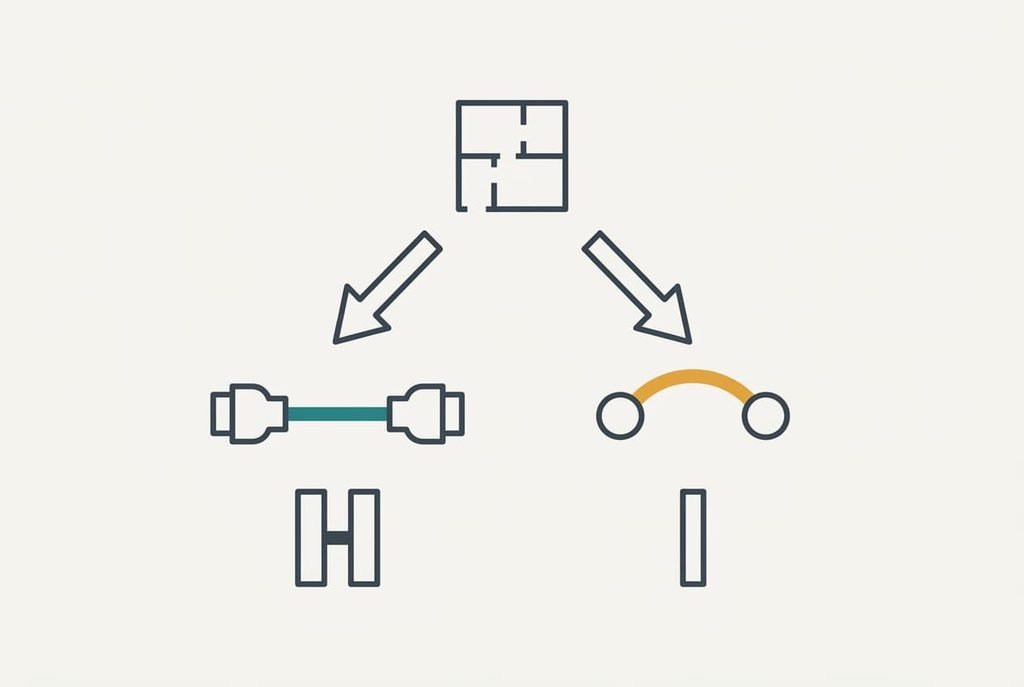
Which to buy for your house
If the far room lies behind two thick walls or more, buy a pair of powerline adapters. Plug both straight into wall sockets and never into a strip. Keep them on the same circuit if you can. A steady link light within a minute tells you it works, and a flicker points at a noisy device on the same socket.
If the far room lies behind one wall or less, or your sockets sit on different circuits, buy a mesh pair. Put the second node in the middle, one wall from the router. The system’s own link check should report a good link, and a poor one means moving the node a metre.
Count the walls, then pick. Two thick walls or more point to adapters. One wall or none points to a mesh. Wiring trouble tips the balance toward the mesh, and a router that can move beats both. That’s how powerline adapters or Wi-Fi mesh gets settled in an afternoon with a floor plan. Test the link in the evening, when every neighbour’s network is busy.
Questions readers keep asking
Which is quicker to set up?
Adapters take about five minutes: plug one in by the router, the other in the far room, and wait for the lights. A mesh takes longer, because each node needs placing one wall from the last and checking. In a house with thick walls the adapters finish first, since there’s nothing to place.
Why does a powerline kit work in one room and fail in another?
The signal depends on the wiring between the two sockets. A long run weakens it. So do a different circuit and a noisy charger on the same socket, and a filtered strip can remove most of it. Move the adapter to a wall socket and try a second room before blaming the kit.
Can you mix adapters and a mesh in one house?
Yes. Run a pair of adapters through the thick walls and plug a mesh node into the far one by its network port, if the node has one. The node then covers its own room by radio. Test the adapter link first, because the node can only match what arrives.