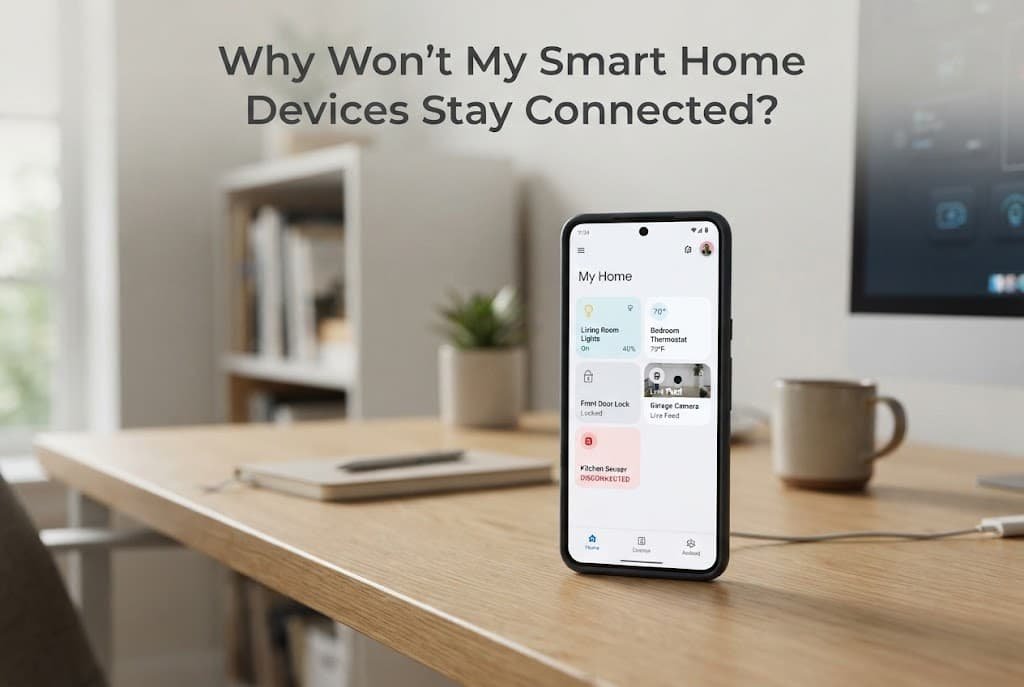
Smart home devices repeatedly disconnecting usually isn’t a single mysterious glitch happening for no reason – it’s typically one of a small number of specific, checkable causes, each genuinely requiring a different, distinct fix entirely. Understanding which specific category applies to your specific situation genuinely determines whether the fix takes minutes or requires a more involved change to your network setup.
What is actually happening
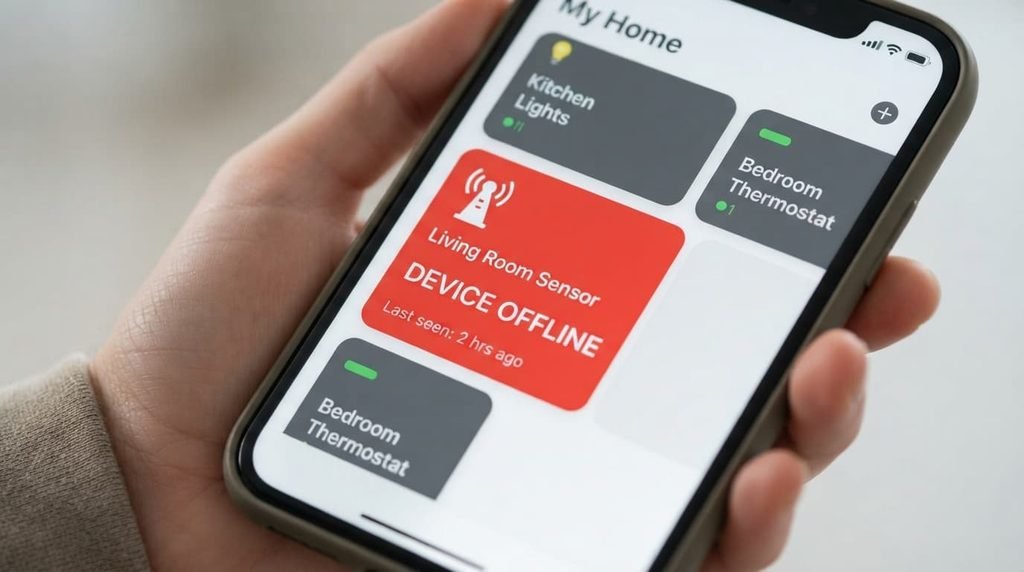
Every smart home device maintains a connection to your home network specifically, and that connection can fail for several genuinely distinct reasons: the device losing contact with your router directly, the device losing contact with the manufacturer’s cloud service that many smart features actually depend on, or your home hub or app itself failing to properly communicate with an otherwise connected device.
Distinguishing between these categories matters because “my devices keep disconnecting” caused by weak Wi-Fi signal requires an entirely different response than the same symptom caused by a manufacturer’s cloud service experiencing an outage on their end, which no local network change can actually fix.
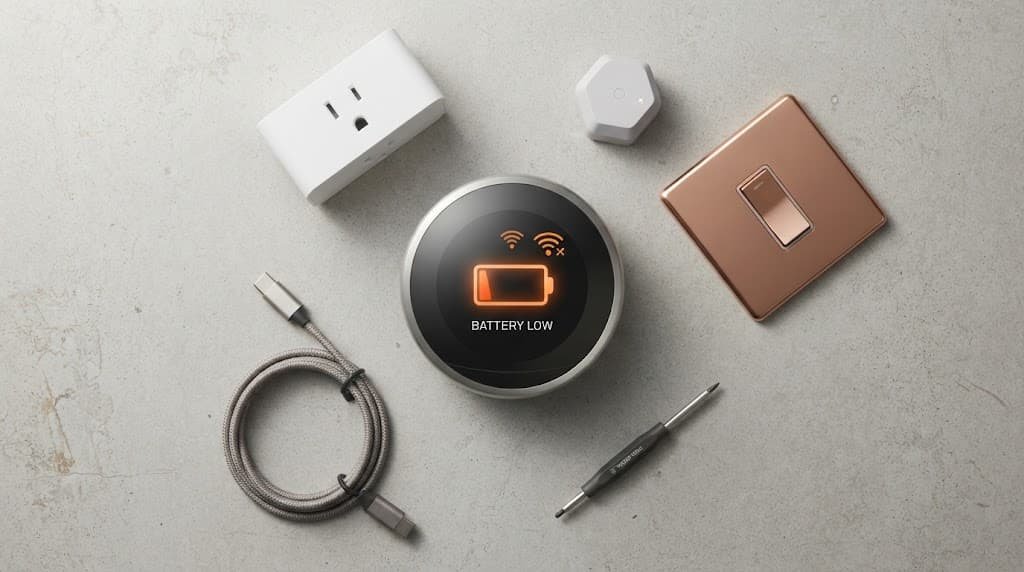
Battery-powered devices specifically add another genuine layer to this overall picture, since a device running low on battery often maintains a weaker, considerably less reliable connection before it fully dies, producing intermittent disconnection symptoms that look genuinely identical to an actual Wi-Fi problem. Checking the battery level carefully and specifically on any battery-powered smart device experiencing disconnection issues is genuinely worth doing before simply assuming the cause lies entirely with your network at all.
Confirm which pattern you have
Check carefully whether the disconnection affects devices in one specific area of your home consistently, or seems to affect devices throughout the entire house regardless of exact location – this important distinction distinguishes a local Wi-Fi coverage problem from a broader network or account-level issue entirely.
Check quite carefully whether the device still works for basic local control – turning a smart light on or off directly, for instance – even while genuinely showing as disconnected in the app, since this specific pattern points toward a cloud or app connectivity issue rather than the device having genuinely and truly lost its actual network connection.
Check quite carefully whether the affected devices share the exact same specific brand or manufacturer, or come from a genuine mix of different brands entirely, since this important distinction distinguishes a shared-hub problem specific to one ecosystem from a broader network issue affecting everything connected regardless of brand.
The causes, diagnosed
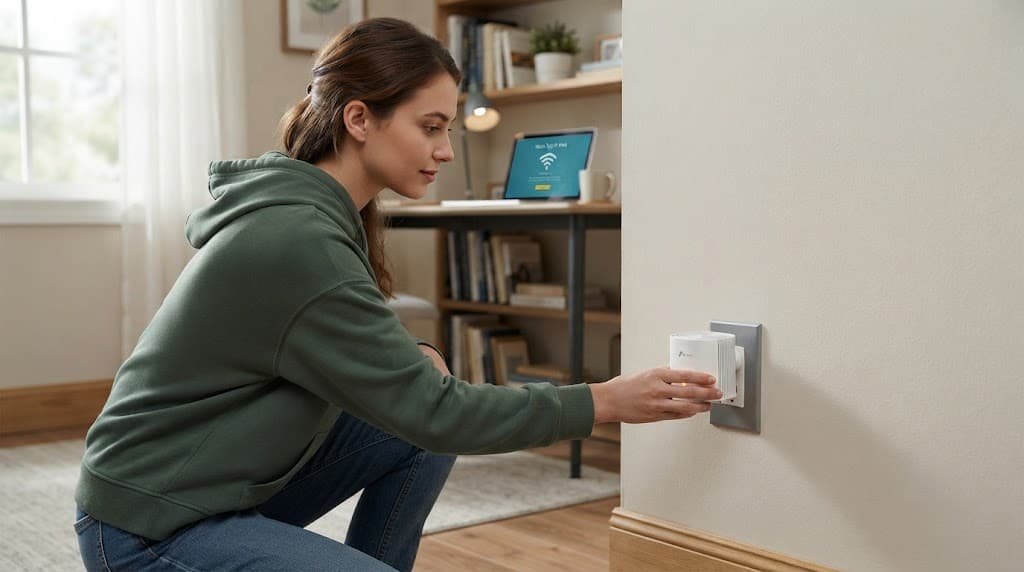
“Devices in one specific part of my home disconnect consistently, while others stay connected fine.” This points to a genuine Wi-Fi coverage gap in that specific area, since many smart home devices use less powerful, lower-range wireless connections than phones or laptops typically do. The fix: consider a mesh Wi-Fi system or a dedicated extender specifically covering that weak area, since this directly addresses signal strength rather than any setting on the device itself.
“Devices disconnect and reconnect repeatedly throughout the day, seemingly at random.” This points to either genuine Wi-Fi interference from other devices sharing the same wireless frequency, or a router setting that periodically drops idle connections to conserve resources. The fix: check your router’s specific settings for any idle-connection timeout feature and disable it for your smart home network segment if present, and consider moving devices causing interference – other wireless electronics, for instance – further from your router.
“Devices show as connected locally but the app says they’re offline or unresponsive.” This points to a cloud service or app-level issue rather than your home Wi-Fi network specifically, since the device’s local connection is intact but the manufacturer’s remote service that the app depends on for status updates isn’t communicating properly. The fix: check the manufacturer’s own status page for any reported outage, since this specific pattern often resolves once their service issue clears, independent of anything you can actually change on your end.
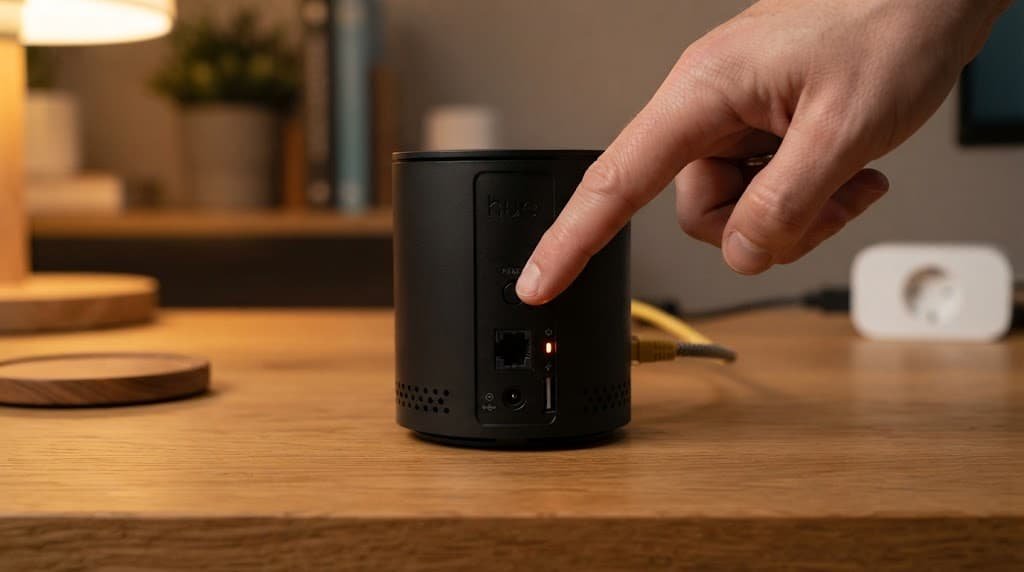
“Multiple devices from the same specific brand disconnect together, while devices from other brands stay stable.” This points quite specifically to that particular brand’s hub or bridge device experiencing an issue, rather than your general home network, since brand-specific ecosystems often route their devices through a dedicated hub that can genuinely fail independently of your router itself entirely. The fix: restart that specific brand’s hub or bridge device directly and completely, since this addresses the shared genuine point of failure without requiring any change whatsoever to your broader network setup.
What isn’t worth doing
Repeatedly resetting every device in your smart home system as a general troubleshooting habit, hoping it resolves connectivity broadly, isn’t worth doing without first identifying which specific cause above actually applies to your situation.
This habit can create more disruption than it resolves, since resetting a device often requires fully reconfiguring it within the app afterward, and doing this repeatedly without addressing the actual underlying cause means you’re manually recreating setup work rather than fixing the actual root problem.
Switching your entire home network to a different Wi-Fi band purely as a general troubleshooting attempt, without genuinely confirming this is actually the correctly diagnosed cause, is similarly not worth doing as any kind of first step. This particular change can introduce an entirely new set of compatibility issues for devices specifically designed around your previous network configuration, potentially creating additional disconnection problems rather than genuinely resolving the original one at all.
When this points to something more serious
If devices are genuinely disconnecting specifically after a recent change to your home network – a new router, an internet provider switch, a password change – this points quite directly toward a configuration mismatch rather than any of the routine causes covered above, and carefully reviewing what specifically and recently changed becomes the priority over general, generic troubleshooting steps entirely.
This is a genuinely meaningfully different situation from the causes covered above, since the disconnection in this specific case has a clear, identifiable trigger tied directly to a specific recent change, rather than being an ongoing pattern with a more diffuse underlying cause.
Questions readers keep asking
Do all smart home devices need a strong Wi-Fi signal to work reliably?
Generally yes, quite genuinely, though the specific signal strength required varies by device type – devices handling more data, like smart cameras, typically need a considerably stronger connection than simple switches or sensors that only transmit small amounts of data quite occasionally.
Does having too many smart home devices on one network cause connectivity problems?
It genuinely can, particularly on an older or lower-capacity router specifically, since each connected device consumes some of the router’s available connection capacity, and a router genuinely at or near its device limit can start dropping connections intermittently as new additional devices attempt to join the network.
Should I be worried if only one specific device keeps disconnecting while everything else stays stable?
Not necessarily at all – this pattern often points to an issue specific to that one particular device itself, such as ageing hardware or a firmware problem, rather than a broader network issue, since a genuine network-wide problem would typically affect multiple devices simultaneously rather than just one single device.
Does keeping device firmware updated actually help with connectivity issues?
Yes, quite meaningfully – manufacturers regularly release firmware updates specifically addressing known connectivity bugs, so a device experiencing persistent disconnection issues that other troubleshooting hasn’t genuinely resolved is worth checking for an available firmware update before simply assuming the problem requires a more involved, complex fix.
What people get wrong about smart home connectivity
The most common misconception by far is assuming all connectivity problems stem from the router specifically, when a genuinely significant portion actually trace back to the device’s own hardware, battery, or firmware instead entirely. Replacing or upgrading a router genuinely addresses only one single category of the possible causes covered above, and doing so without first carefully diagnosing which specific category actually applies risks spending considerably more than the actual underlying problem ever required to fix.